
Bing Translator For Windows 8. The Wheel Re-Invented?

Microsoft today announced the launch of Bing Translator app for Windows 8. Bing Translator supports 40 languages and can work both online and offline

There are already numkerous translation services like Google Translate, BabeFish, or Linguee. But what are the features of Microsoft’s new iteration that make this new application a bargain? Let’s take a look…
Online mode
On their official blog, the Bing team says that the application is derived from the work of Microsoft Research. Right from the get go, Bing Translator supports 40 languages for you to translate from or to, they are:
- Arabic, Bulgarian, Catalan, Chinese (Simplified &Traditional), Czech, Danish, Dutch, English, Estonian, Finnish, French, German, Greek, Haitian Creole, Hebrew, Hindi, Hmong Daw, Hungarian, Indonesian, Italian, Japanese, Klingon, Korean, Latvian, Lithuanian, Norwegian, Persian, Polish, Portuguese, Romanian, Russian, Slovak, Slovenian, Spanish, Swedish, Thai, Turkish, Ukrainian, Vietnamese.
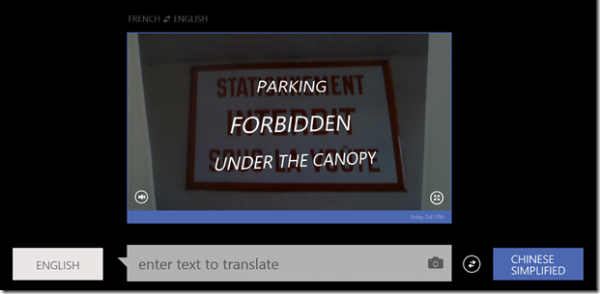
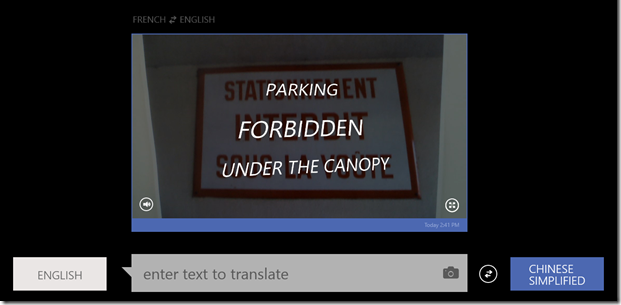
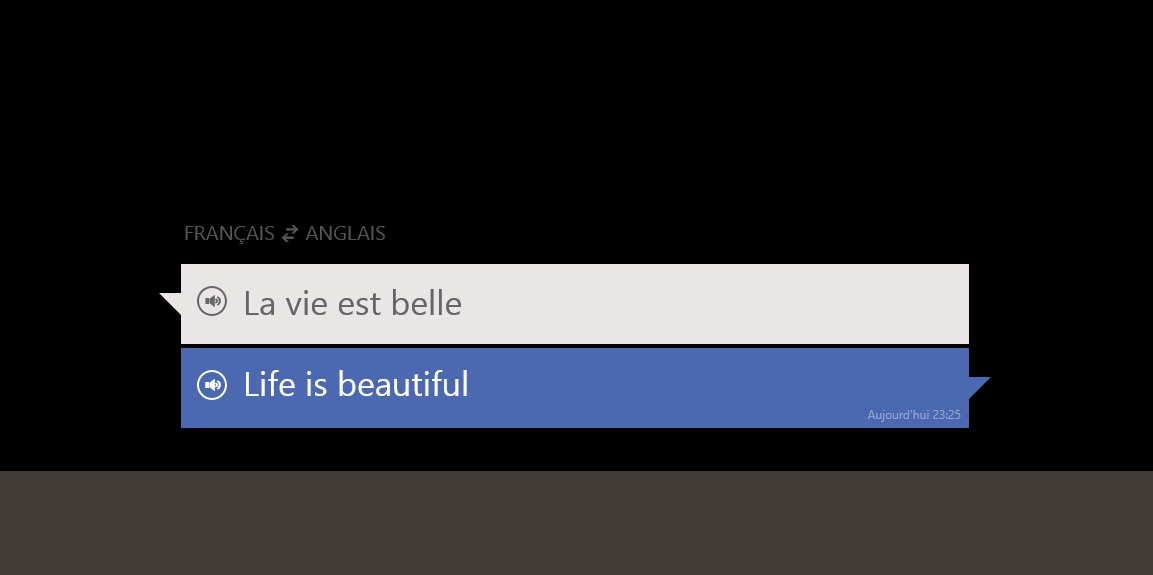 Ultra-simple to use, Bing Translator also allows you to translate text from a single photo or a label through the webcam. In this context, the translation tool then scans the image using OCR to find any text within the image to translate.. Similarly, an instantaneous voice translation mode is available. However, there are only 7 languages support in voice translation at the moment:
- Chinese (Simplified), English, French, German, Italian, Spanish and Portuguese.
 Offline mode
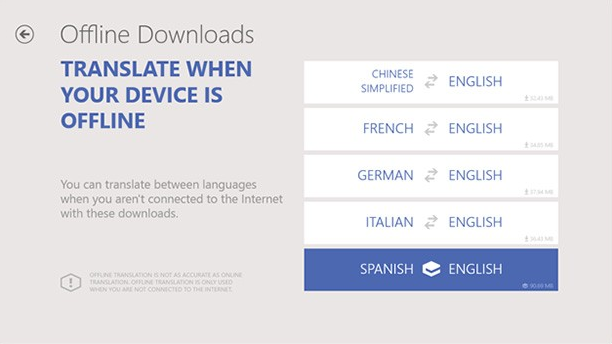
This feature is quite limited. The user can download up to 6 dictionaries (German, Chinese (Simplified), Spanish, French, Italian and Portuguese), but the translation can be done only into English, or vice versa. So you couldn’t translate Spanish to French for example.
Finally, remember that since last year, Microsoft Research is developing a new voice translator that can not only translate, but also to reproduce a voice and use it in a foreign language. However, no information has filtered on a possible implementation of this feature in Bing Translator App, but this certainly looks like a start.
 Will Bing Translator pull you away from other existing tools like Google Translate? Or Microsoft simply re-inventing the wheel? Why not tell us what you think below.


![Encrypt Specific Files & Folders With AxCrypt [Windows]](/wp-content/uploads/2012/12/AxCrypt-Logo-252x150.png)





![How To Protect Your Computer From Infection For Free [Windows]](/wp-content/uploads/2012/09/best-anti-virus-252x150.jpg)