
Faience Moon Icons for Elementary OS Luna

 This article is over six months old. Which means the information below may be out of date. Please keep this in mind whilst reading this article.

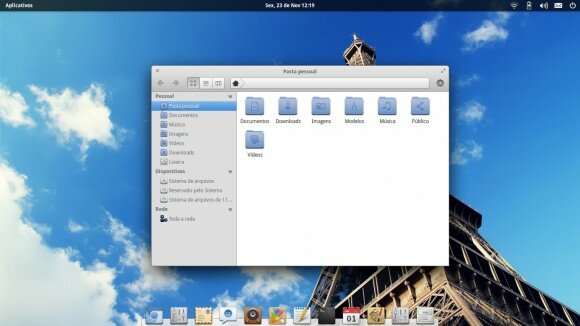
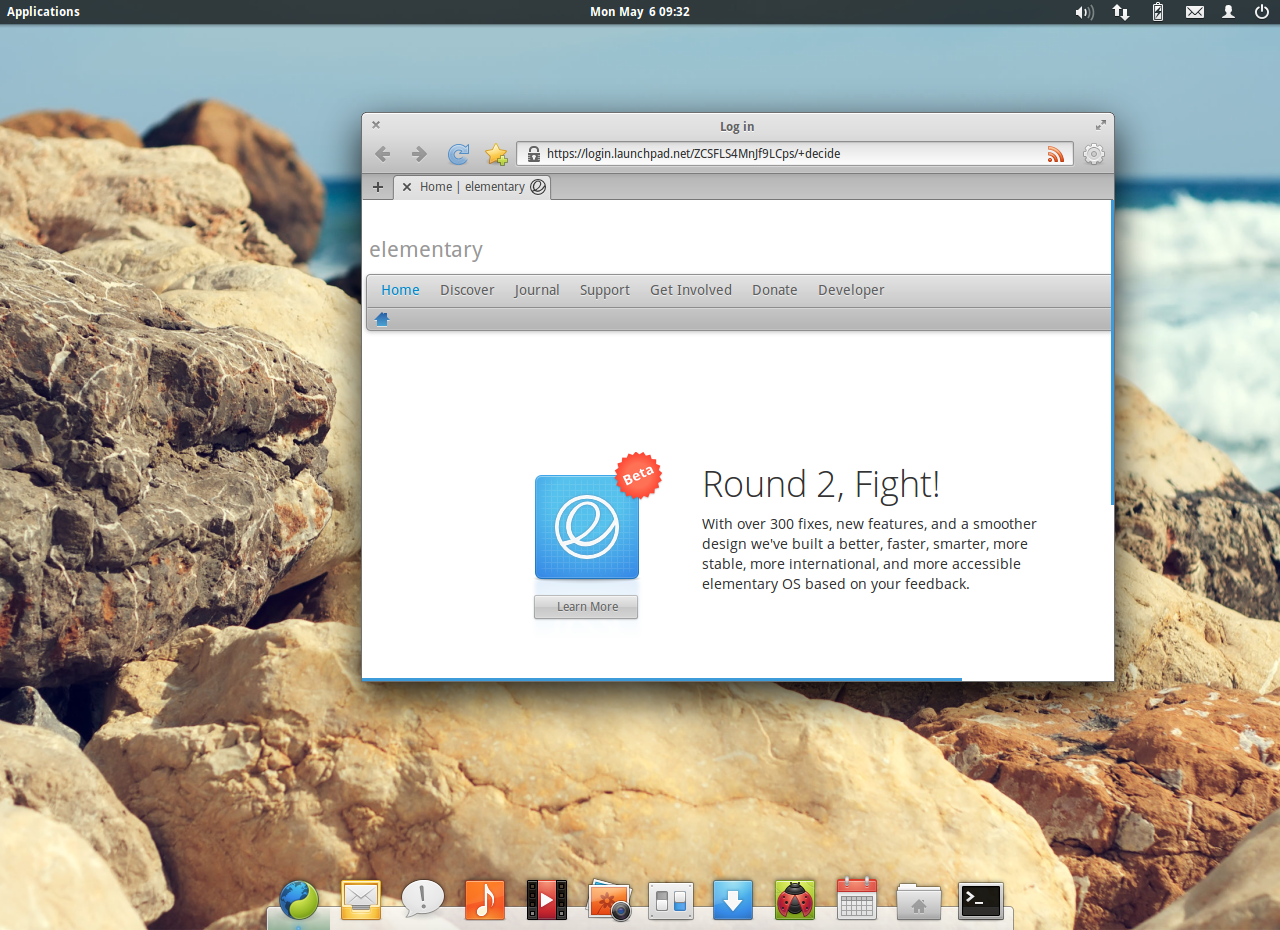
This icon theme is a custom version of the very popular Faience icon set, the difference is that Faience Moon has been created to fit into the Elementary OS Luna desktop (panel, default apps and other icons). It comes in two variants, the ‘Blue’ version which matches the same shades as the default Elementary OS icon set and also a ‘Cheese’ version which is more like the original Faience icon set.
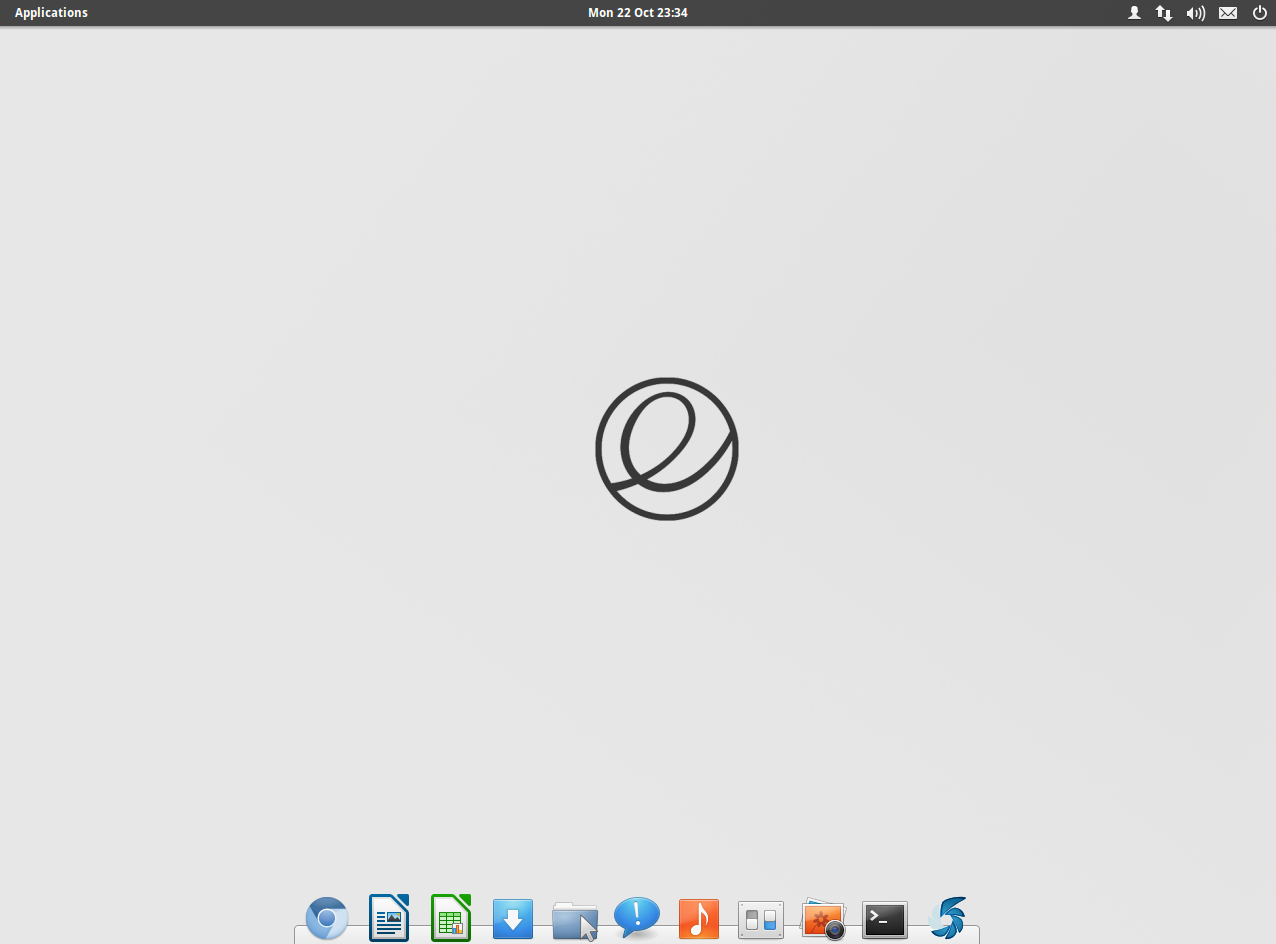
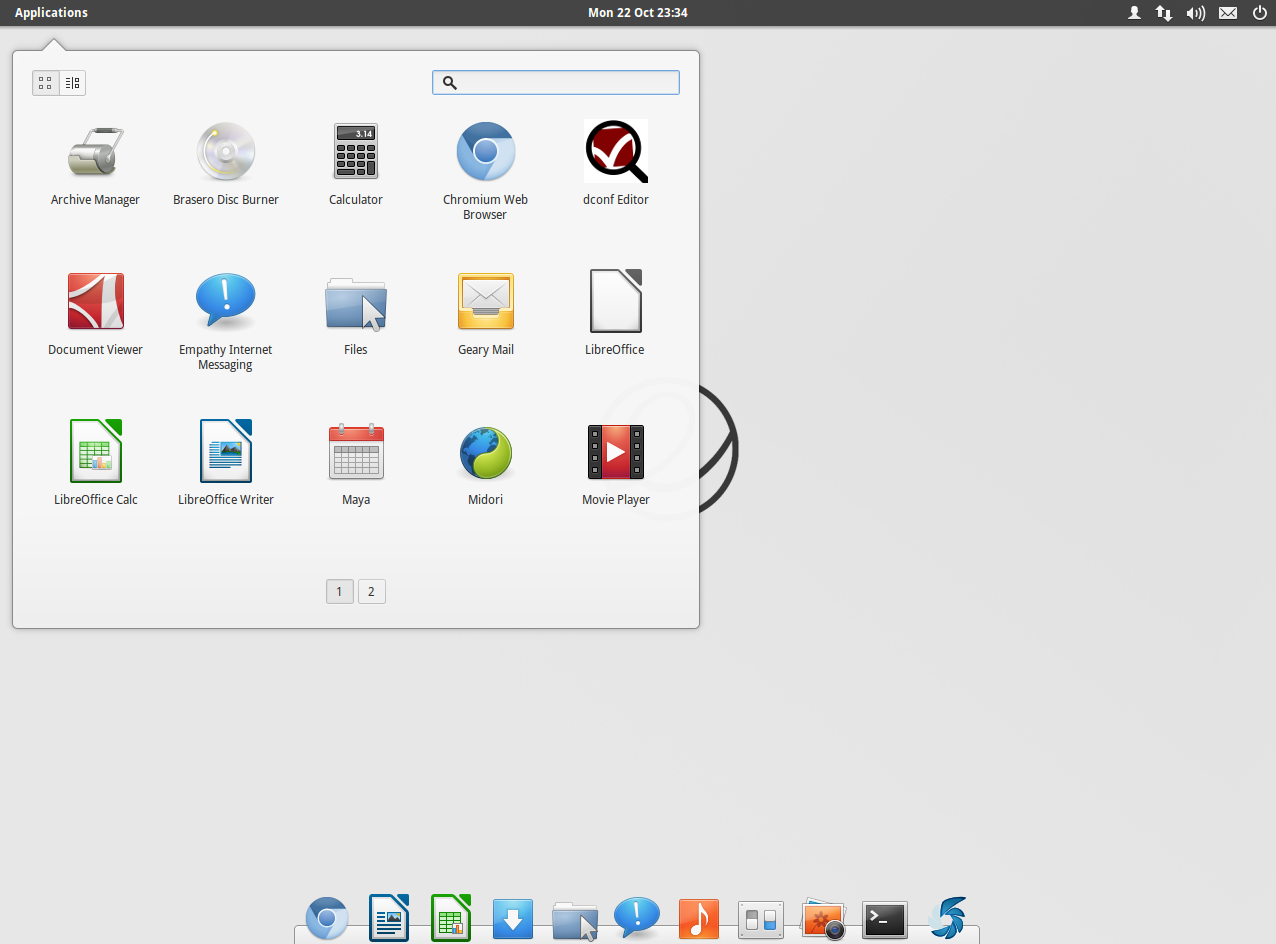
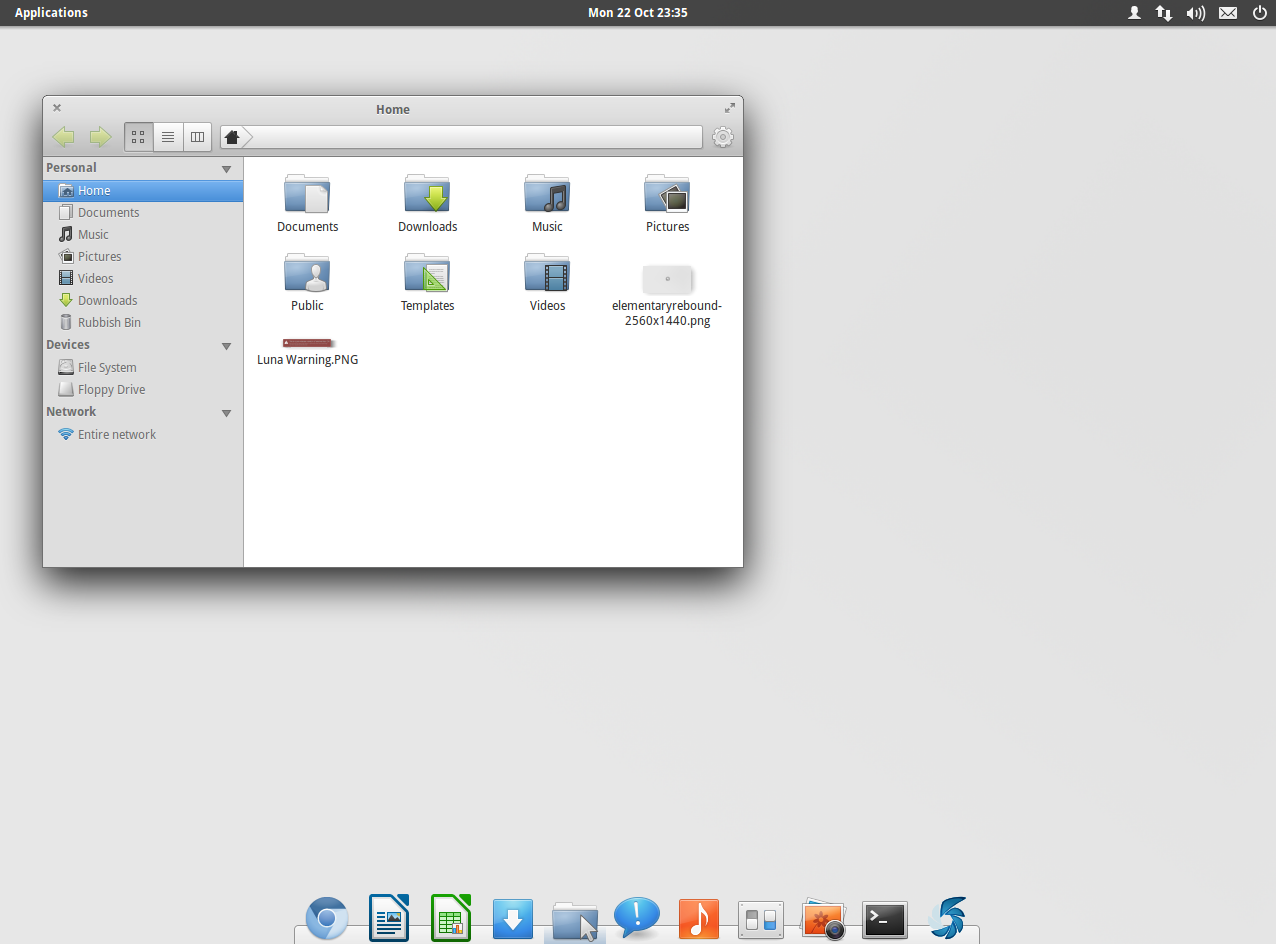
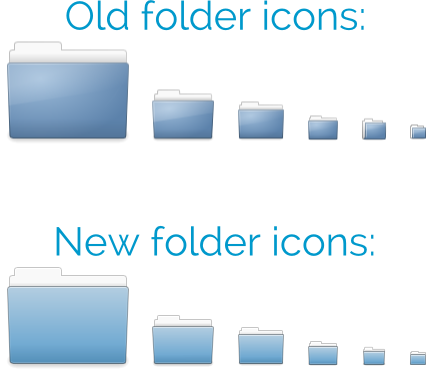
This set is beautifully crafted to give your Elementary OS Luna desktop a unique look. It works extremely well, especially if you are a fan of the Faience or Faenza icon sets, take a look at the screenshot below:
Installation instructions
Download the icon theme using the links at the bottom of this article. Then, open up a Terminal window (Search for it in the “Apps” menu, or press “Ctrl+Alt+T”), type the following command on it and press Enter key:
gksu pantheon-files
This will then open up the Pantheon File browser with root access. All you need to do then is navigate to /usr/share/icons and extract the icon theme there.
After doing that, you should close the Files window, type the following command in the terminal window (depending on which theme you’ve choosen) and press Enter again:
Blue:
gsettings set org.gnome.desktop.interface icon-theme Faience-Moon-Blue
Cheese:
gsettings set org.gnome.desktop.interface icon-theme Faience-Moon-Cheese
That’s it! In case you want to revert to the default Elementary OS theme, just type the following command in terminal and press Enter:
gsettings set org.gnome.desktop.interface icon-theme elementary
Download Blue | Download Cheese
Click and Share ->
Get Free Updates







-
Sébastien Moran
-
https://refu-archive.kevquirk.com/ Kev Quirk
-
Sébastien Moran
-
Anonymous Coward
-
-