Five Of The Best Beginner Linux Distro’s

Linux is considered by most to be a big scary place for new users to break into, but the truth is that’s Linux distributions provide a great community for many technology enthusiasts to come together and share their ideas and of course their desktops.

So if you’re sick of looking at that familiar blue Widows desktop and you’re looking to learn something new, or if you just want something that’s more secure than Windows/Mac, then take a look at some of the best beginner Linux distro’s below.

Ubuntu

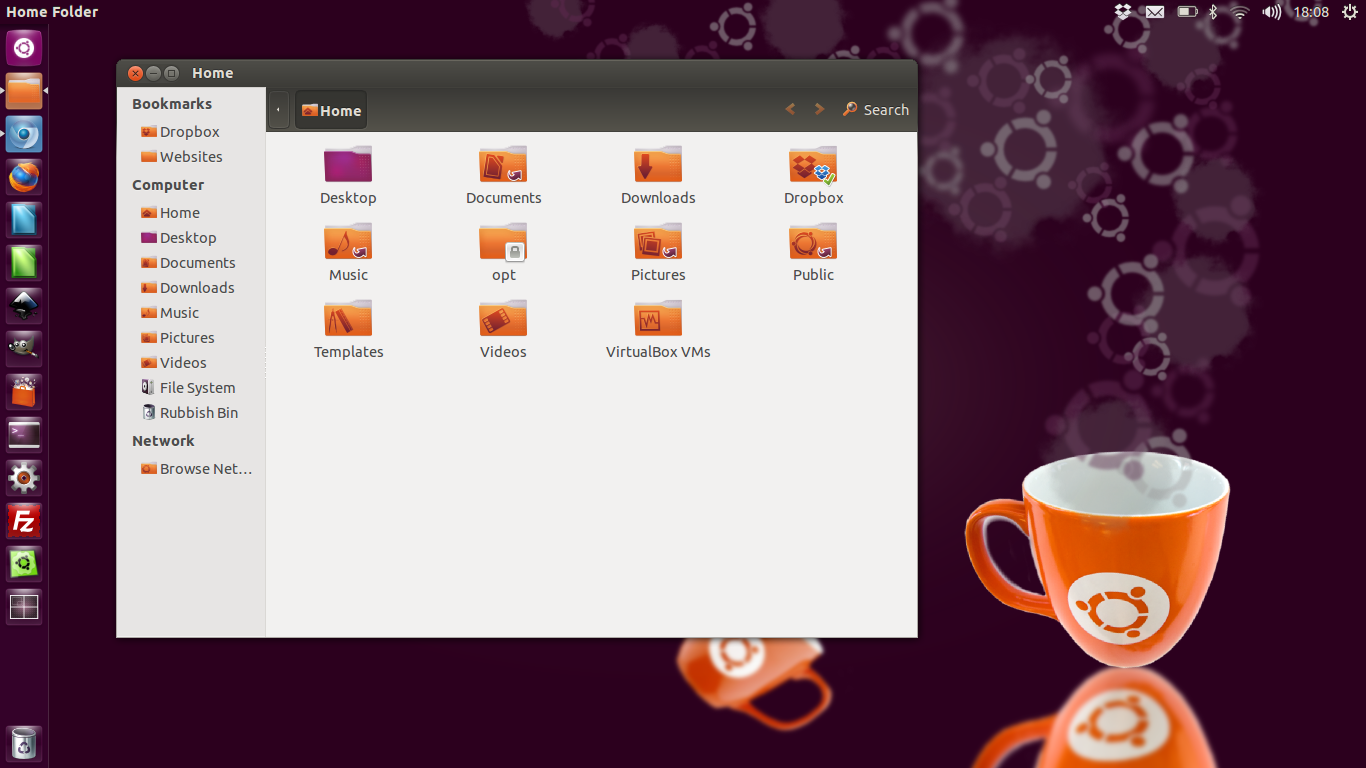
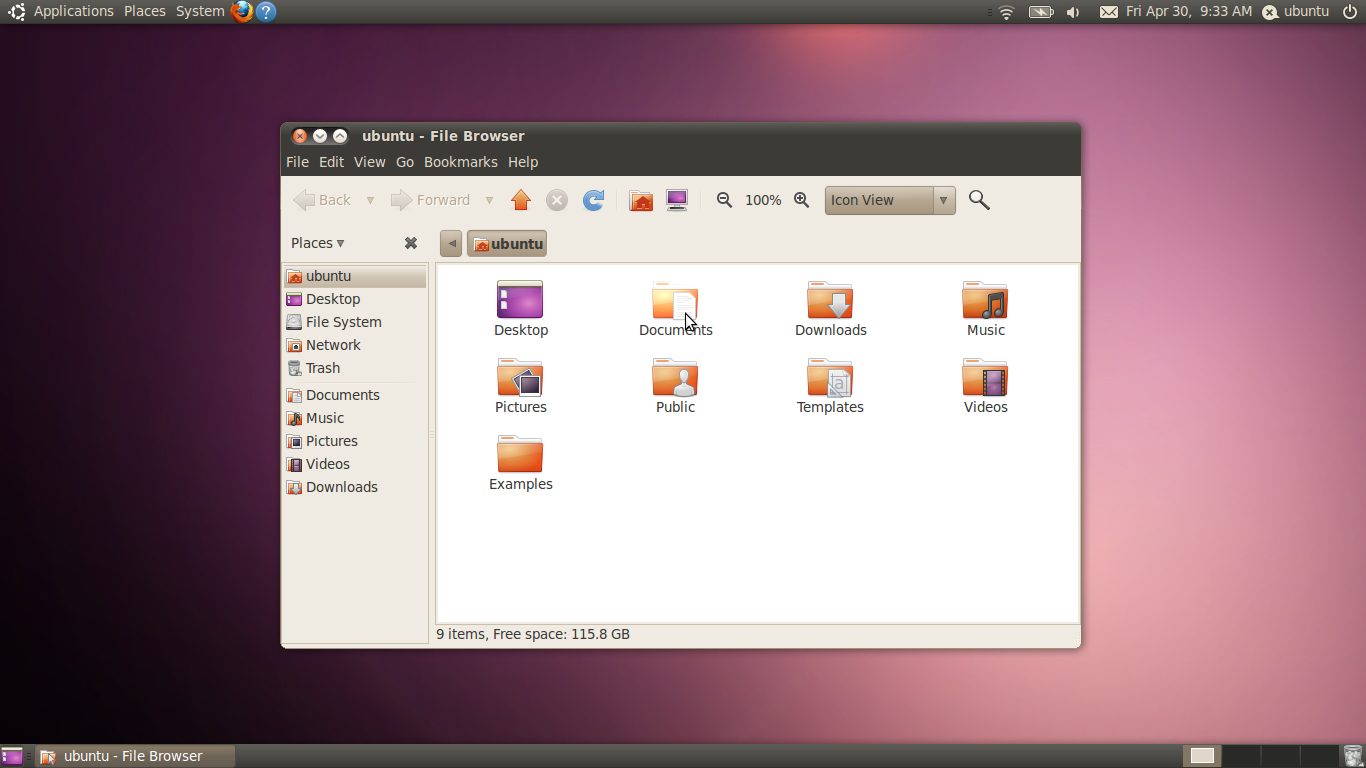
Ubuntu is very much the de-facto Linux distro that most new users flock to. This is because it’s arguably the most well known of the whole lot. But the crown of most well known distro isn’t unjustified as it’s a great operating system. I myself first dipped my foot into the Linux pond with Ubuntu.

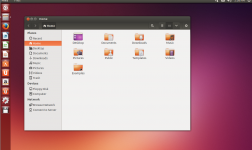
FS Ubuntu Icons

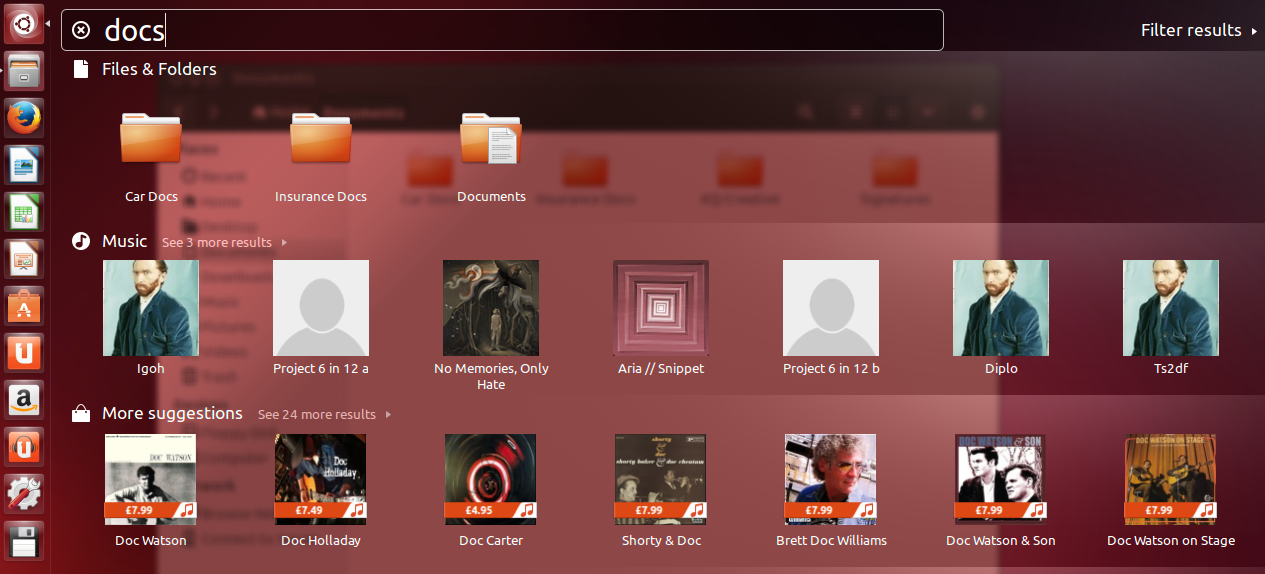
The Unity interface makes Ubuntu different from what you will be use to with other OS’s like Windows and Mac, but it’s no more difficult to use. In fact, I would say it’s probably easier to use than other OS’s as you only need to hit the super key (windows button), type what you’re looking for and hit enter. There’s no hunting around start menu’s here. You can read more about Ubuntu here.

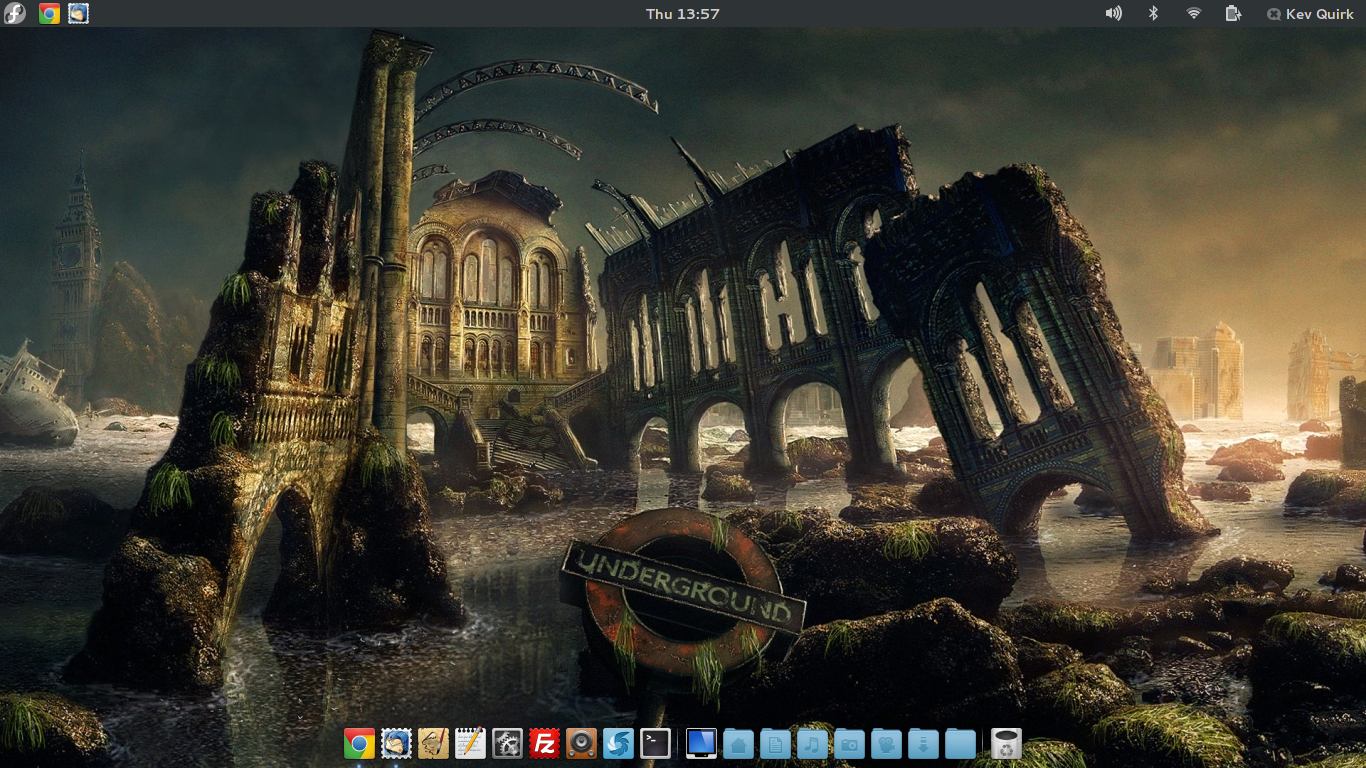
Elementary OS Luna

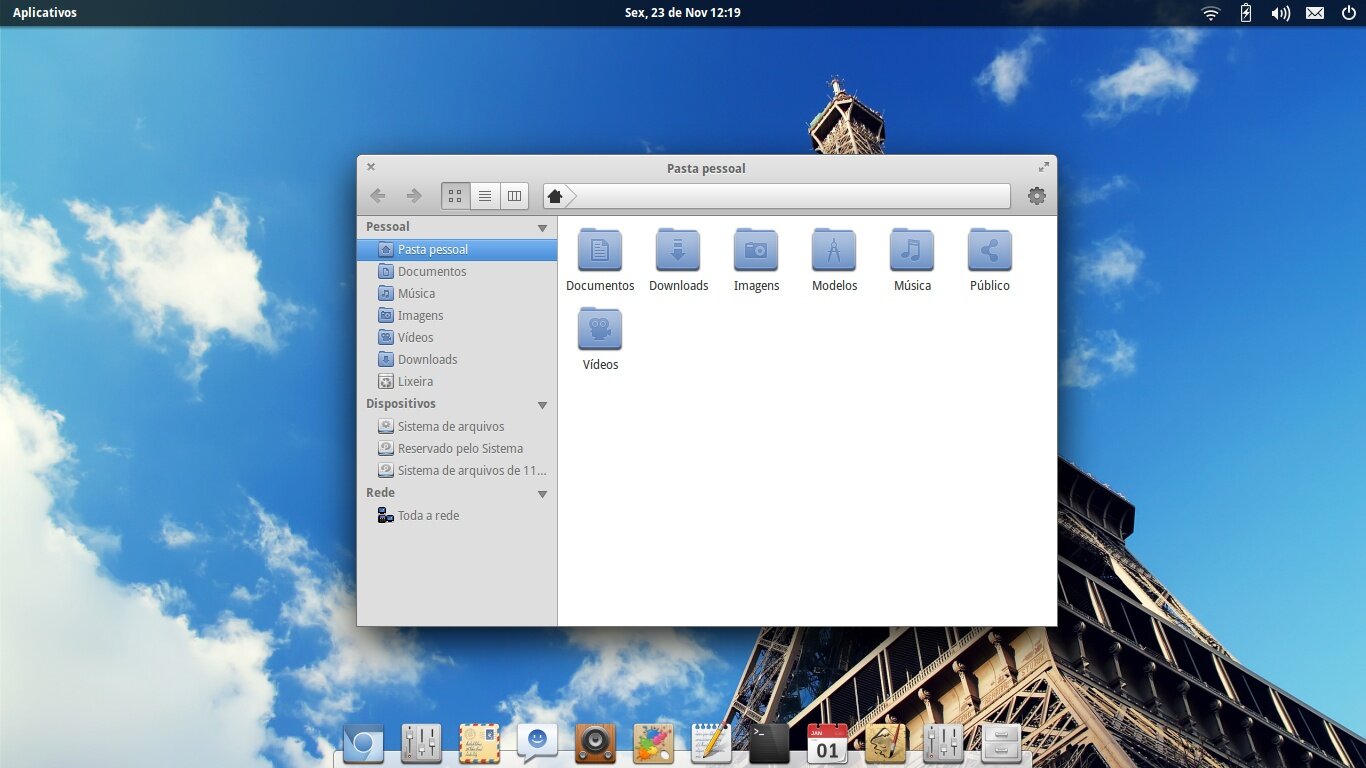
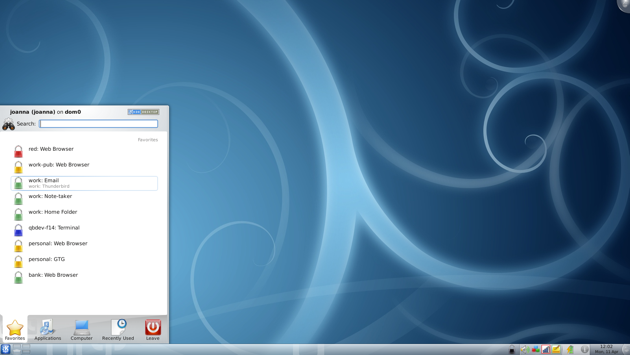
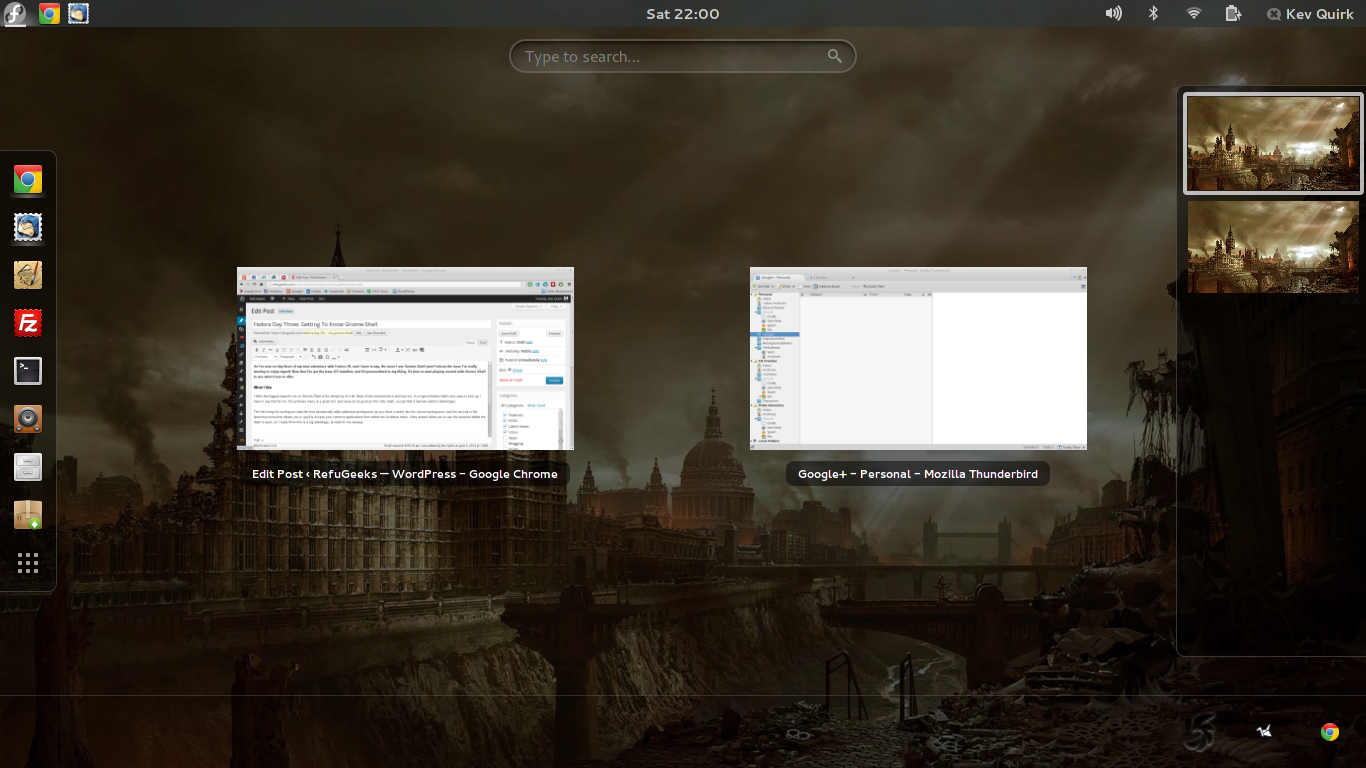
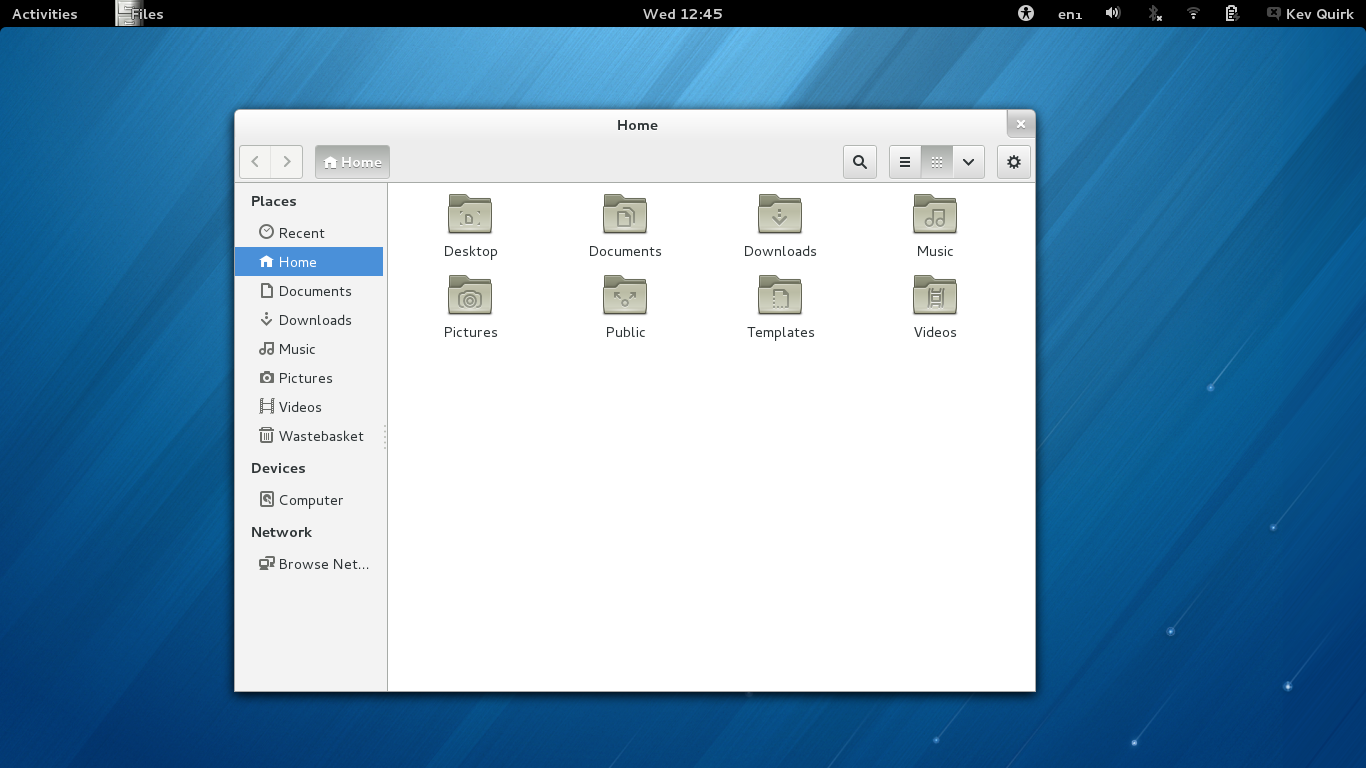
Elementary OS Luna (Luna for short) is a great operating system, it’s arguably the most highly polished Linux distribution out there. The whole point of Luna is to be easy to use, clean, and gorgeous…all which it’s accomplishes and then some. Luna is based on Ubuntu, so if you know Ubuntu, then you will be able to easily find your way around Luna.

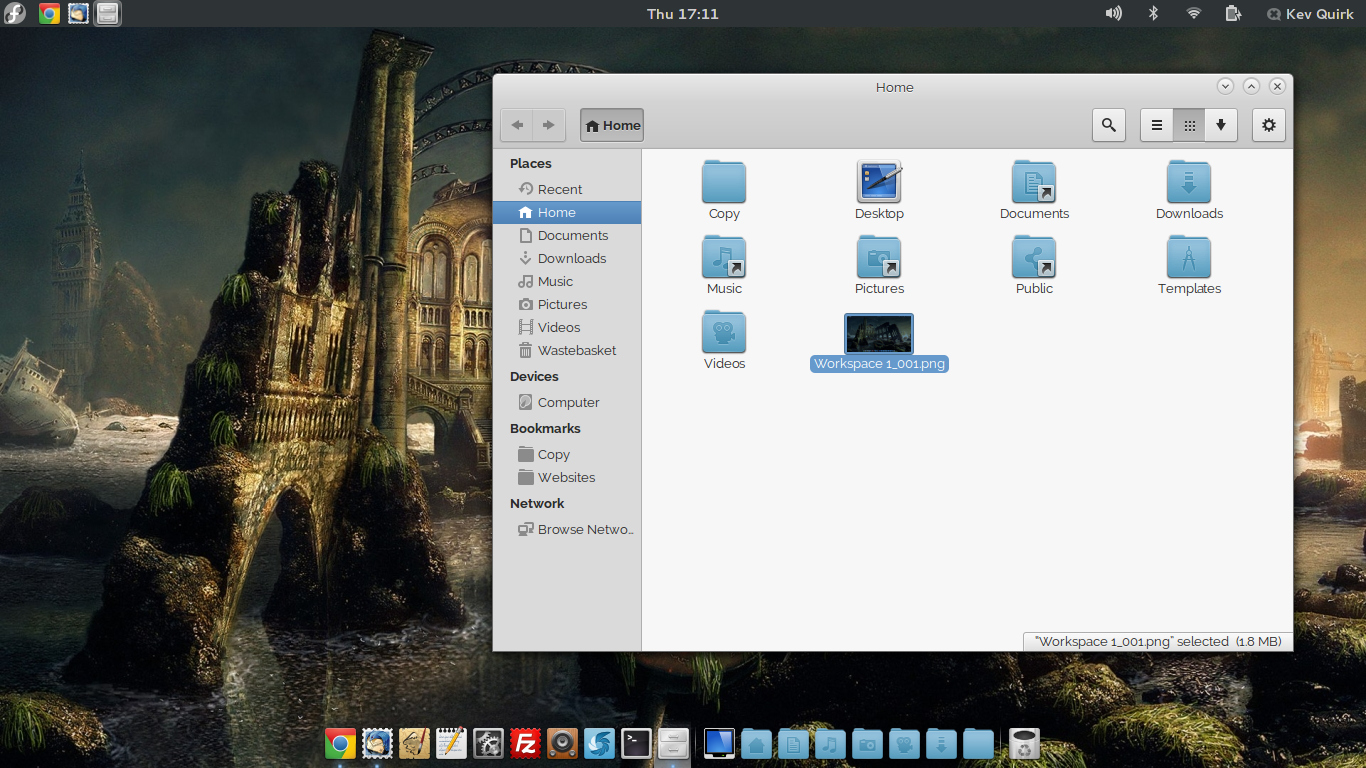
Faience Moon for elementary OS Luna

Unlike Ubuntu, Luna doesn’t use the Unity interface and as you can see from the screenshot above, it’s very different from Ubuntu. The whole premise is simplicity. Luna is a fantastic free alternative for both Windows and Mac migrants. More information about Luna can be found here.

Zorin OS

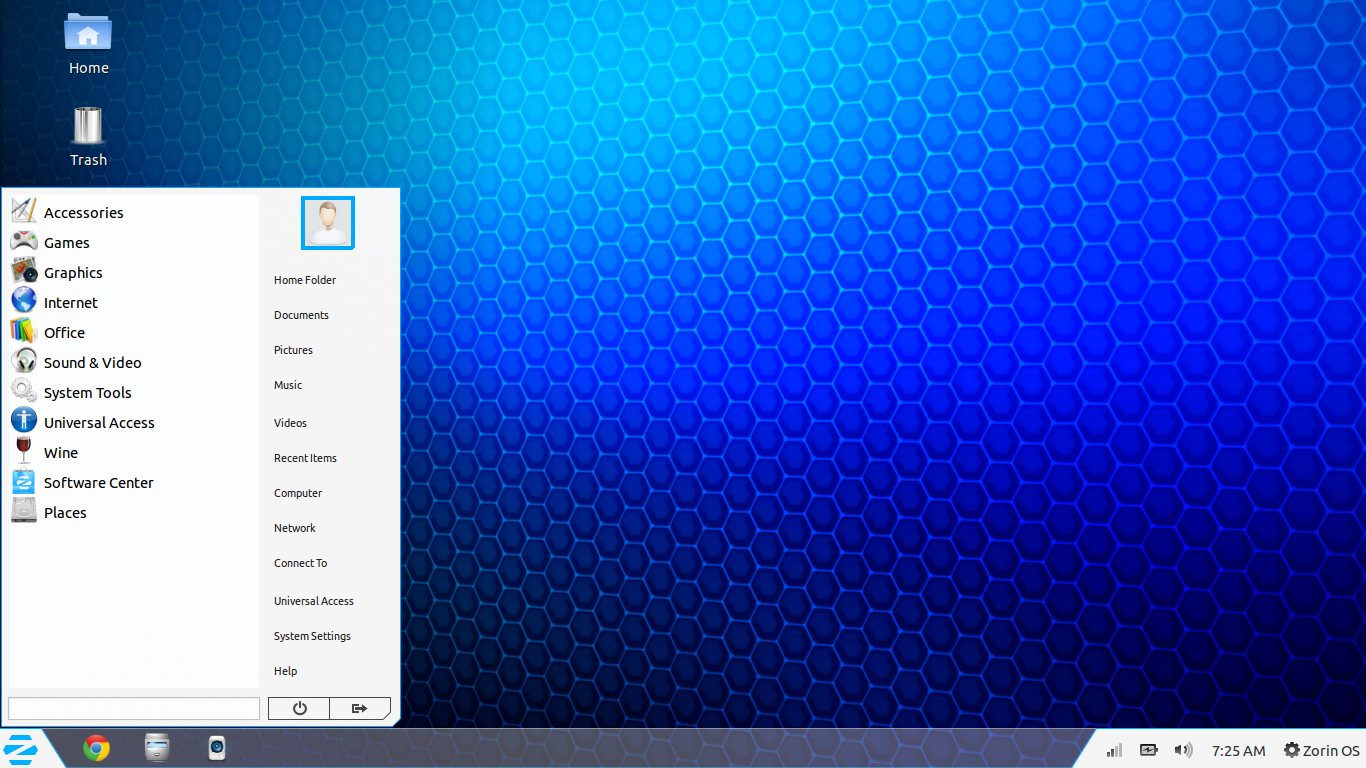
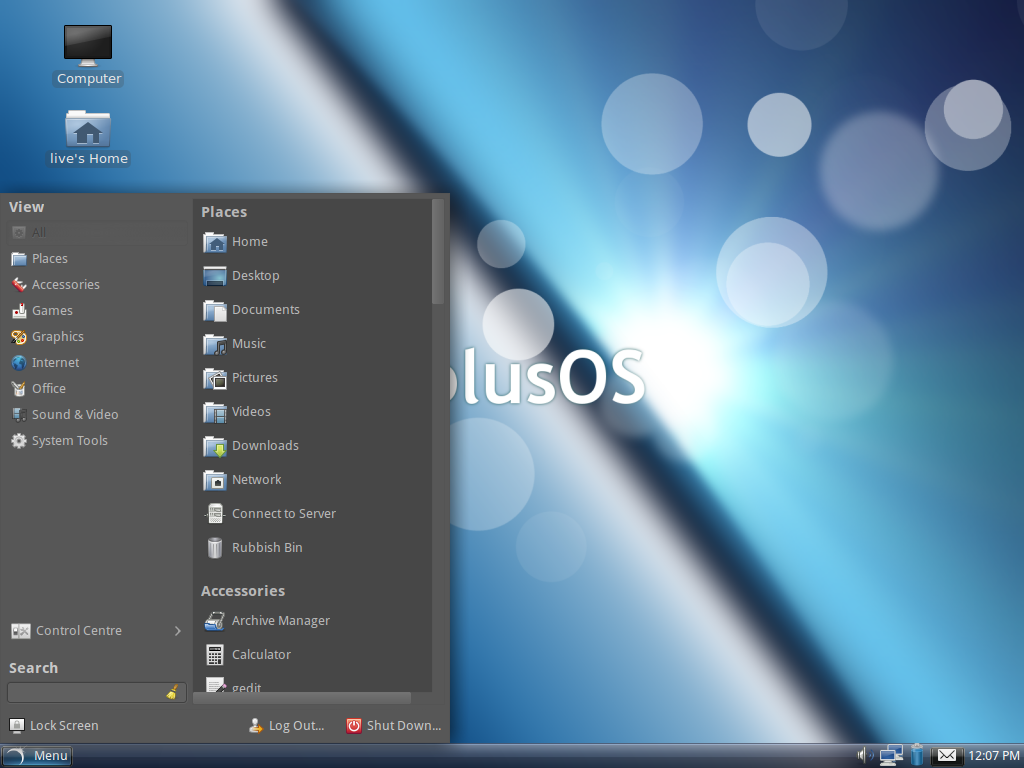
Zorin OS is another great OS, but this one has it’s roots firmly in the Windows camp. With a traditional taskbar, start menu, and Windows looking theming throughout, no Windows user would feel alienated in Zorin.

ZorinOS

Even though Zorin does have it roots in Windows, it is different enough to whet your appetite and bring a lot of new features to the party. Personally I think Zorin OS is a beautiful, well made distro that thoroughly earns it’s place in this list of the best beginner Linux distro’s. You can get more info about Zorin OS from their homepage.

Mint Cinnamon

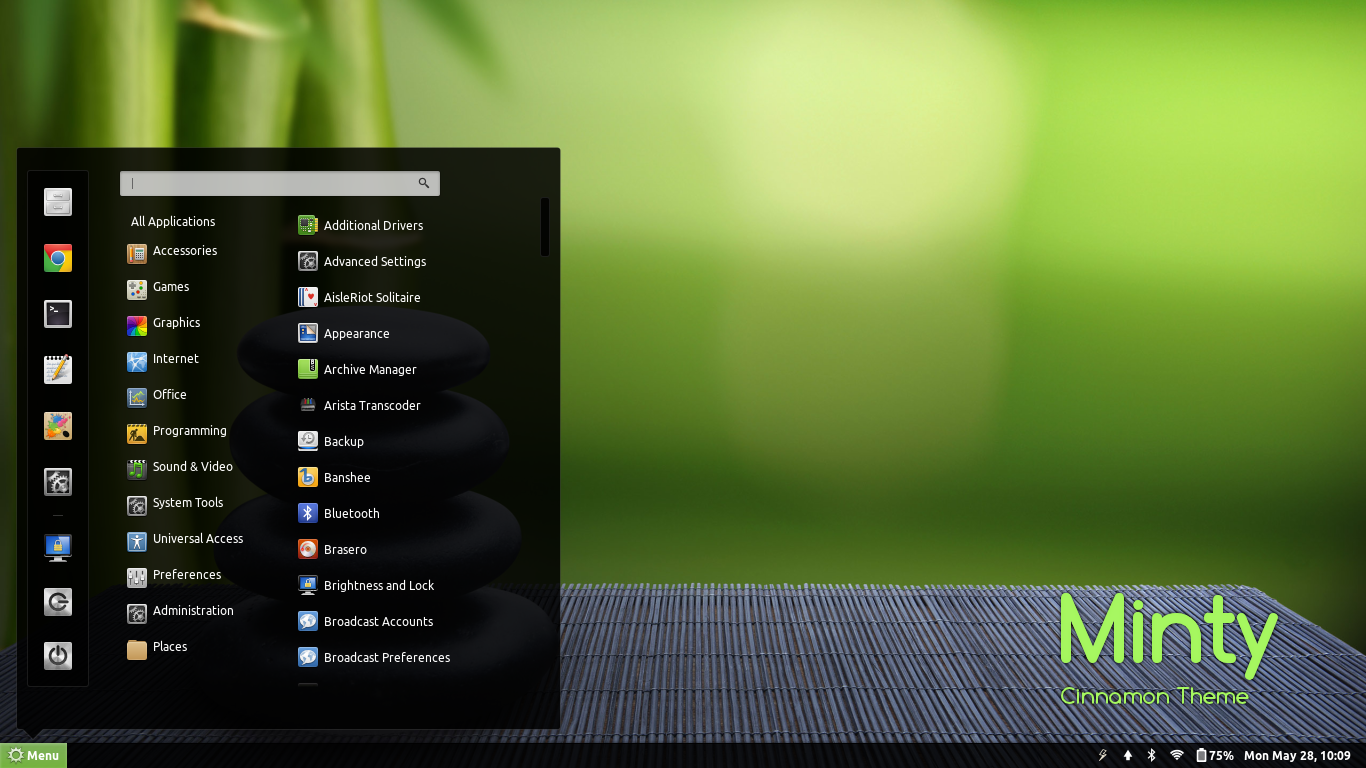
Linux Mint is almost as popular as Ubuntu, and rightly so as Linux Mint is for all intents and purposes is Ubuntu’s little brother. Mint is a direct fork of Ubuntu but it has a lot of additional features added, including many codecs and pieces of software to help get you up and running right out of the box.

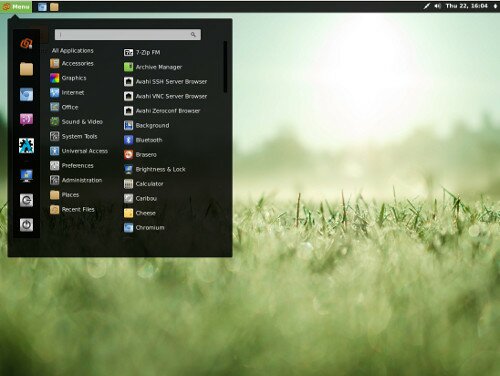
cinnamon mintyLinux Mint uses the Cinnamon desktop, which again won’t be unfamiliar to any of you Windows migrants out there. Once again though, it has familiarity, yet something completely different to offer it’s users so it probably won’t get boring for you. You can get more information about Linux Mint Cinnamon from here.

PinguyOS

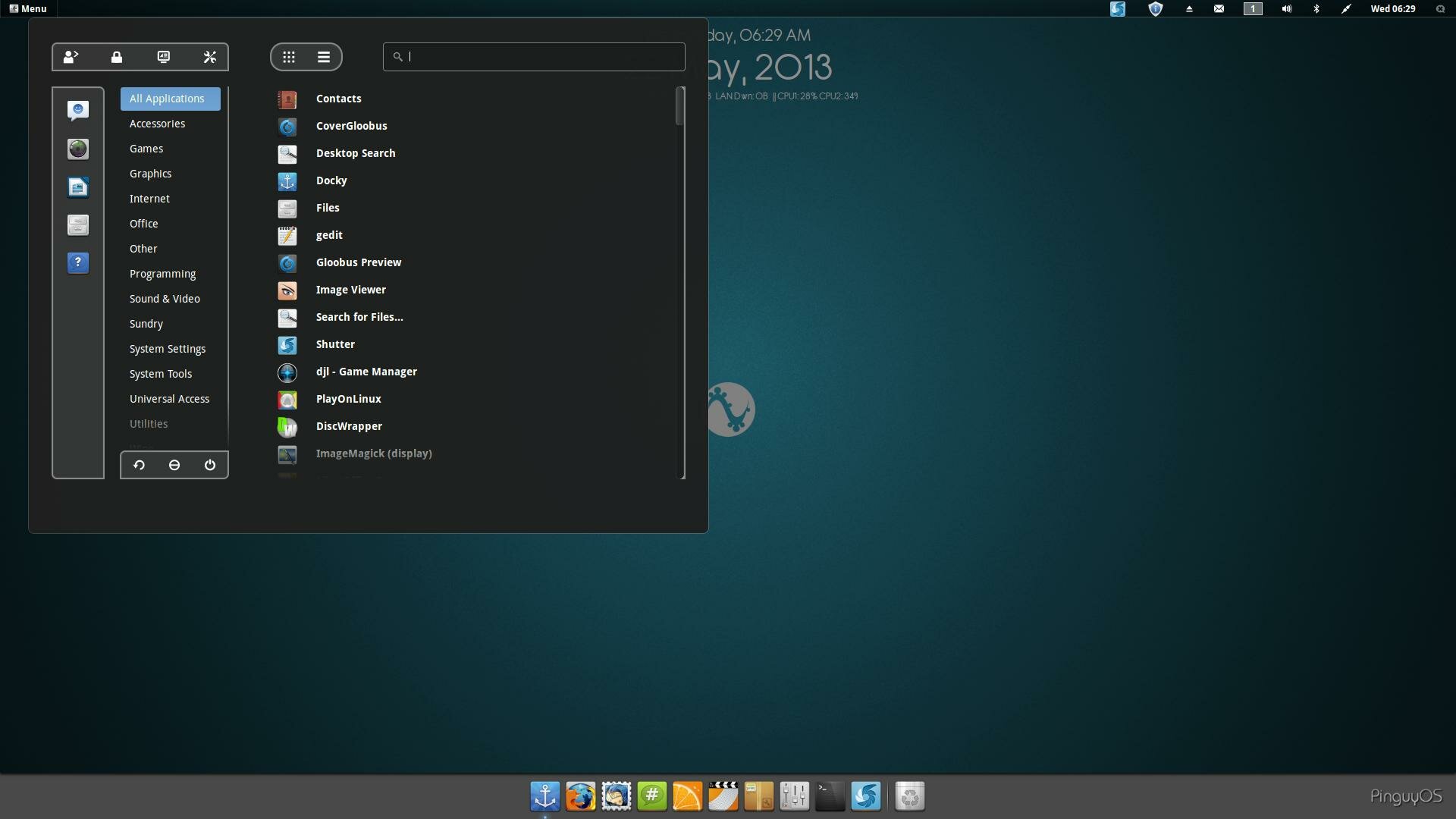
PinguyOS is the ultimate in beginners distro’s, the whole point of PinguyOS is to give it’s users a complete out of the experience that requires absolutely no applications to install and no changes to be made (but you can if you want to). It comes with a tonne of pre-installed apps for just about everything you can think of. So you can literally install the base OS and you’re away.

Pinguy 1304 Start MenuPinguyOS is a great beginners distro but because of the extra “weight” in terms of it’s bundles applications, I wouldn’t really recommend it for those of you that are running on older hardware. All in all PinguyOS will give you a really good, complete experience without having to lift a finger. Here is a link to more information about PinguyOS.

Conclusion

Nowadays you don’t have to be some kind of computing genius that spends their life in a command line interface to run Linux. You can get a beautiful, easy to use operating system that is completely different to anything else out there, very quickly and very easily. So what are you waiting for? If your’e thinking about giving Linux a try then I say jump right in! There’s a community of people waiting to help you if you get stuck.

If you decide to give Linux a try then please let us know in the comments section how you get on as we love hearing about new Linux users, and we would like to welcome you to the open source community. Good luck!

Five Of The Best Beginner Linux Distro’s
User Rating: 3.7 (7 votes)
Tags:
Kev is the creator, owner, developer and editor of RefuGeeks. He is a self-confessed geek, blogger & open source advocate. You can find him on Google+, Twitter & his personal website
  • calo001

    elementary Os, is the best beginner Linux Distro’s
    :)

  • w1ngnut

    Ubuntu is the best of all the selections.

  • jon_downfromthetrees

    Elementary has not been released yet. It isn’t reasonable to expect legitimate beginners to understand the downside of using betas.

    All 5 distros are Gnome derivatives, including Ubuntu.

    I’m not sure what the standards are for a “beginner’s distro”, and they aren’t listed here. Ease of use is often seen as needed for beginners, as if experienced users want to do things the hard way. The capabilities more experienced users might want to exploit are present in all full-fledged distributions, no matter what DE they use are what user subsets they target.

    • Jim

      Gnome is a desktop not a distro. So they are not gnome derivatives. If you want you can put gnome on the OS. But these are all good distros for new users

  • Pingback: OTR Links 06/21/2013 | doug --- off the record

  • Pingback: Links & reads for 2013 Week 25 | Martin's Weekly Curations

  • Pingback: Links 21/6/2013: antiX 13.1, More NSA/FBI Revelations | Techrights

  • re-mark-able1990

    I absolutely love the idea and look of Luna but also looking forward to playing with piguyOS also. I have already used Ubuntu with success. Great article that gave me the motivation to finally check out linux deeper.

  • http://www.topsecretwriters.com Dennis Dufrene

    I consider myself a beginner Linux user and I have tried many on this list. However, the distro I settled on was Bodhi Linux. It is an Ubuntu derivitive with the e17 desktop. It is built for minimalism and choice. I have been using for about a month or so now…and I am not looking back!
    • teklife

      Bodhi really is quite good. The new charcoal theme makes it look very slick and polished and all the text is easy to read, but it needs building still. However their start page on the Midori browser, helps you get up to speed in every way. Very nicely done. My only minimal complaint is the file manager, but it does have some nice features and is as simple as it gets.

  • #reemdudey

    I do believe I snaffled my snoo foo on the usb of my virgin prozzy

    #dank#420

  • #reemdudey

    as an elementary os this is awful so go microsotf

  • http://www.vinnyfonseca.com/ Vinny Fonseca

    Have you guys heard of Manjaro? I’m seriously considering it for my main system. Arch based.

    • https://refu-archive.kevquirk.com/ Kev Quirk

      Yep, I know Manjaro. However, it’s got the tag of being a pretend version of Arch. I wouldn’t know though as I’m not an Arch user. However, I wouldn’t say that either of these distro’s for for begineers, certainly not Arch.

      I know a lot of people in the community who have used both Manjaro and Arch, and pretty much all of them have said that they prefer Arch as it’s more fun to build. Horses for courses though. I don’t think Manjaro can use the AUR can it?

      • http://www.vinnyfonseca.com/ Vinny Fonseca

        Maybe this “pretend version of Arch” tag is the old mentality of “it has an interface, it’s not real Linux anymore”? I find that revolting and it’s the reason why Linux hasn’t taken off as it should have.

        I’m using Windows for 18 years now, and developing on it for 9. I’m an interface developer. I need to know the code, my users don’t. I’m a Linux user, I don’t need to know Linux development, the devs do. That’s the meaning of Graphical User Interface, isn’t it?

        I worked with a guy that is an Arch user and he had fun building everything from scratch every single time. I don’t need or want to do that. See, most Mac users say that their system “simply works”, and it’s true, but their system is really closed. Windows users have high compatibility for all software but the system is appalling and everything needs heavy setup.

        Manjaro is the only distro that actually caught my attention and made me consider it for my main system. It’s ultra fast, low memory, beautiful and intuitive, and yes, it uses AUR through pacman (pamac) or through the visual package manager. It’s still on beta and has yet to crash or hang on me. It “simply works” with minimal setup, very polished interface and Linux’s high customization options.

        And it also falls on your article’s category of Beginner Distros and I think it deserves a proper look :)

        V.

      • https://refu-archive.kevquirk.com/ Kev Quirk

        I agree with you on pretty much every point you’ve made in your comment Vinny. However, I disagree that Luna is Mac-like. I’ve been using Luna for a while now, and I can honestly say that it’s not like OSX at all. The dock is about the only similarity – ok and the grey theme, but that’s easily changed. The actually functioning of the desktop is nothing like OSX.

        I’ve considered install Manjaro myself, and I will get around to writing a review eventually. My problem is though, that I really don’t like XFCE. I don’t see why people are always on the look out for the next “light” desktop. Why does that even matter is a dual-core 3GHZ CPU, and 4GB RAM is considered mediocre nowadays.

        You really should stop by more often Vinny, I’ve really enjoyed having a chat with you about this. Are you on G+ by any chance? I can see us having many a conversation about all sorts of geekiness haha.

      • Guest

        Two other things I’d like to add, if you will.

        1 – On Luna beig similar to Mac OS. Window buttons on the left (maximize etc), right click does nothing anywhere, and if you go to System Settings then keyboard, and look at the shortcuts, they’re all Mac shortcuts. I can of course understand how to use them, but I felt from the beginning how Mac oriented this OS is.

        2 – Manjaro has a massive selling point for me. I use the Workman keyboard layout (http://www.workmanlayout.com/blog/) using a typematrix keyboard (http://typematrix.com/) and it comes preinstalled with Manjaro, but it doesn’t exist in Ubuntu based Distros. I know it’s very niche, and I had to do a manual keyboard layout install on windows which would revert to querty on advanced key combinations like ctrl+c, ctrl+v etc… You have no idea of the satisfaction I had when I fired up Manjaro, selected Workman and it just worked with no hiccups.

        That’s it :)

  • guest

    https://sites.google.com/site/linuxgroundlevel/

    • Easy Linux

      This link is for anyone wanting to get into Linux fast