
Four Dropbox Alternatives For Linux Users

 This article is over six months old. Which means the information below may be out of date. Please keep this in mind whilst reading this article.
Being a Linux user is great, you have freedom to do what you want with your machine, you can theme it, change it and even re-write the code if you like. However, because of the relative lack of popularity among the Linux community, there are times when we don’t quite have all the applications and services available to other operating systems like Windows or Mac.
Most people know Dropbox, and it tends to be the default program that Linux users go to for their backup and cloud syncing needs. Whereas Windows users have a raft of alternatives available to them. But the number of alternatives for us Linux users is more restricted. So in this article I will be telling you about some of the Dropbox alternatives for Linux users.

Ubuntu One
Ubuntu One is a cloud syncing and storage system created by the makers of Ubuntu, Canonical. Ubuntu One offers 5GB of free storage instead of the 2GB on offer from Dropbox. Furthermore, Ubuntu One also offers a referral scheme where you can get 500MB of free storage up to a maximum of 25GB. Dropbox offers a similar service but you can only get a maximum of 16GB with it. On top of the free package, Ubuntu One also offers 20GB storage increments that you can purchase for $29.99 per year, or $2.99 per month.
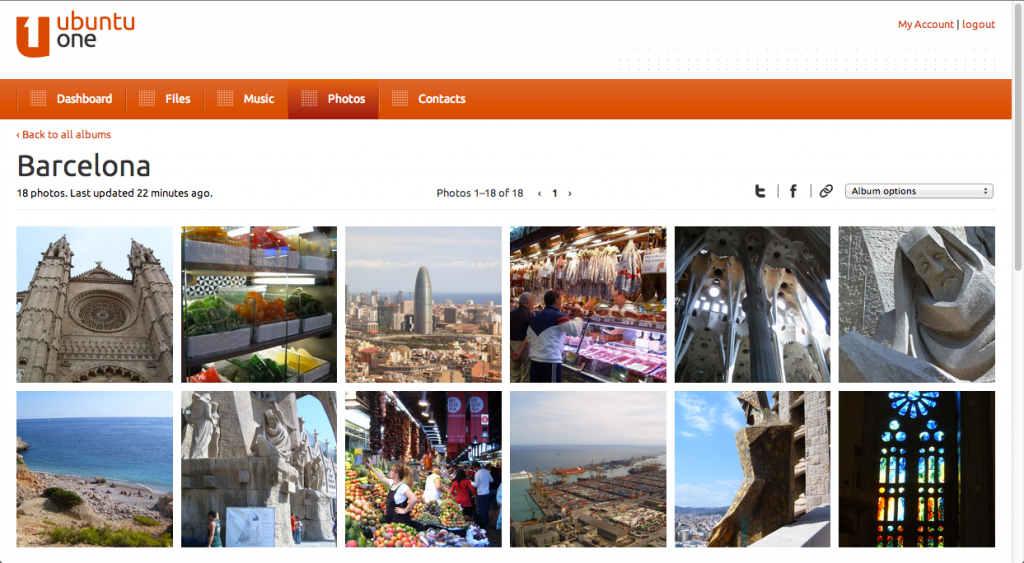
Ubuntu One is one of the great Dropbox alternatives for Linux because it has been built from the ground up for Linux, and if you are an Ubuntu user, the integration into the operating system is very good. I used Ubuntu One for quite some time and found it to be a very competent tool. However, the lack of versioning and the lack of ability to restore deleted files what a deal breaker for me personally. However, Ubuntu One does work extremely well and if you have an alternative backup solution then it’s a great cheap alternative to Dropbox. Ubuntu One is available for Windows, Linux, Mac, Android & iOS, you can visit their homepage for more information.
Copy
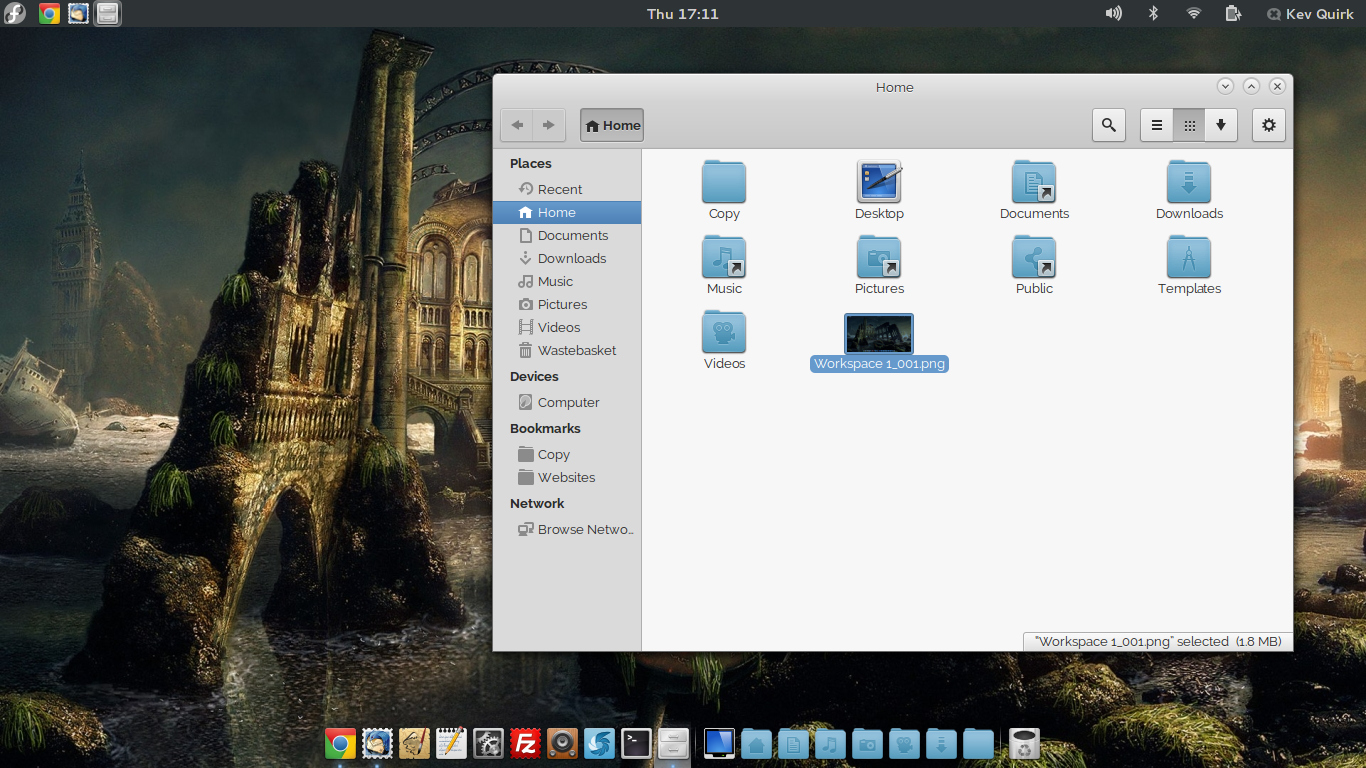
Copy is the new kid on the block and it really is one of the best Dropbox alternatives for Linux in my opinion. Copy is made by the enterprise hosting provider, Barracuda Networks, so you know it’s built on a very solid foundation. Like Ubuntu One, Copy offers 5GB of free storage and for a limited time they are offering a whopping 5GB of additional free storage when using a referral link. So if you sign up for Copy with this referral link you will get 10GB of free cloud storage as soon as you install the client. There also isn’t a limit on referrals so if you’re quick you can build up some serious free storage space!
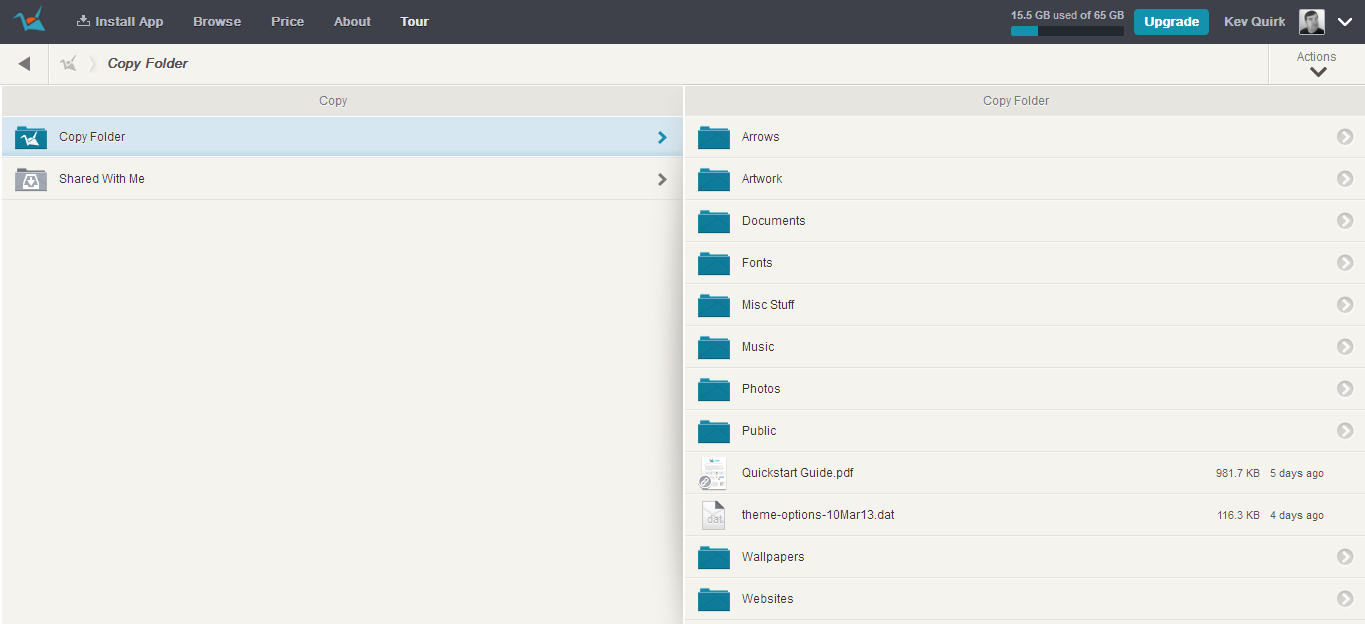
Copy offers pretty much all the same services as Dropbox, in that it support versioning control, deleted file restoration and sharing etc. However, Copy is a lot cheaper than Dropbox. Obviously you can get 10GB for free using the link above, but Copy also offer two paid for tiers that you can use. Pro 250 and Pro 500 which offer 250GB and 500GB respectively with the 250 package costing just $99/year or $9.99/month, this is the same price as Dropbox’s 100GB account, so get a lot more for your money with Copy. Copy is available for Windows, Mac, Linux, Android & iOS. You can get more information about Copy from their homepage.
SpiderOak
Another one of the great Dropbox alternatives for Linux is SpiderOak. Like Dropbox, SpiderOak offers 2GB of free space but unfortunately there is no referral system available. SpiderOak differs from the other Dropbox alternatives for Linux in this article as it gears itself more towards backing up and securing your data rather than syncing it between your computers (although it can do this). Being more of a backup solution than a syncing solution, SpiderOak obviously supports file versioning and recovery.
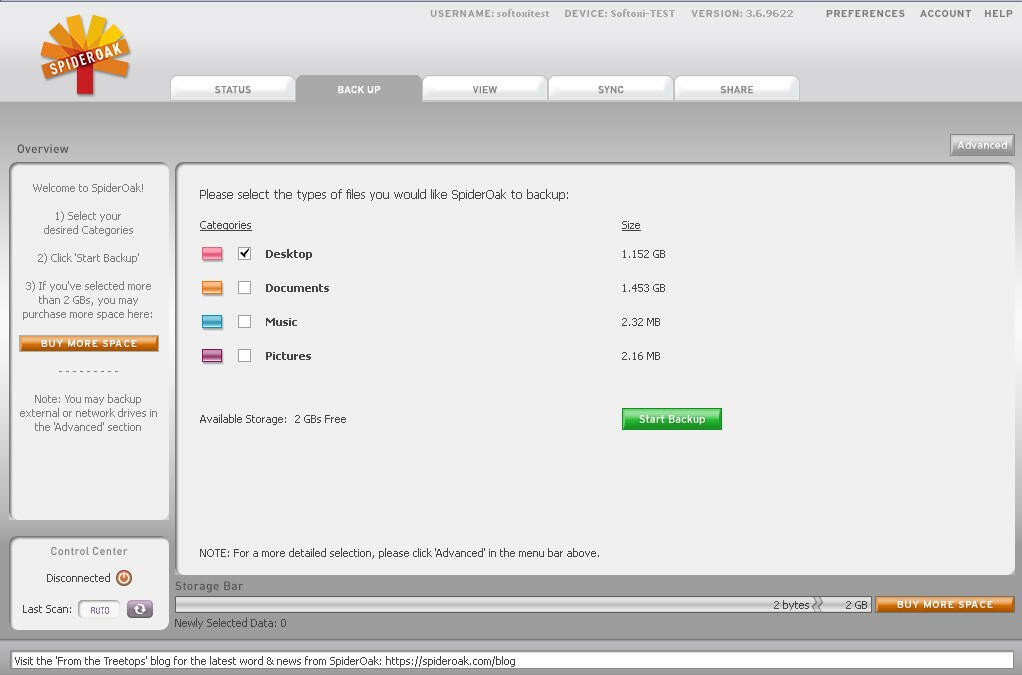
SpiderOak has both a personal and business option available for customers. The personal works much like Dropbox in that you add additional 100GB units to your storage for $100/year to $10/month. On the business plan you work in 1TB increments which is $600 per terabyte. There is also a private cloud system where you can use your own on-site storage, and this costs $5 per user account. If very high levels of security is your thing then you should definitely consider SpiderOak. SpiderOak is available for Windows, Mac, Linux, Android & iOS, you can get more information about SpiderOak from their homepage.
ownCloud
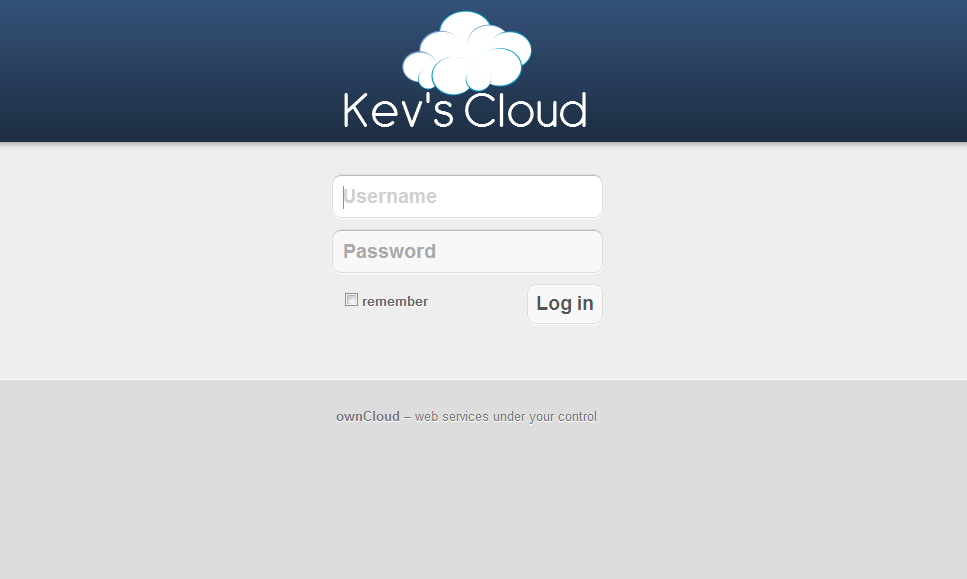
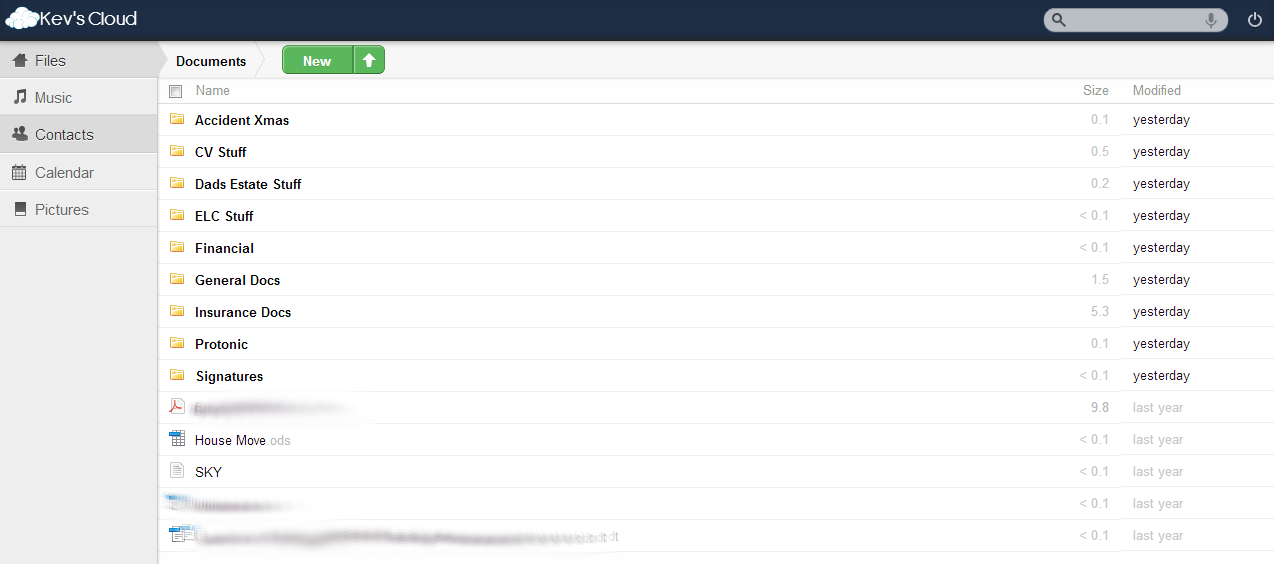
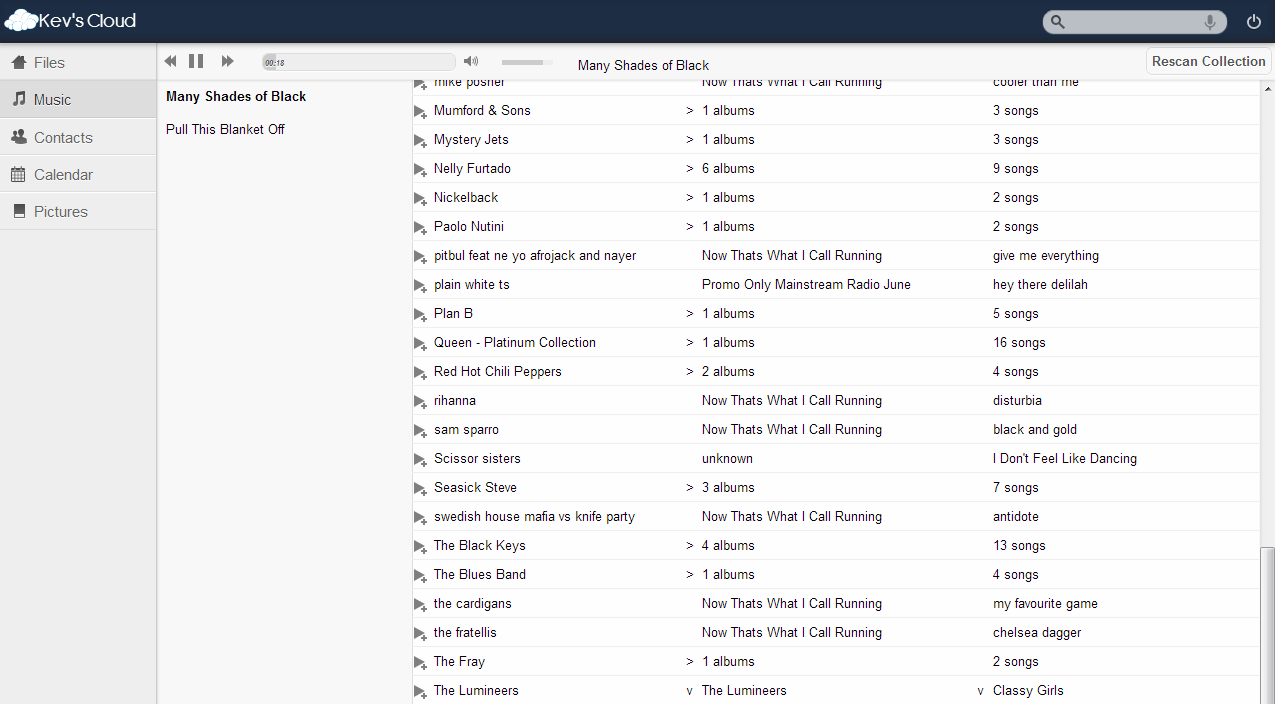
ownCloud is somewhat of a wildcard entry in this list of Dropbox alternatives for Linux as it doesn’t quite work in the same way as the others. You see, ownCloud is a free and open source application that you can install and run on you own server. This means that it costs absolutely nothing and the amount of “cloud storage” you have is only limited by the amount of free space you have on your servers hard drive. A strong advantage of ownCloud is that you remain in control of where you data is stored.
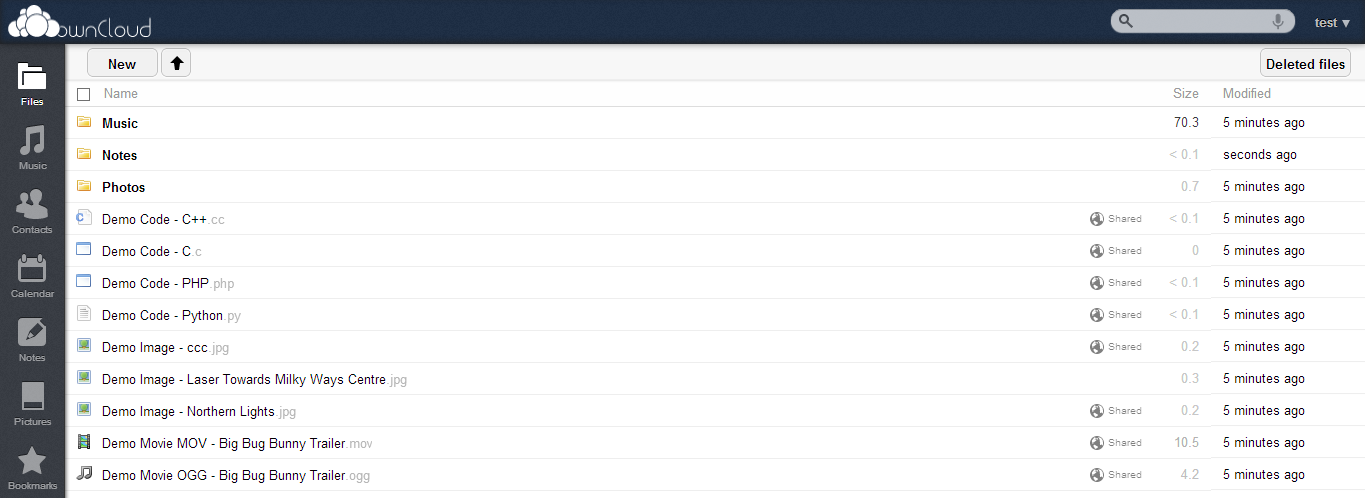
I personally use ownCloud myself and it’s excellent. I use it on an upgraded PC at home that runs Ubuntu 12.04 server and because I have fibre optic internet, syncing is extremely quick. Within ownCloud you can setup multiple users and assign as much or as little cloud storage as you like to their account. I personally have accounts for all my family on my server and they all have unlimited storage. The server itself has 3x1TB drives in a RAID 5 configuration so there is about 2TB of usable space for everyone to utilise.
As with Dropbox, ownCloud supports file versioning and you can recover deleted files from the web interface. There are sync clients available for Windows, Mac, Linux, Android and iOS. For me personally, ownCloud is by far the best of the Dropbox alternatives for Linux in this list. However, it’s not easy to setup so you have to be technically minded. You can get more information about ownCloud from their homepage.
Conclusion
As you can see, there are a number of Dropbox alternatives for Linux on the market today, and all of them have their own strengths and weaknesses. Ultimately then one that you use depends on what your needs are. This list of Dropbox alternatives for Linux is by no means exhaustive but they are the pick of the bunch in my opinion.
Are you using a different cloud sync and backup tool to the ones listed here? Or are you using one of them and want to tell us your thoughts? Please feel free to leave a comment below…








![Half-Life & Counter-Strike Now Available On Linux [Beta]](/wp-content/uploads/2012/07/Steam_Logo-252x150.png)



















Pingback: Barracuda’s Cloud Storage Extravaganza With Copy | Project Failure