
Free Tools to Create Image based Content for your #ContentMarketing and #Blogging Strategy

Contents
- 1Introduction
- 2Free Tools to Make Infographics
- 2.1Easel.ly
- 2.2Visme
- 2.3Vizualize.me
- 2.4Venngage
- 2.5Piktochart
- 2.6Canva
- 2.7Infogr.am
- 2.8Sprites
- 2.9Animatron
- 2.10DataHero
- 2.11Tableau Public
- 3Free Online Image Editors
- 3.1Aviary
- 3.2Sumo Paint
- 3.3Pixlr
- 3.4PicMonkey
- 3.5BeFunky
- 3.6Fotor
- 3.7Ribbet
- 3.8Photoshop Express
- 3.9LunaPic
- 3.10FotoFlexer
- 3.11iPiccy
- 3.12Photobucket
- 3.13Pho.to
- 3.14PhotoCat
- 3.15Polarr
- 4Free Online Logo Makers
- 4.1Logotype Maker
- 4.2LogoGarden
- 4.3DesignMantic
- 4.4GraphicSprings
- 4.5Hipster Logo Generator
- 4.6LogoYes
- 4.7Logo Maker by Zillion Designs
- 4.8Logaster
- 4.9LogoBreeze
- 4.10Designapp.io
- 5Free Tools to Create Images for Blog and Social Media
- 5.1Canva
- 5.2Recite
- 5.3Pablo
- 5.4Social Image Resizer Tool
- 5.5Social Media Image Maker
- 5.6LiveLuvCreate
- 5.7Picfont
- 5.8Pinstamatic
- 5.9Over
- 5.10Place.to
- 6Free Tools to Create Facebook Cover Images
- 6.1Pagemodo
- 6.2Easy Cover Maker
- 6.3TrickedOutTimeline
- 6.4Smilebox
- 6.5Timeline Cover Banner
- 7Free Tools to Create Twitter Header Images
- 7.1QuotesCover
- 7.2Themesltd
- 7.3InstaBG
- 7.4Photo Collage
- 7.5Twithelper
- 8Free Tools to Make Advert Banners
- 8.1iKomee
- 8.2Banner Maker by Fotor
- 8.3HTML 5 Maker
- 8.4AvocadoBanners Generator
- 8.5MyBannerMaker
- 9Free Funny Image Generators
- 9.1RedKid
- 9.2Magazine Cover by Big Huge Labs
- 9.3What (people think) I Do Generator
- 9.4Delivery Truck Generator
- 10Free Tools to Make/ Edit/ Find GIFs
- 10.1Imgflip
- 10.2Makeagif
- 10.3Giphy
- 10.4GifYt
- 10.5GifDeck
- 11Free Tools for Making Memes
- 11.1Imgur
- 11.2MemeCenter
- 11.3Meme Dad
- 11.4Pokeme
- 11.5Livememe
- 12Free Tools to Create Charts
- 12.1Piktochart
- 12.2Infogr.am
- 12.3DIY Charts
- 12.4Plotly
- 12.5iCharts
- 12.6ChartBlocks
- 12.7Datacopia
- 12.8amCharts
- 12.9RAW
- 12.10Online Chart Tool
- 13Free Tools to Make Collages
- 13.1Ribbet
- 13.2PhotoVideoCollage
- 13.3PiZap
- 13.4Collage.com
- 13.5Loupe
- 14Free Tools to Make Quote Images
- 14.1Quozio
- 14.2Pinwords
- 14.3PixTeller
- 14.4Inspirably
Introduction

From time to time, you need to create clever images for your content marketing, and for your blog posts. As a freelance consultant and someone who runs a number of niche blogs, I find that I often need to use tools to help create and enhance images. In the same vein as my mammoth guide to content ideas, I will be adding lists from my bookmarks and notes on tools and resources I use, along with a number of guides on using these to their best advantage.
A lot of these tools and generators will have premium features, with some only having a few “free” features, but then nothing is really ever free in life is it? If the tool has a free version or free features, it will be listed below. Some may be repeated in other categories, but thats not a bad thing, the categorisation helps finding the right generator for use.
Hopefully some of you will find new tools to enhance your images, create new ones and to basically have a bank of resources to win at your content and blogging strategy. If you know of one not on the list, let me know and will add it, and over time I will continue making this into a useful resource, so please book mark :).
Finally, before you start reading, do give me a tweet, so others can share the work that has gone into creating this resource! Click here to TWEET!
Free Tools to Make Infographics
Easel.ly
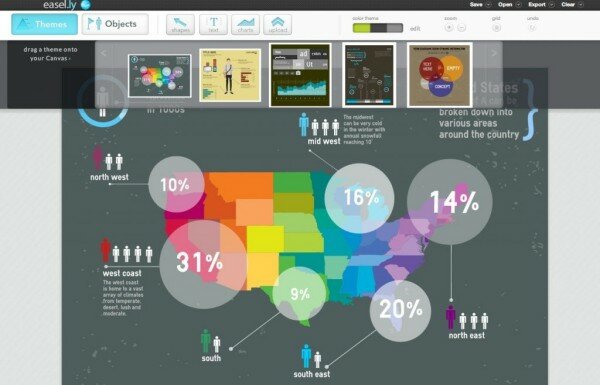
Easel.ly is great for beginners and has a community feel thanks to its open source approach. With thousands of templates and design objects available to users, the site offers customizability without complication.
Visme
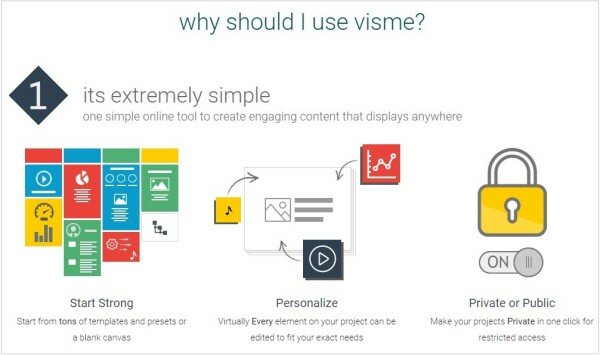
Visme offers both free and paid accounts, with free users only have the opportunity to create three projects. Visme is worth experimenting with, but not the best pick for all your infographics needs.
Vizualize.me
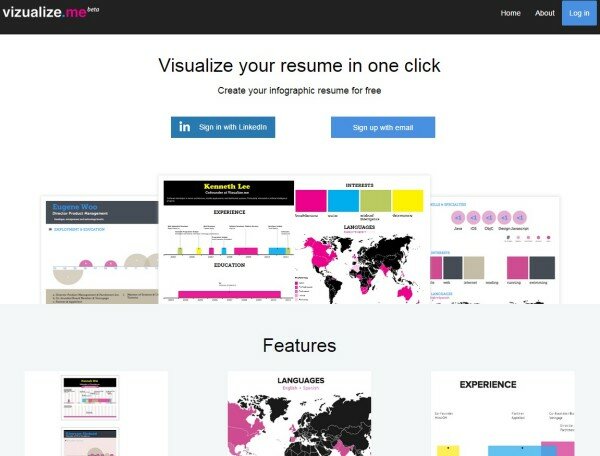
Still in Beta, visualize.me specializes in building the perfect resume. Connected to LinkedIn, the site takes your content and transforms it into a custom resume to help you land the perfect job.
Venngage
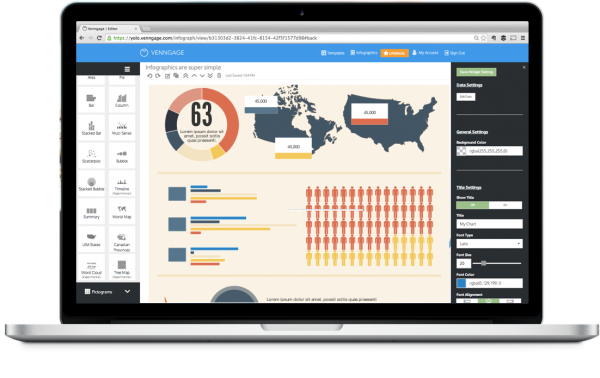
Another infographic site for the novice, Venngage offers both free and premium options. Be warned, though the site really is great for beginners, your free infographics will bear a non-removable watermark.
Piktochart
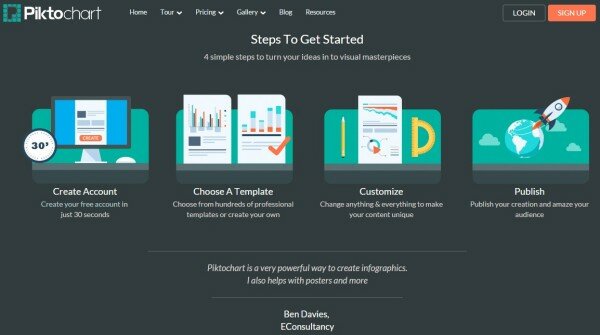
Boasting over 400 customizable themes, icons, and graphics, Piktochart is easy to navigate. The site seems to be geared towards businesses, but could work for anyone.
Canva
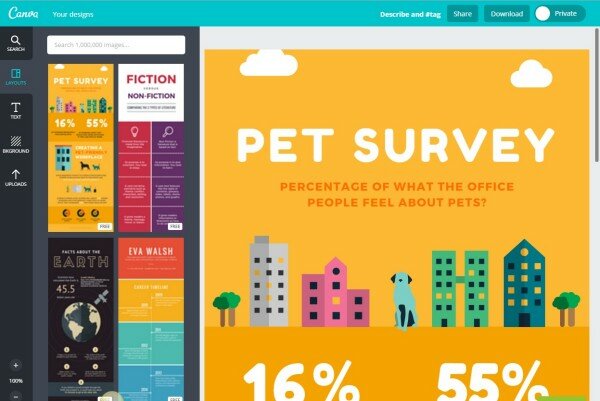
Canva is a playful option developed for users who love simplicity and hope to create eye-catching designs with minimal technical expertise.
Infogr.am
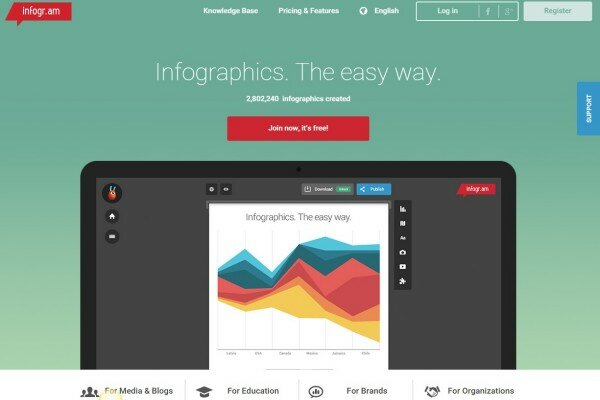
With 6 basic, customizable templates, Infogr.am wins over users with special elements, such as the chart feature. However, their free plan is limited to 10 infographics and doesn’t allow downloads.
Sprites
Sprites is another infographic site geared towards simplicity, with an HTLML5-base and focus on navigability for users of the app.
Animatron
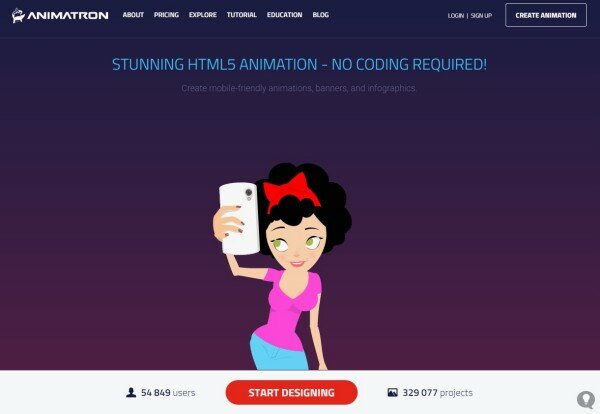
Providing the option of animation without coding opens the opportunity up to a huge number of clients, for free! With the free version, you can make up to 20 projects.
DataHero
DataHero focuses on, you guessed it, data analysis. The self-proclaimed “first truly self-service analytics tool”, the tool works with your data to create the help you examine and share your data results in style.
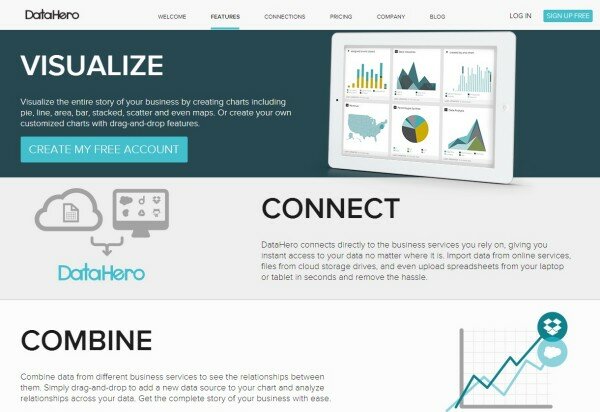
Tableau Public
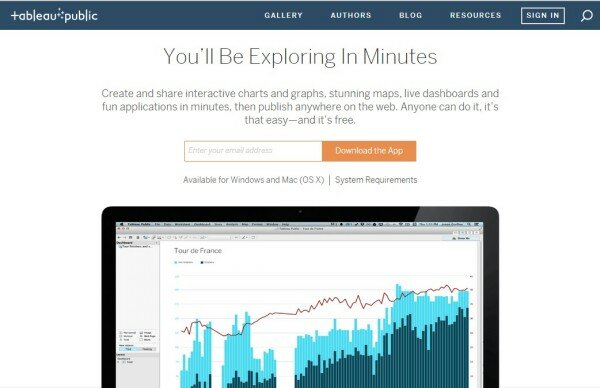
Another great option for data visualization, Tableau Public supports users in showcasing their data through attractive graphs and charts. It is a perfect fit for businesses and students.
Free Online Image Editors
Aviary
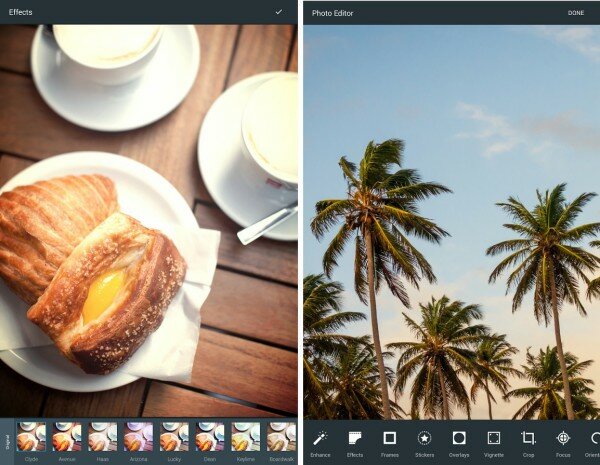
Aviary is a spirited editor with an essential focus on photos. We hope that they roll out more options in the near future, as their filter selection is pretty small, even for a free app.
Sumo Paint
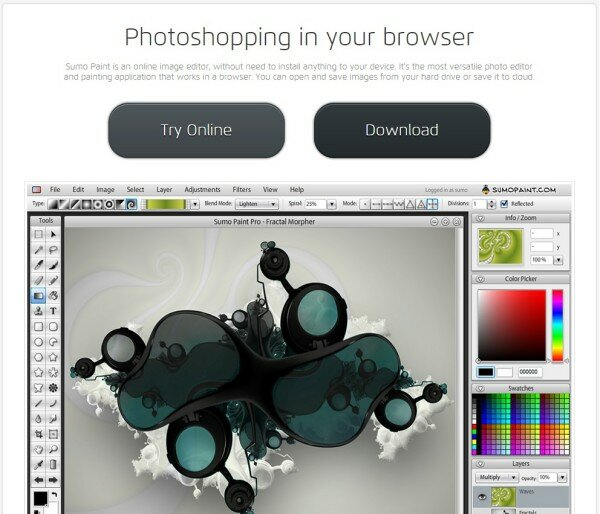
With more features than almost all other free image editors, some go so far as to describe Sumo Paint as Photoshop for Chrome. The online image editor is certainly worth a try, and you have the option of using it online or downloading it to your device.
Pixlr
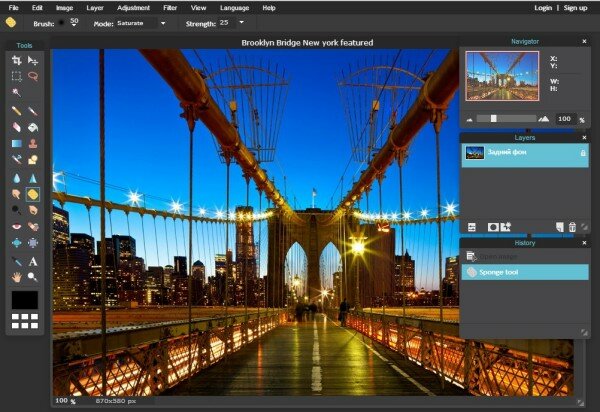
Pixlr is jam-packed with features, a welcome find in the world of free photo editing. The site has a similar feel to Photoshop and certainly tries to include some of the more legitimate selections available in such robust software. However, Pixlr is not made with the total novice in mind, so come ready to learn.
PicMonkey
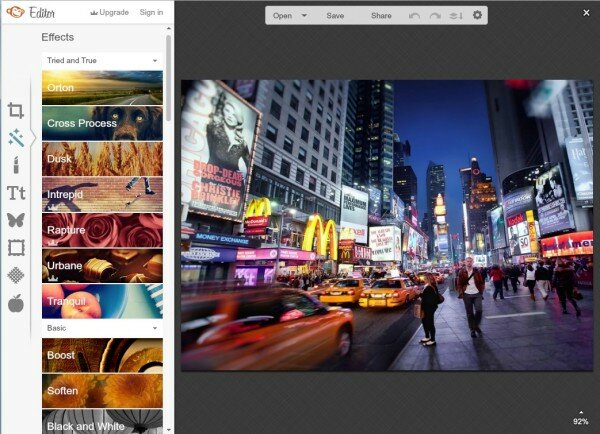
PicMonkey is a user-friendly photo editor with seemingly endless filter and editing options. That is, until the premium services sneak up on you.
BeFunky
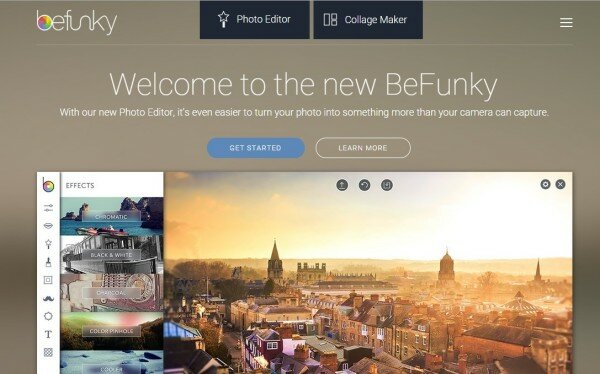
BeFunky is a lively application that is home to an impressive number of filters and features. It’s built-in, customizable collage maker is a real highlight. Accessible essentially anywhere, this program is perfect for those new to the field.
Fotor
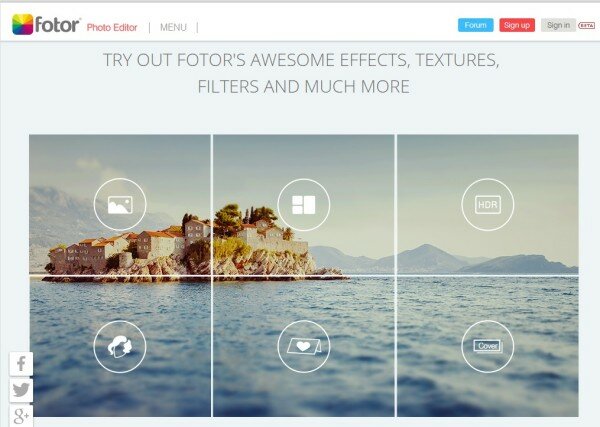
Another excellent site for photo editing and manipulation, Fotor is the perfect match for the total novice, combining a clean interface with the exciting opportunity to test out plenty of features to find the perfect fit for your photo.
Ribbet
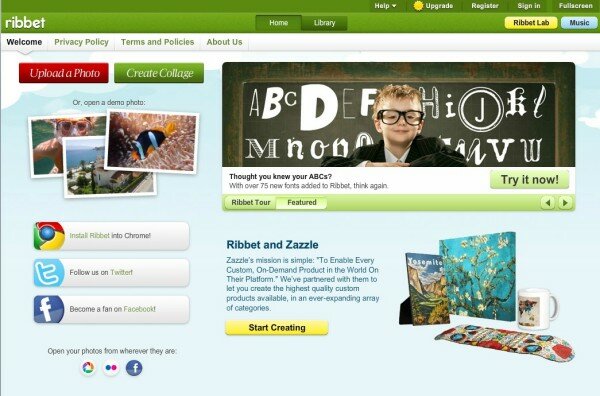
Ribbet’s photo editing software lacks the style of some of the other options, but still packs a punch in features and final results. Be aware that the premium features will sneak up on you, though.
Photoshop Express
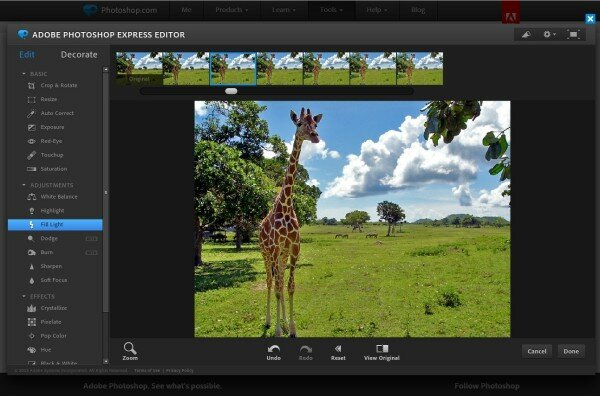
Photoshop is basically the be-all, end-all of photo editing software. The site offers just a teaser of the real thing, but it’s safe to say that the free features offered by Photoshop Express are a great place to get started.
LunaPic
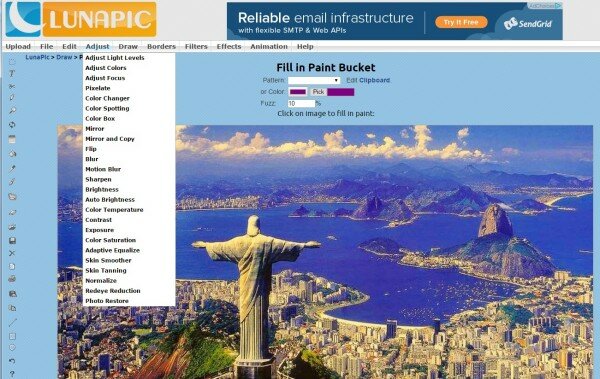
LunaPic gives users the chance to edit with accuracy, and still throws in some fun features on the side. The sites interface, unfortunately, leaves users wanting.
FotoFlexer
FotoFlexer has some powerful possibilities, including the technically advanced layering feature. Such impressive options are unfortunately not made easy to grasp for beginners, making this site a bit elitist.
iPiccy
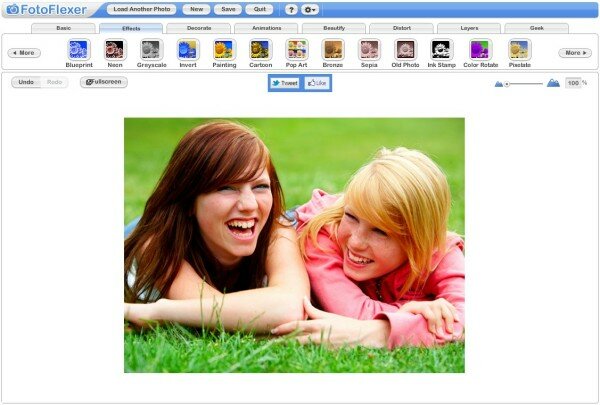
Despite its sparse layout, iPiccy provides users with all the essentials they’ll need to enhance their photos. With an upgrade to the sites interface, this site could really take off.
Photobucket
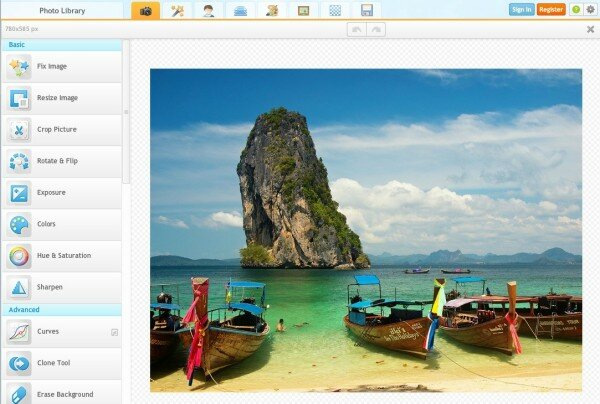
Photobucket’s main claim to fame is its ability to work with large file sizes. Despite its obviously limited set of features, the site still offers a great option for sharing your photos on social media.
Pho.to
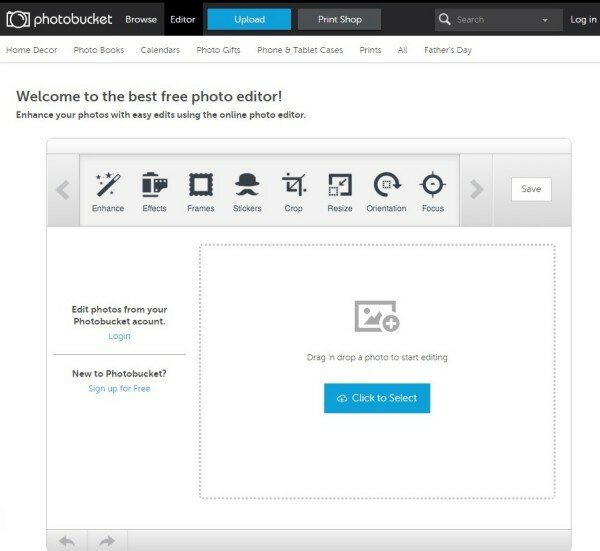
Despite the serious face of this site, the features provided are generally quite simple. It can be used as everyday photo editor, and those new to photo editing will enjoy the one-click enhancement options.
PhotoCat
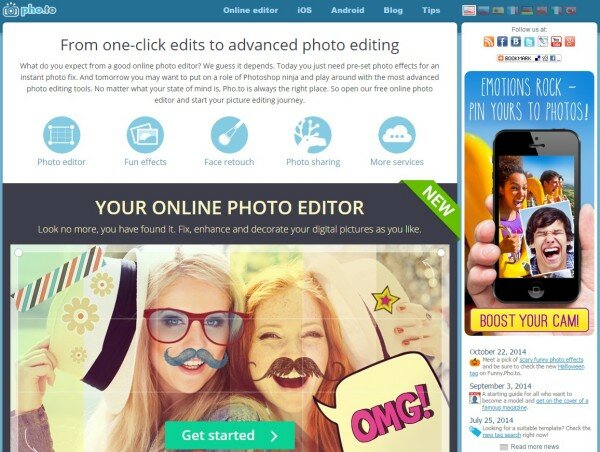
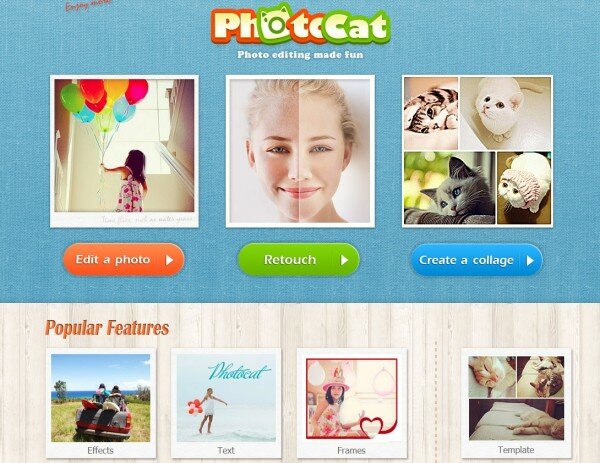
With a straightforward interface and impressive features, PhotoCat lets users rest easy knowing they’re creating cute and lovable photo edits. The site has an ‘invite your friends’ options to unlock pro features for use.
Polarr
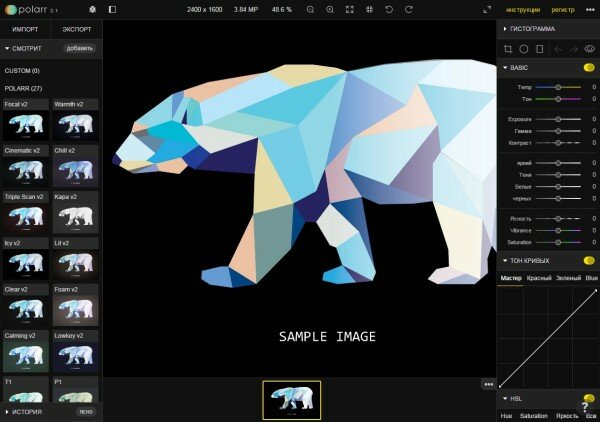
Providing some classic photo editing features through a no-nonsense interface, Polarr is not about gimmicks. Of course, the site lacks some useful tools for the serious editor, but that’s to be expected with free software.
Free Online Logo Makers
Logotype Maker
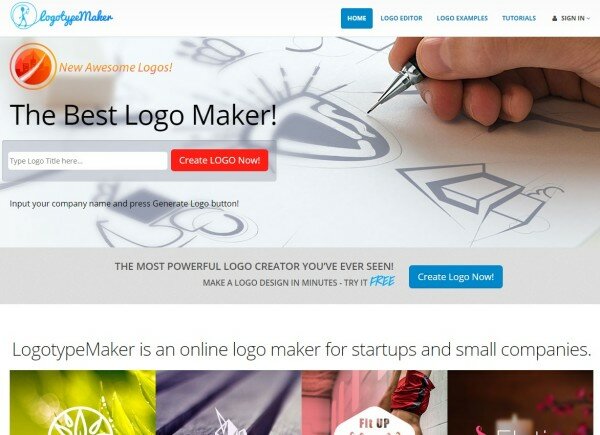
Logotype Maker is a user-friendly tool that allows clients to create their logo from scratch or adjust one that’s already in existence. It’s a perfect choice for small companies and startups who want to showcase their professional side.
LogoGarden
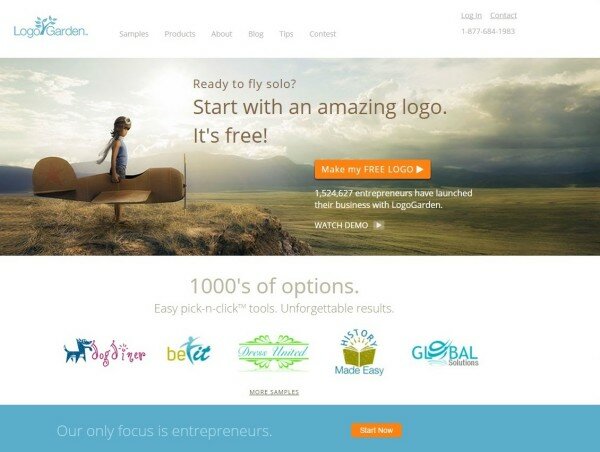
With an impressive library of images and symbols to help customize your logo, LogoGarden comes with basic design tools and some stunning visual effects. You might want to be careful, though, since the company has recently been criticized for stealing their images without permission.
DesignMantic
Pushing the boundaries of ease-of-access even further, DesignMantic boasts the first HTML 5 logo maker, meaning it can be accessed across a variety of devices. Be aware, however, that while designing your logo is free, owning it will cost you.
GraphicSprings
Another site that lets you design for free, but pay for downloads, GraphicSprings is still a favorite amongst startups and those who want logos for personal use (such as for a wedding or baby shower). Claiming the ability to create a logo in less than a minute, we can see why the site might have its appeal!
Hipster Logo Generator
With a self-described niche market of Hipsters, the Hipster Logo Generator is pretty much perfect for the audience to which it caters. So if you’re thinking of branding the next cat-wine café or marketing your moustache smoothing products, this is the site for you.
LogoYes
LogoYes gives you the chance to create professional quality logos, but recent reviewers have seemed a little disgruntled about hidden costs.
Logo Maker by Zillion Designs
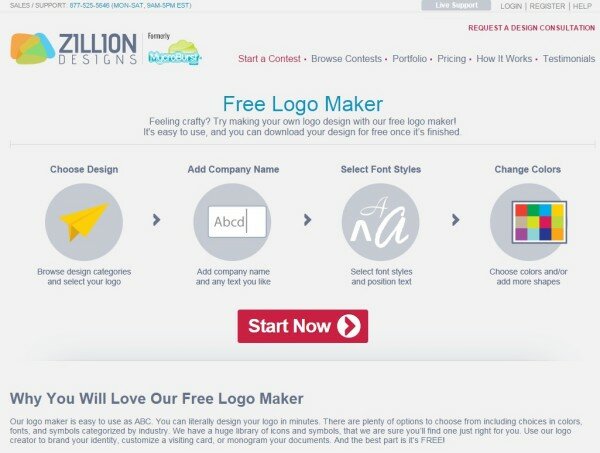
While technically free, there is a catch with Zillion Designs’ Free Logo Maker; they request a mention of their company on your blog or website. In exchange, you can download your logo for free! The site is easy to navigate and even has fun features like logo design contests for budding designers.
Logaster
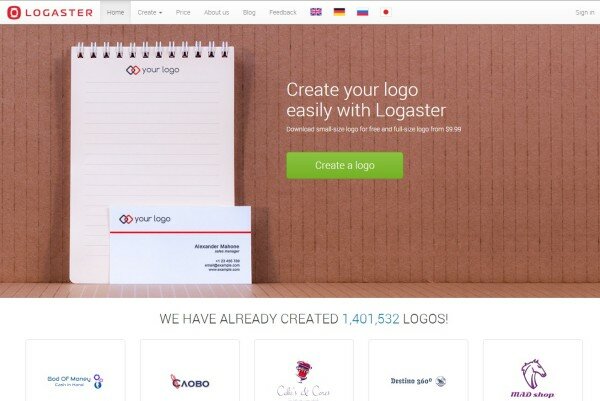
With free design and low-quality downloads, Logaster’s option to compare multiple versions of your logo, with simultaneous edits is a big plus. The website is straightforward about any potential costs, and gives free users, well, a lot of freedom!
LogoBreeze
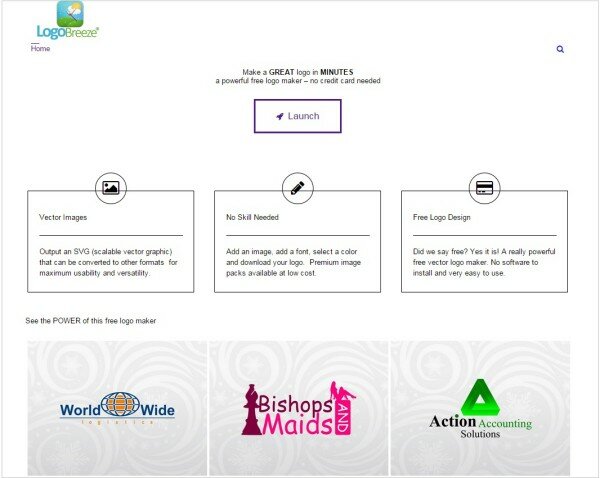
With one of the least impressive layouts we’ve seen, LogoBreeze doesn’t seem to have marketed itself as well as it claims it will help you brand yourself! Still, the site uses scalable vector graphics which might be enough to draw in some relatively serious designers.
Designapp.io
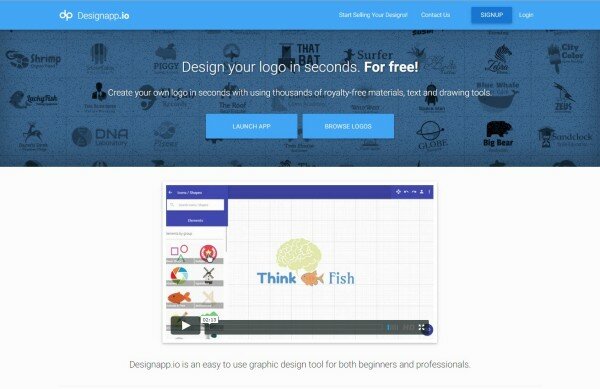
Designapp.io lets users design their logos for free, and includes other options including banners and letterheads. The site also offers designers a chance to sell their logos, while still allowing users to download their designs for free.
Free Tools to Create Images for Blog and Social Media
Canva
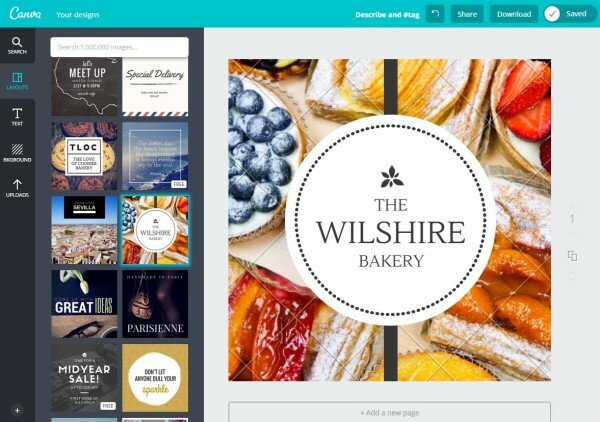
Canva pretty much cover it all. With an extensive library of templates for different social media elements, including cover photos, posts, and even advertisements, Canva helps you design according to your individual preferences and come away with a comprehensive result.
Recite
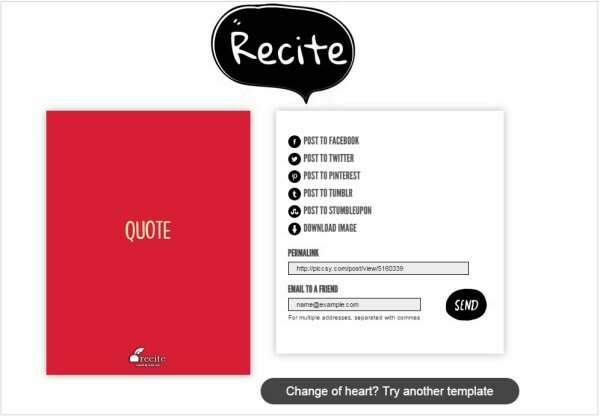
Recite has a very specific task and it delivers perfect results. The site functions to make beautiful quotes from the text you input. Practically effortless to use, Recite just asks you to input your text and pick your favorite template.
Pablo
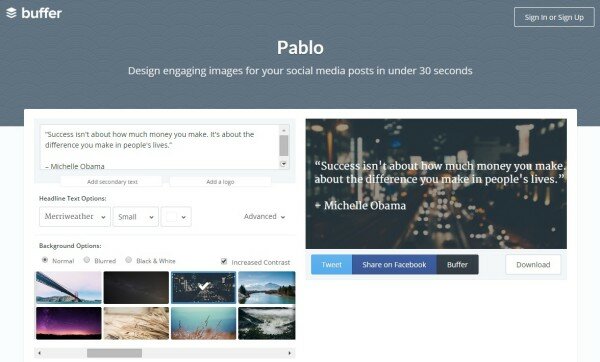
Another site claiming fast turnover, Pablo by Buffer promises beautiful results for your social media needs in less than 30 seconds. The site is slowly allowing for direct sharing, but still requires going through Buffer for sharing to most of your social media networks.
Social Image Resizer Tool
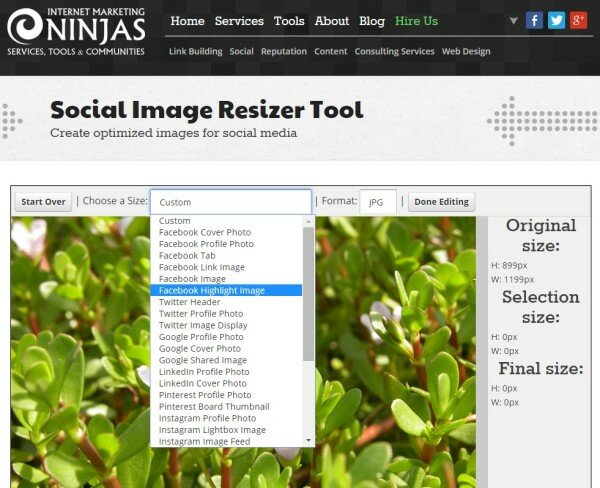
If you’re often uploading photos that need to be accurately sized, then Internet Marketing Ninjas have the tool you need: a free resizer that will help you get the perfect size and aspect ratio. The site has presets for Twitter, Facebook, and Google+.
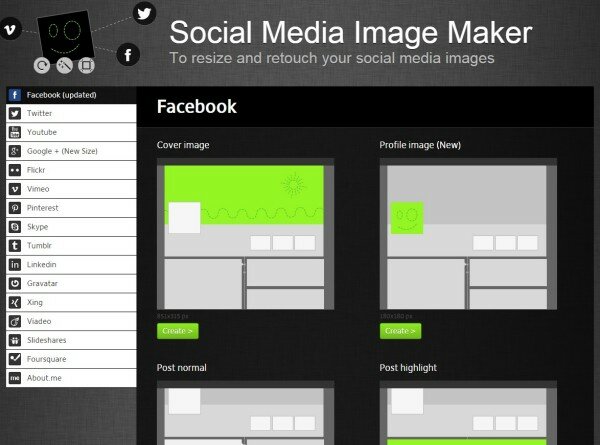
Social Media Image Maker
Essentially offering the same service as the Social Image Resizer Tool, the Social Media Image Maker is a better option for users who switch between types of social media option, since the site includes presets for YouTube, Flickr, Tumblr, Vimeo, and several more.
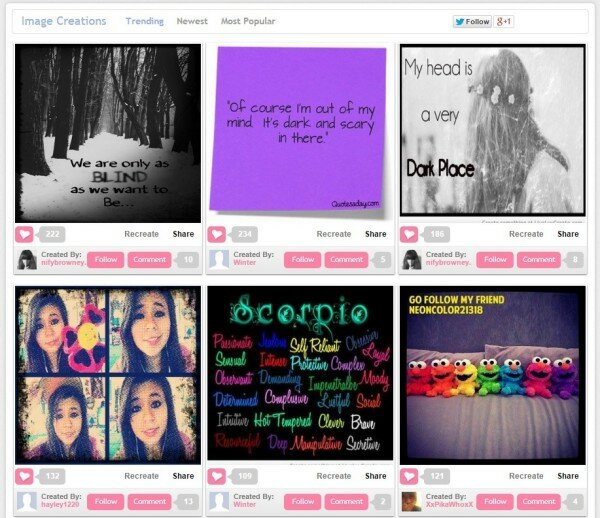
LiveLuvCreate
This cute site allows you to create images with either your own background layout or one of the websites several options. With an easy-to-follow process, you can quickly create shareable images and post directly to Facebook, Pinterest, Tumblr, and Twitter. The site also includes the option to download your creation for free.
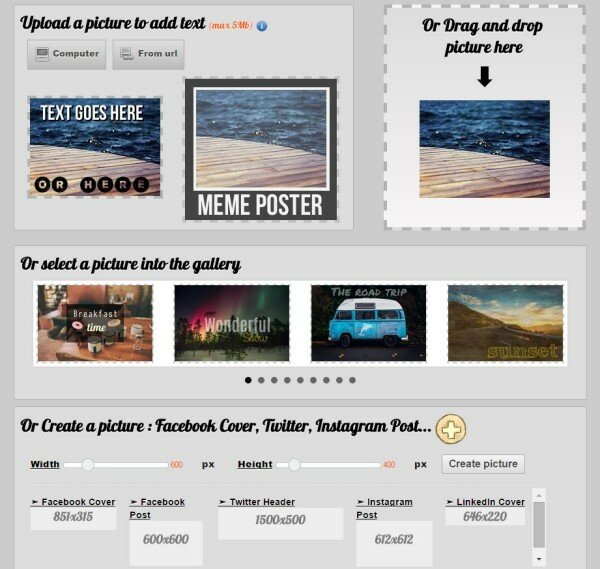
Picfont
Picfont is all about adding text to images. The site generates embedded codes for your finished images and also has the option of downloading your finished image to your computer.
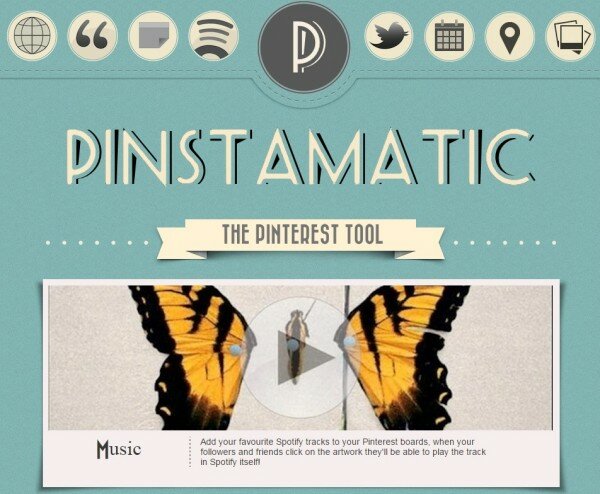
Pinstamatic
Pinstamatic is a site to be used with Pinterest. The goal of the site is to make your experience on Pinterest a smoother, more enjoyable one. For instance, the site will let you share music to your Pinterest boards for others to play, without ever leaving the site.
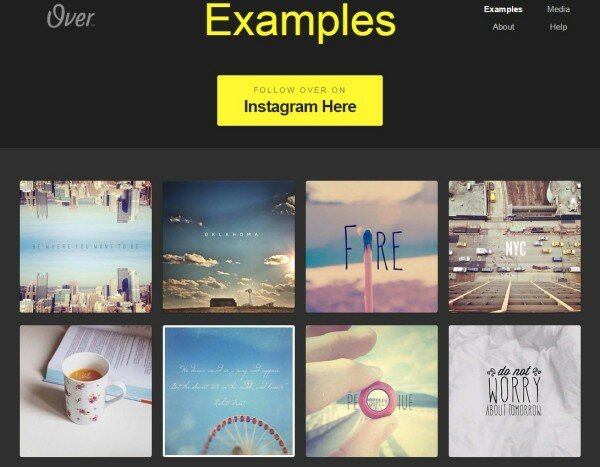
Over
Over is a great tool for the blogger who is always on the move. The site gives you the option to put text over graphics from the comfort of your mobile device with the option to post it immediately to your social media networks.
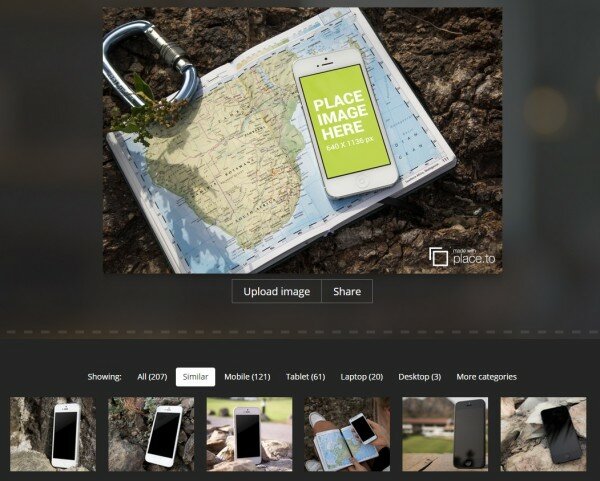
Place.to
Place.to gives users the opportunity to create gorgeous mockups of their technical creations without having to go to all the trouble of a photoshoot. With free and paid options, the site is definitely worth exploring if you’re in the market for marketing support!
Free Tools to Create Facebook Cover Images
Pagemodo
Pagemodo has an impressive user base, which attests to the variety of themes, images, and symbols available for use on their site. While you can try the site for free, premium accounts range from 4 to 20 dollars a month, depending on your type of use.
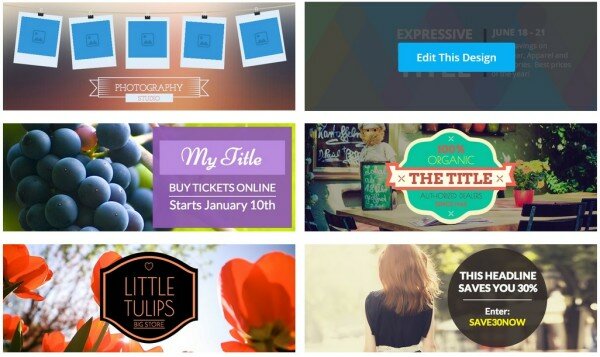
Easy Cover Maker
Easy Cover Maker strives to provide exactly what it describes in its name. However, the sites awkward layout can make it a bit of a pain, especially when so many other great options to try instead.
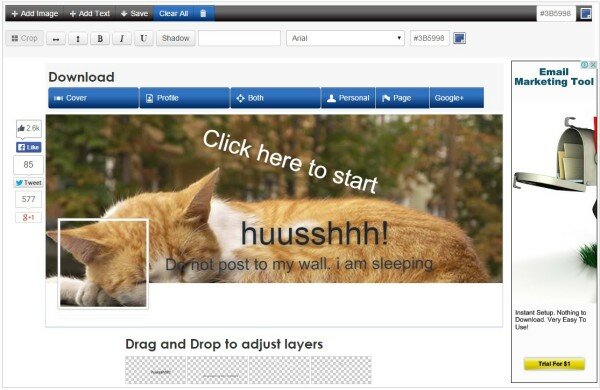
TrickedOutTimeline
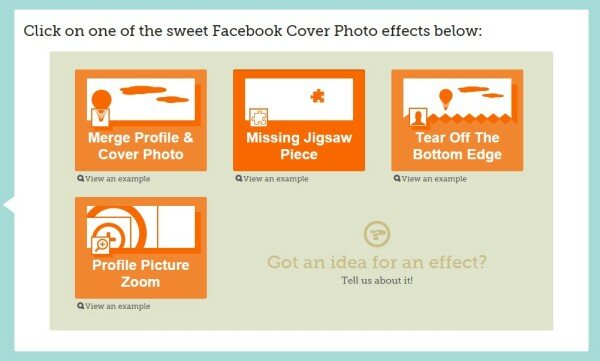
TrickedOutTimeline is a fun, trendy site for creating the coolest cover photos. Catering to younger audiences, the site offers some neat effects and is welcome to user input for future options.
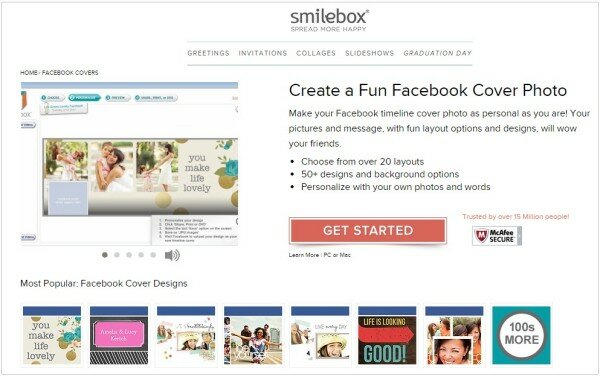
Smilebox
Catering to almost the opposite audience as TrickedOutTimeline, Smilebox offers elegant and simple layouts for any occasion. This is a good site for a wedding anniversary, your grandchildren’s birthdays, and the chance to spread some Christmas spirit on your office’s Facebook page.
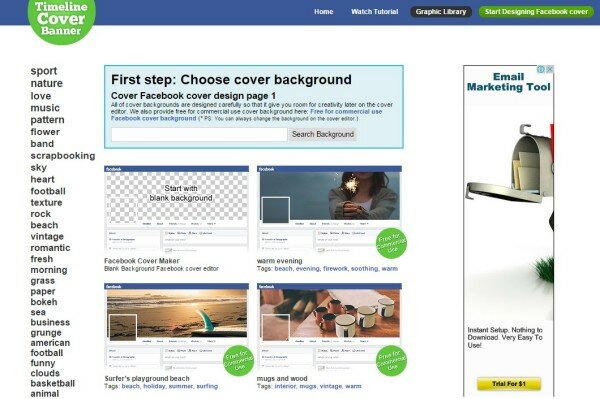
Timeline Cover Banner
Another site that lacks in accessibility, Timeline Cover Banner does provide great options for successful cover photos. It just takes a little bit too much trouble to navigate for clients with fast-paced lives.
Free Tools to Create Twitter Header Images
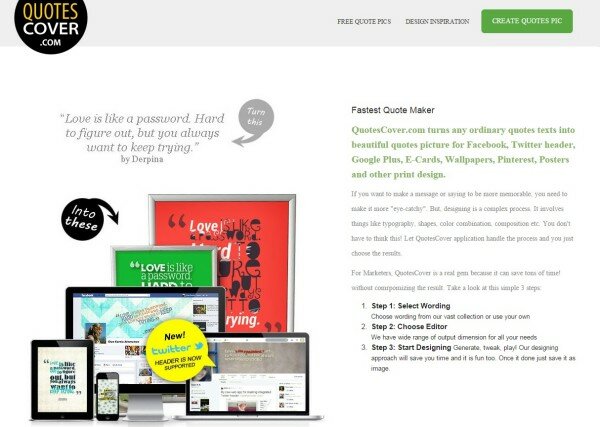
QuotesCover
Highly customizable and offering quotes for inspiration, QuotesCover has an easy, three-step process to follow before your quote is ready for sharing.
Themesltd
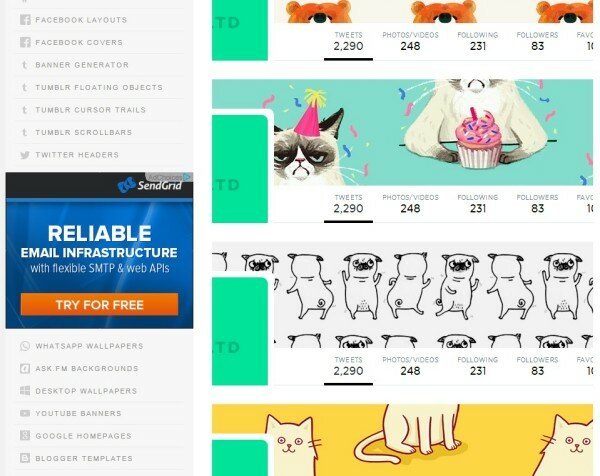
Specializing in Twitter and Tumblr images, Themesltd is a great option for crafting eye-catching header images… Though we do recommend the site do an overhaul of their own brand sometime soon!
InstaBG
InstaBG lets you link photos from your Instagram to Twitter with ease. With no need to register, the site keeps think uncomplicated and undemanding.
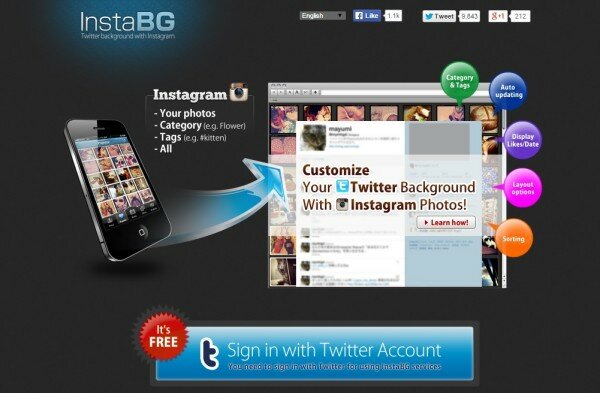
Photo Collage
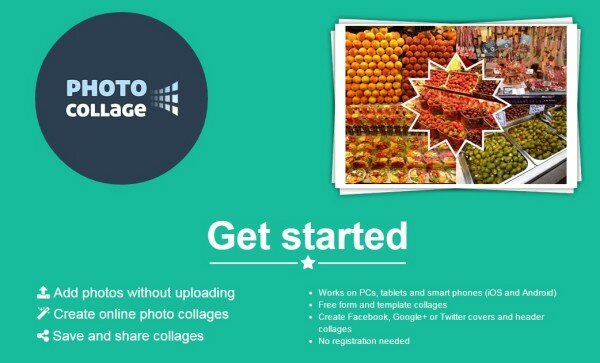
Winning the internet with their perfect URL, Photo Collage is a versatile site that gives users a hassle-free experience when creating fancy Twitter Headers.
Twithelper
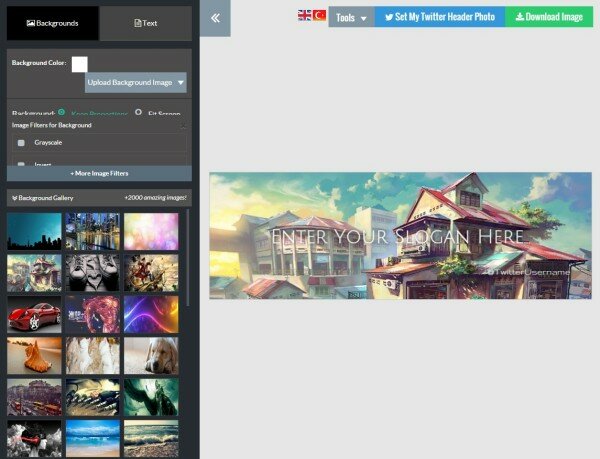
With an almost too-easy to use site layout and great options for creating your personalized Twitter header image, Twithelper is a great choice. If you’re looking for a trouble-free option, and don’t care about having an overwhelming number of features, this is the site to check out.
Free Tools to Make Advert Banners
iKomee
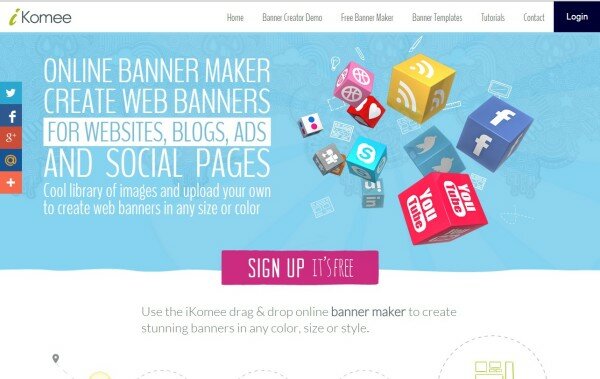
Including a step-by-step tutorial, iKomee is a great resource for those fresh to the lucrative business of advertisement banner creation. With a drag-and-drop option, compatible with an expansive list of social media sites, iKomee makes the banner creation a relatively painful process.
Banner Maker by Fotor
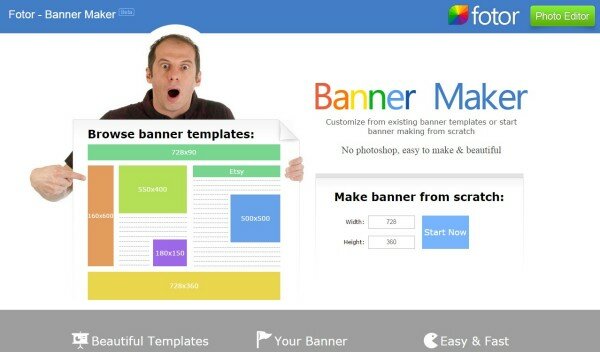
With a modern interface and options to use pre -made templates or create your own from-scratch layout, Fotor has once again delivered the goods as promised with their Banner Maker.
HTML 5 Maker
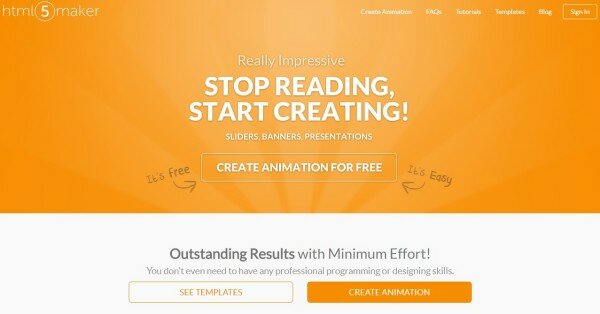
The option to lure in buyers with animated advertisement banners means that HTML 5 Maker caters to the more experienced creator. Please note, however, that the site allows free users only one animation, and sticks a watermark on it to boot. It’s probably not worth it unless you’re willing to shell out a little cash…
AvocadoBanners Generator
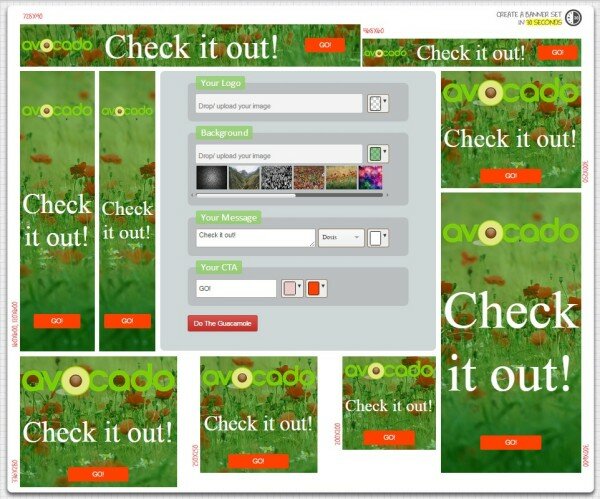
Aside from making us hungry, the Avocado Banners Generator has some simple steps to follow and lets you create 9 banner ads in real-time.
MyBannerMaker
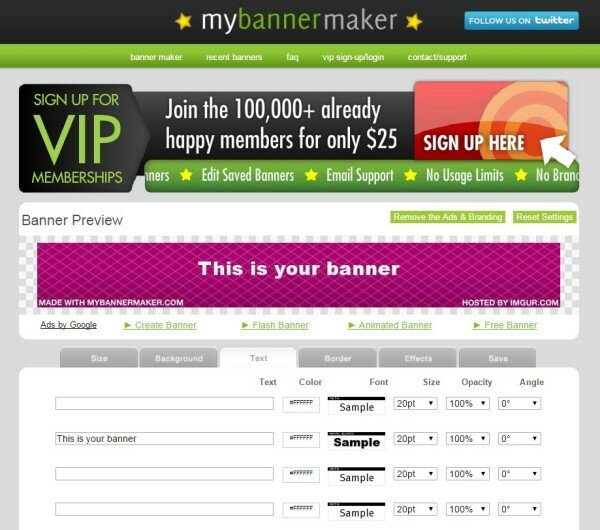
A step up from our Avocado friends, MyBannerMaker is still a bit problematic to work with thanks to an unexpected interface and the obvious placement of advertisements. Still, the process is simple and could easily become your favorite banner-creating tool.
Free Funny Image Generators
RedKid
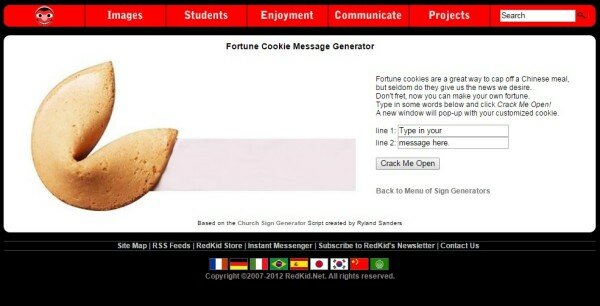
With a layout and interface that reminds us of our own childhood on the World Wide Web, RedKid is in need of an overhaul, both in terms of looks and user-friendliness. However, it does offer a wide range of various funny images you can add your custom text to.
Magazine Cover by Big Huge Labs
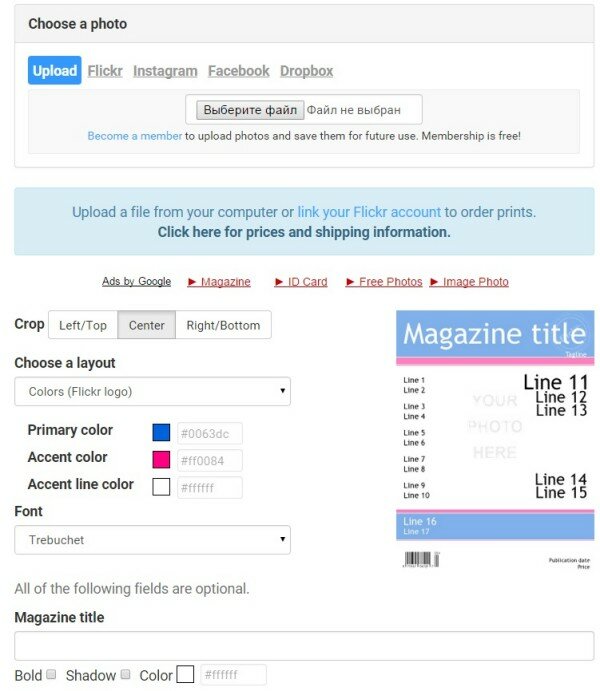
Giving only premium users the option to turn off pesky advertisements, Magazine Cover by Big Huge Labs leaves the free user wanting. With a factory-style input page and a definite focus on making some money, this site is not our first choice, but it’s fun to play with.
What (people think) I Do Generator
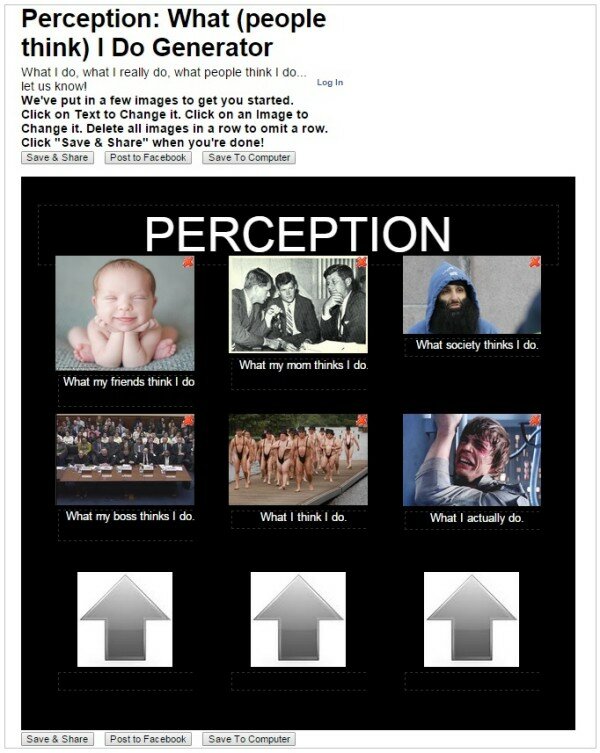
Definitely catering to a niche category of image makers, What (people think) I Do Generator is more of a meme template creator than a funny image creator. Still, these images are going to be having your viewers laughing if you do it right!
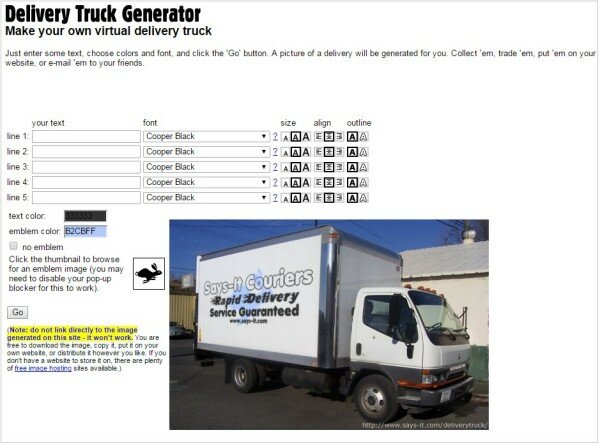
Delivery Truck Generator
Another very specific output is possible through the Delivery Truck Generator site. That’s right, you guessed it… you can put your image and/or text on the side of a delivery truck. However, with the site owner reminding you in bold red text of the sites current tendency to crash, it may not be the most impressive website out there.
Free Tools to Make/ Edit/ Find GIFs
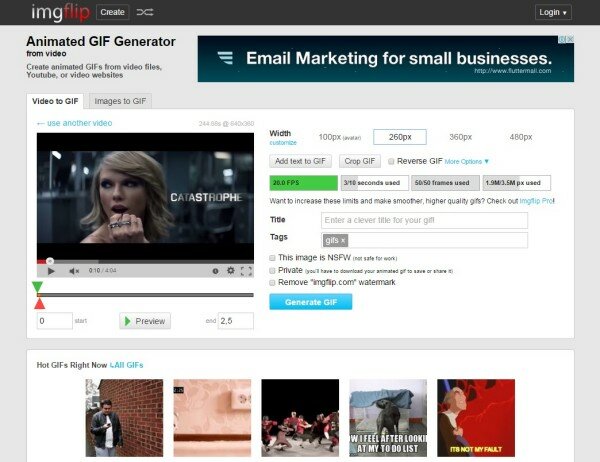
Imgflip
Imgflip lets users create GIFs with ease, and includes some fancy customizing options to make sure you get what you’re looking for. Also hosting created GIFs, the site can give you some inspiration on the side.
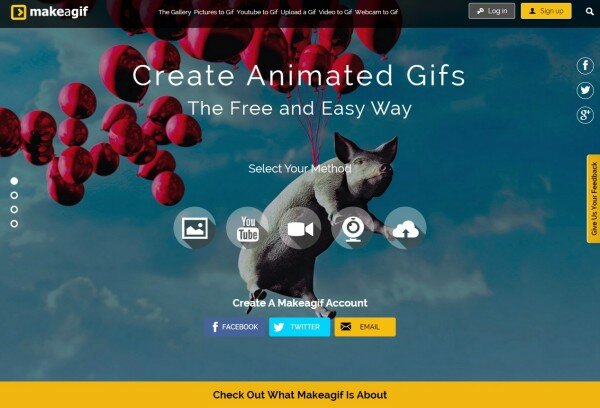
Makeagif
Makeagif is like the sexier older sister of Imgflip, with a clean interface and plenty of options to easily upload your content. Requiring a sign-up, Makeagif might just be worth the extra effort.
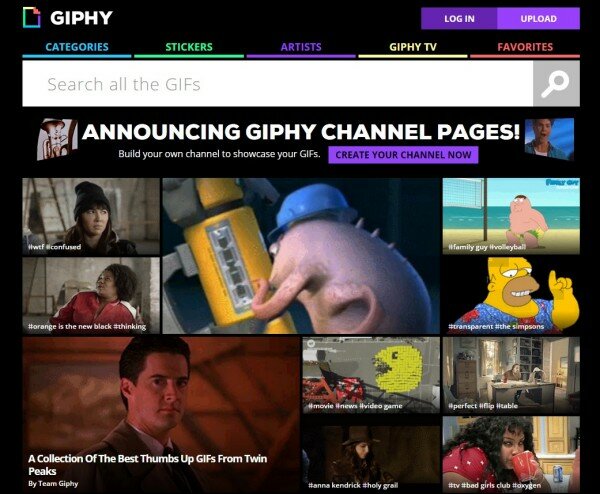
Giphy
Giphy is best known as a search engine for all your GIF needs. With user contributions as well as content-inspired lists and articles, Giphy is a GIF-freaks heaven-on-the-internet.
GifYt
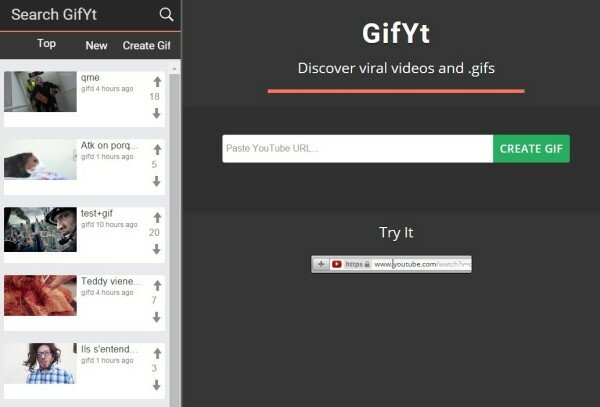
GifYt is a two-in-one deal, offering users the option to create GIFs as well as to search already developed content. However, first-timers should be aware that the site works only with Youtube video uploads.
GifDeck
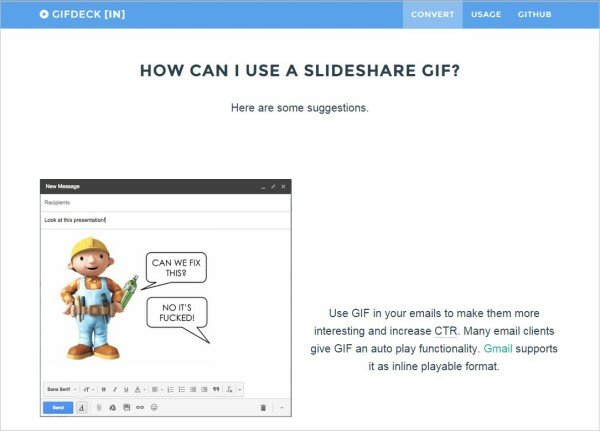
Another site with a narrow focus, GifDeck gives users the option to easily create a GIF from Slideshare. Users are next given the option to share it via Twitter or email.
Free Tools for Making Memes
Imgur
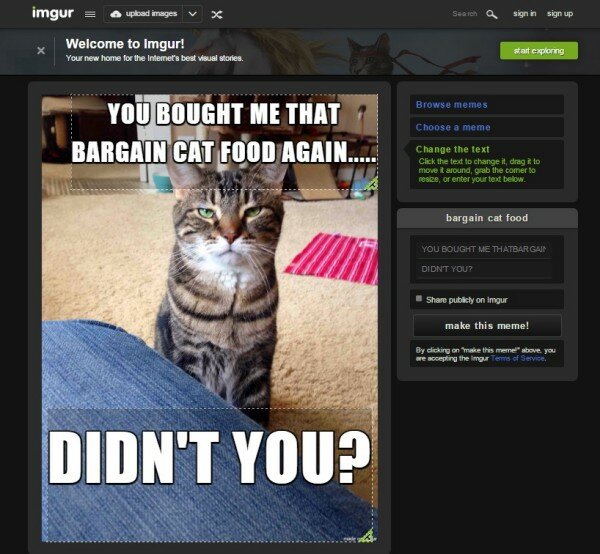
Boasting a drop-down selection menu and the chance to view popular memes in the category, Imgur’s meme creator is a quick and efficient means to develop and share new meme content.
MemeCenter
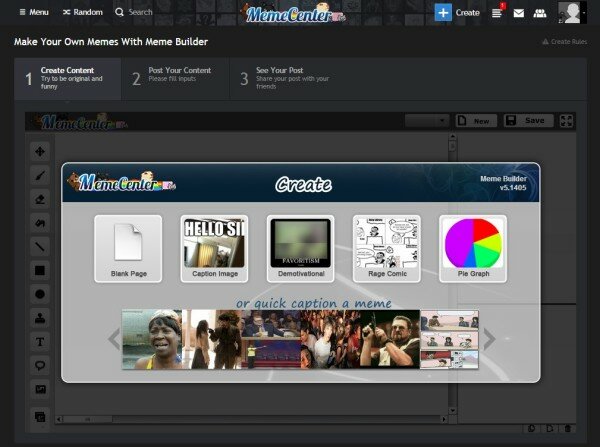
A website known for its impressive library of memes, MemeCenter also offers users the chance to create their own content. With the reminder to “try to be original and friendly”, MemeCenter’s attitude goes well with its no-nonsense, reliable interface.
Meme Dad
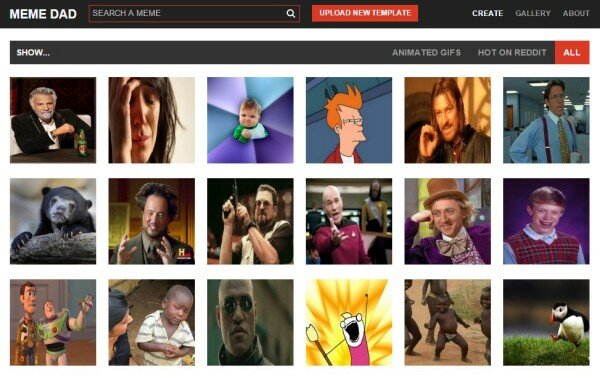
Another site with dual search-and-create functions, MemeDad is an option for quickly and painlessly putting together new Memes. Still, we would recommend other options over MemeDad, since the site can be a bit finicky to use.
Pokeme
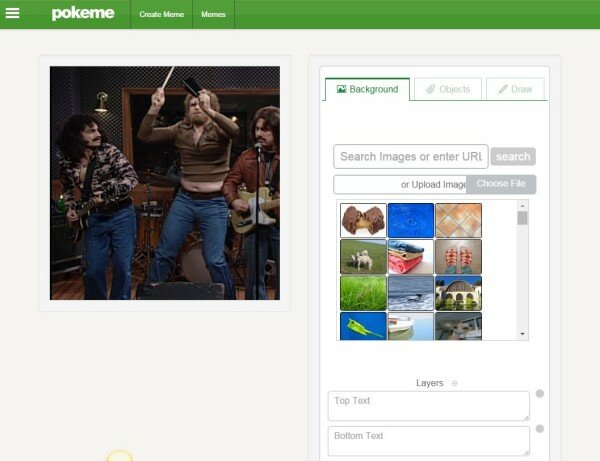
Though not as sophisticated as some of the other meme-generating sites, Pokeme is relatively undemanding for users. Still, the site doesn’t seem to have quite got down the idea of Meme’s, since it doesn’t have a focus on the viral images we are so used to sharing. Put that in another light, though, and Pokeme gives you the chance to be even more individual and creative…
Livememe
Seriously easy to use, Livememe may not be the classiest site out there, but it sure makes the creation of a meme as easy as a quick scroll and click. This software is definitely worth checking out if you want to get your content out there fast.
Free Tools to Create Charts
Piktochart
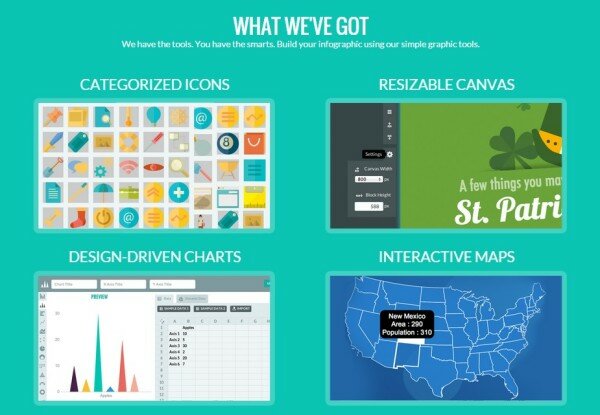
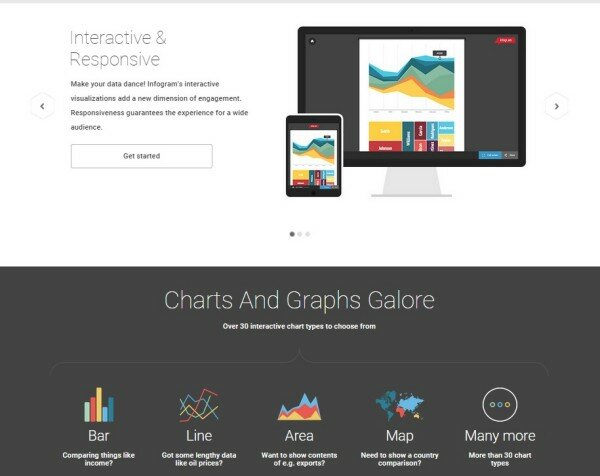
With impressive free options, but the inclusion of an irksome watermark, Piktochart gives users the option to create custom charts through a remarkably simple to follow process.
Infogr.am
Another stylish site, Infogr.am lets users create ten charts for free before asking users to switch to a premium account. With an orderly interface and options for quick sharing, Infogr.am is a site worth trying.
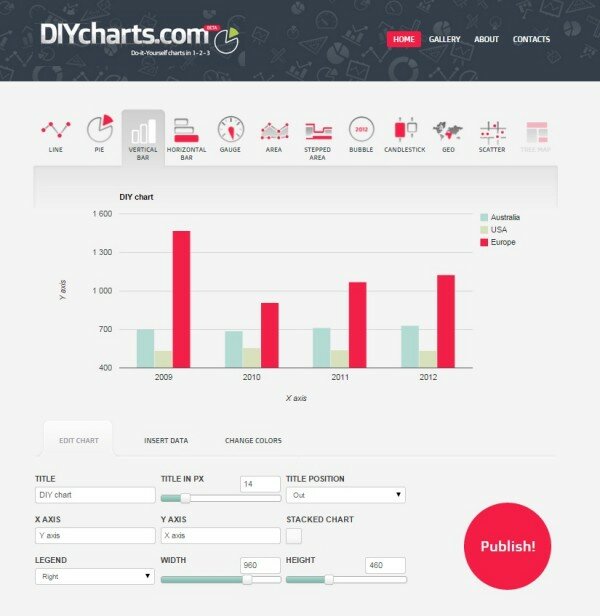
DIY Charts
DIY Charts seems to be a pet project, yet the site is a straightforward yet impressive tool for your chart-making needs. It is probably better if you know a little something about charts, since details are required in technical terms.
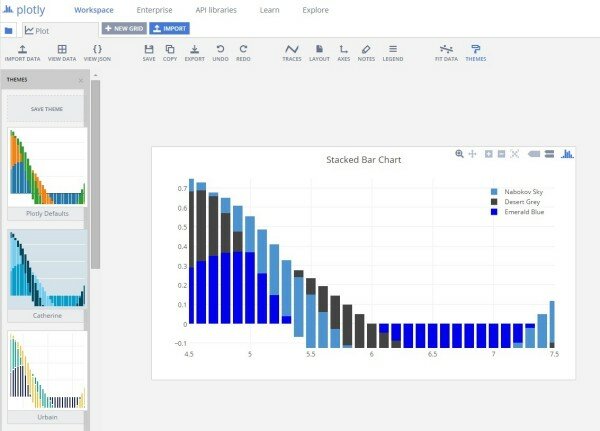
Plotly
With a cute name like Plotly, you might not expect to have a big pop-up asking you to sign up before trying the features (which you don’t actually have to do). Still, the site is accessible and gives you the opportunity to create some gorgeous charts that will be sure to impress.
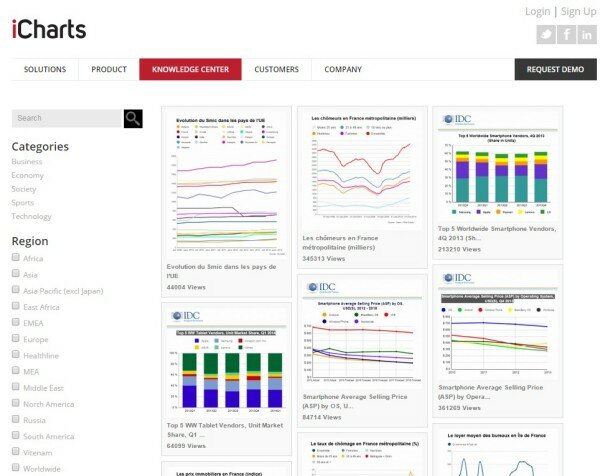
iCharts
iCharts is for the serious chart maker. With a functional interface and claims to unrivaled expertise in the field, iCharts cloud-based interface is certainly unique. For users new to chart-making, however, be aware that the learning curve will be steep.
ChartBlocks
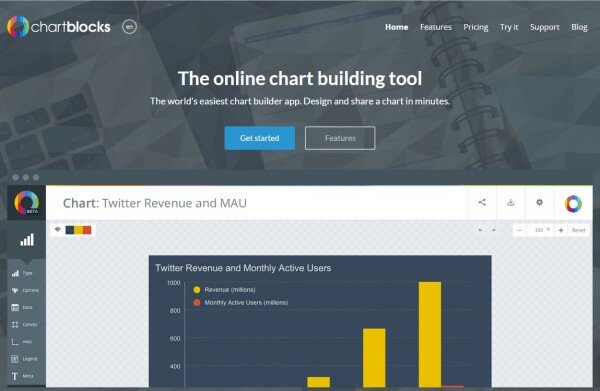
Again offering limited features to free users, ChartBlocks smart layout can still easily draw in users. Built to be usable by even the least technically-aware individuals, the site is simple and the chart making process is easy to follow.
Datacopia
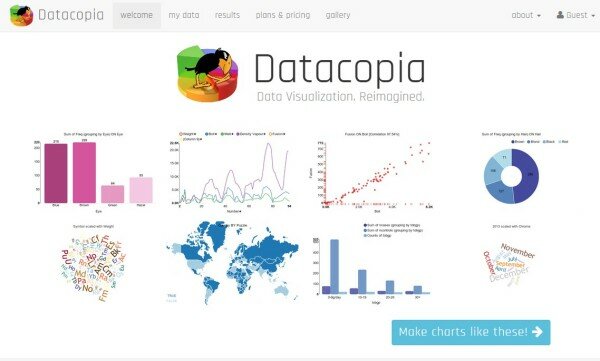
Visually fresh, Datacopia offers numerous templates and customizable options to users. However, free users are going to be stuck with a watermark if they want any semblance of quality in their exported charts.
amCharts
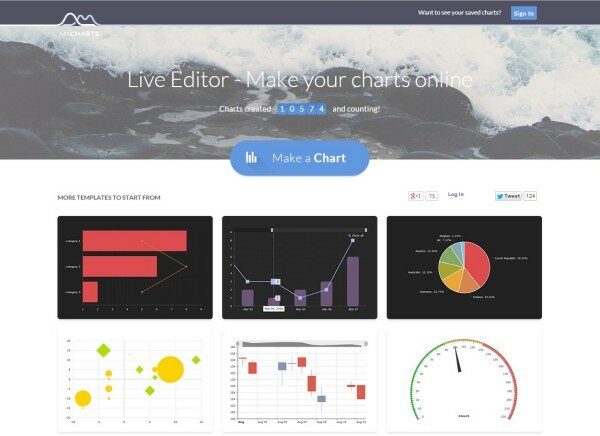
Another site with a strong interface, amCharts started as a mapping service which has since broadened into all-things-chart. Offering users an “inspiration gallery” and other cute features. Instead of forcing free users to have a watermark, they include a link to their site on all downloaded charts.
RAW
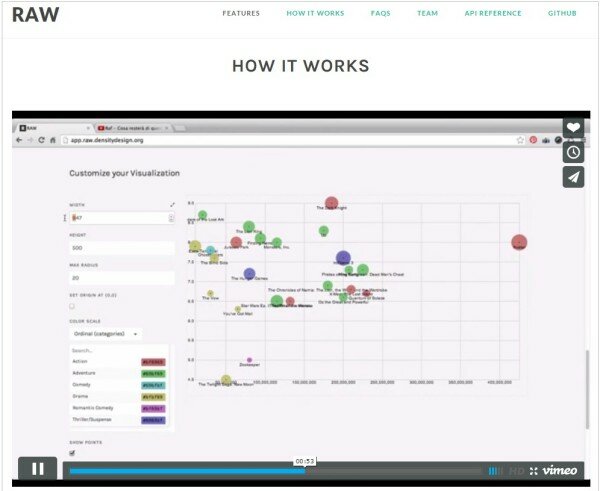
An edgy site, RAW wants to make sure your charts look their best. The key to this, they propose, is the inclusion of vector images. Potentially better left to those with an ounce of computer savvy in their bones, RAW includes a support network through Google Groups and plenty of FAQs for more complex chart creations.
Online Chart Tool
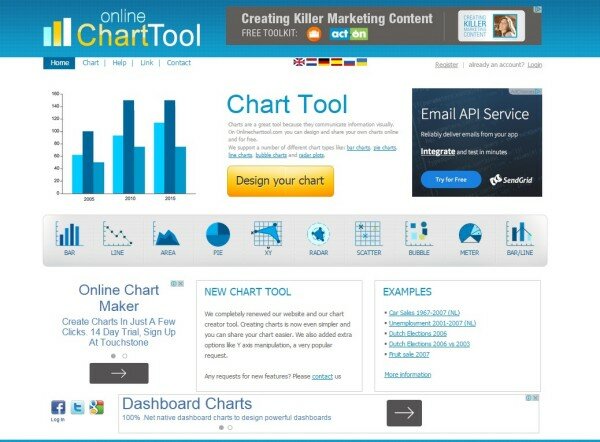
Though the site has a busy layout, the Online Chart Tool is quite simple to use once you get started. If you already know what you want out of your chart, and you’re happy without frills and extra features, this site will be a good choice.
Free Tools to Make Collages
Ribbet
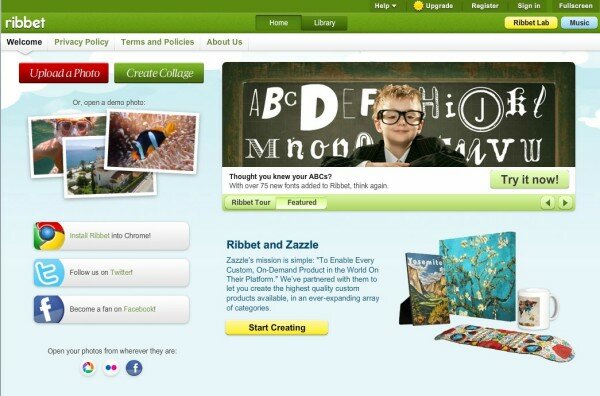
With over 50 collage templates and plenty of customizable options, Ribbet makes up for its messy layout by giving your bang for your (lack of) buck.
PhotoVideoCollage
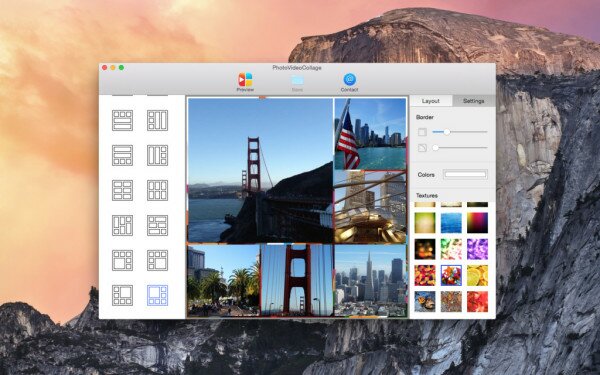
Providing users with the chance to make moving collages with music, video, and photos, PhotoVideoCollage is a great option for those looking for animation. The option to edit video in-house is particularly welcome. That said, this is yet another site that could use a modernizing overhaul.
PiZap
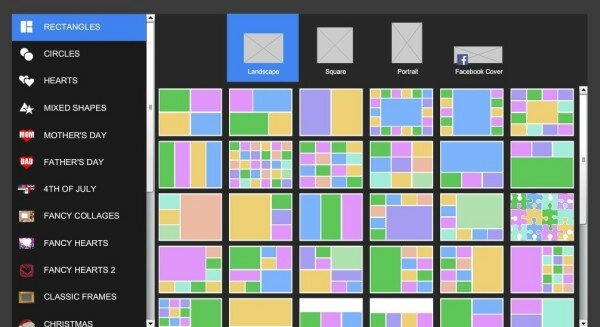
You can individually edit your photos before putting them into a collage with PiZap. However, any downloads must be made through iTunes, so this site is essentially useless unless you’re also an iTunes customer.
Collage.com
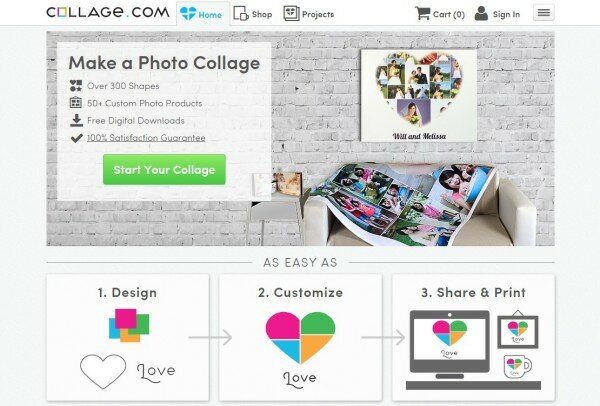
Offering free downloads, Collage.com focuses on creations that can be used in real life. For example, why not stick your collage on a blanket or a coffee mug? Still, the free online features aren’t a bad option for a user who just want to share on social media.
Loupe
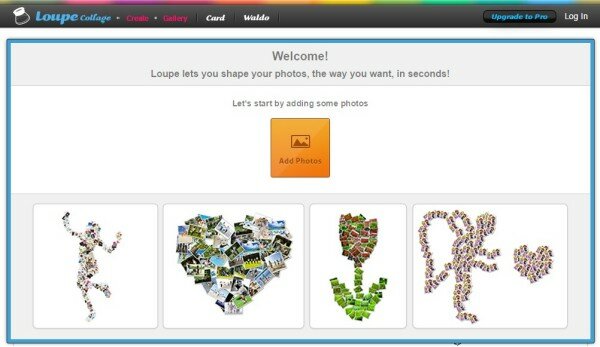
This practical site is user-friendly and offers plenty of unique templates and layouts. It is worth checking out, especially if you feel like creating something a little kooky and out there!
Free Tools to Make Quote Images
Quozio
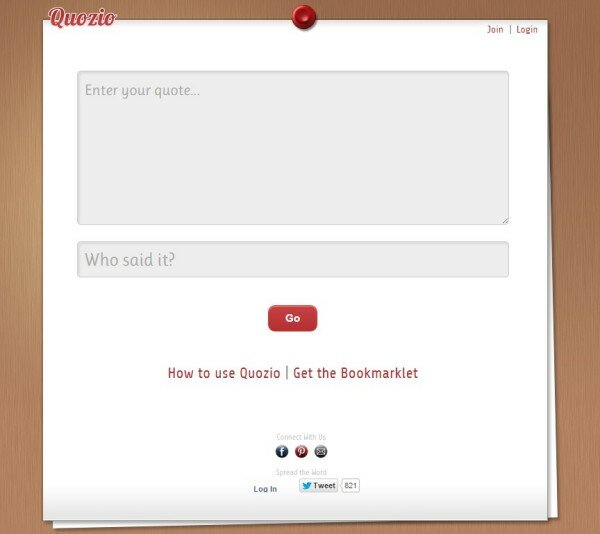
With a good selection of images, Quozio will have you personalizing your quotes in no time. With an almost useless how-to guide considering the simplicity of the site, Quozio will help you create beautiful quotes to save and share.
Pinwords
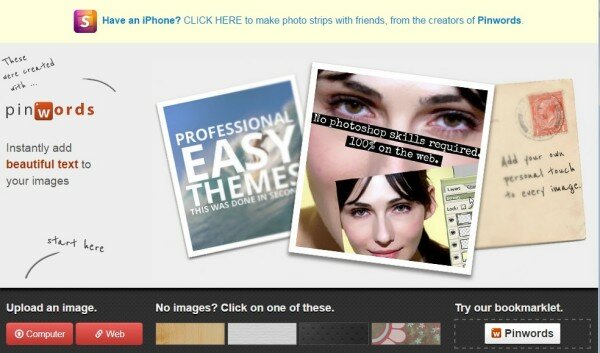
Pinwords graphics are a step up from some other free sites, and of course the site includes the option of using your own image to further customize your quote.
PixTeller
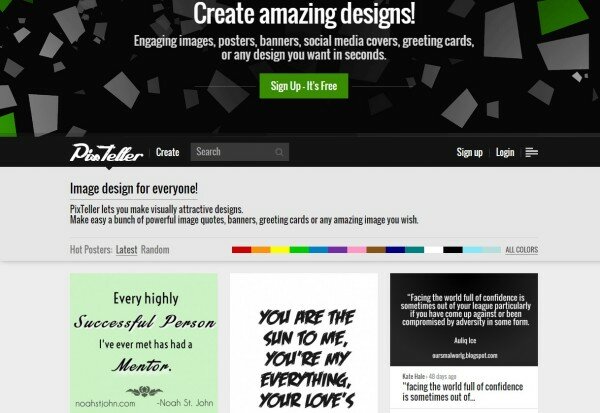
This website is easy to navigate and promises plenty of options as you individualize your quote images. With a gallery to browse, getting ideas for your own quotes is easy with PixTeller, too.
Inspirably
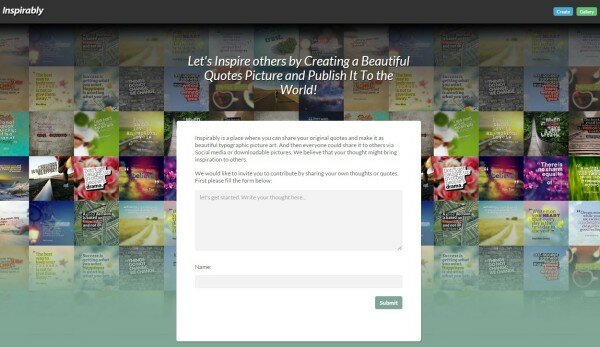
Cheerful and welcoming, Inspirably is a site that takes your quotes seriously. Use your finished quote as a wallpaper, share it on social media, or download it as a personal mantra with this free platform.

Pingback: SEO Advice for Bootstrapped Startups | Shark SEO()