
Microsoft – What’s New For Windows 8.1?

We will not be the first to say that Windows 8 has disappointed consumers and manufacturers alike. With criticized a raft of problems including an alien interface, poor development, and of course the lack of a start button. Will Windows 8.1 improve on this?
 A fairly extensive list of innovations …

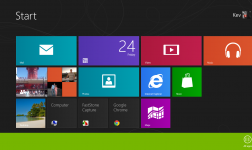
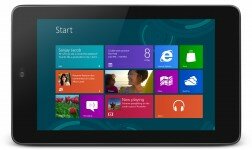
Main novelty, the return of the Start button, even if not exactly the awaited we know since Windows Vista. This information is confirmed. However, if the start button makes his comeback in Windows 8.1, it will not be possible to have a start menu as it has always been. This button will serve as transition, more precisely  as visual link between the old and new UI’s. The second priority information is the booting on the desktop, and no longer to the new start screen.
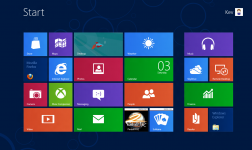
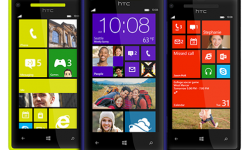
The Redmond company has announced an almost complete revision of the OS, so you can expect a drastic change, graphically and so on … Changes were made ​​to the main components of Windows 8: Lock screen, virtual keyboard and Windows store.
Native applications have also been changed (a new clock and calculator) amongst others. Similarly, functional and graphical updates have been made to main applications of the new UI. Skydrive also gets further integration, inviting users to move to the cloud for data storage, but also to access their content. 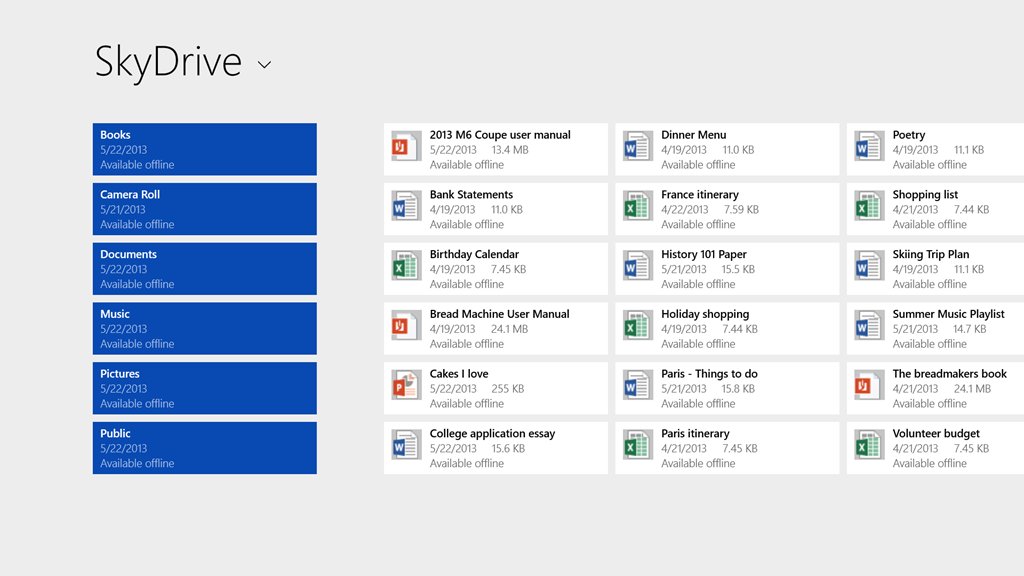 Internet Explorer will also be on the list of make overs. The windows search assistant also underwent significant changes to improve local results. It will serve now as universal search engine, combining files research, applications, options, settings, as well as Bing integration for online results.
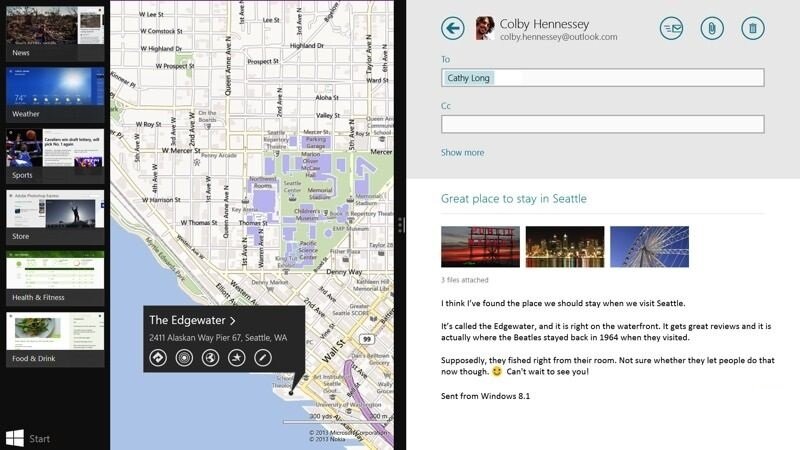
Now it will be possible to display multiple applications in the new interface. This feature depends on the display resolution used and the possibility of anchoring windows were also reviewed, but this hasn’t been confirmed yet.
Business side, with Windows 8.1, Microsoft will also try to make it more attractive for professionals. Welcome to Bring Your Own Device. Microsoft plans to facilitate the management of all devices by administrators with the addition of several dedicated tools. Therefore, corporate sensitive data will be accessible only by registered users and trusted devices.
Regarding mobility, Windows 8.1 will support printing via NFC for compatible devices, as well as Wi-Fi Direct that allows a connection between two devices (mainly for printer sharing) without requiring a gateway. Miracast, an open source alternative to Apple’s AirPlay is now natively integrated. This addition will allow a wi-fi enabled Windows 8 device to act as a wireless access point.
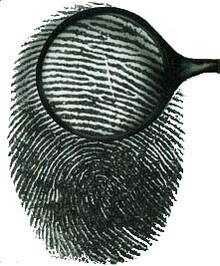
The security side will introduce the supervision of network behavior by Windows Defender (to help detect and stop the execution of malware). Windows 8.1 will also support fingerprint recognition.
Previous versions of Windows already offer support for fingerprint readers but via third-party software. According to The Verge, Microsoft and OEM’s are working on a solution for providing native compatibility for fingerprint recognition:
Slide your finger or touch a reader will allow Windows 8.1 to authenticate a finger on a Microsoft account…
The most important, is the possibility of biometrics recognition at multiple levels within the operating system with specific folders which access is provided by the fingerprint.
All these innovations have been confirmed by Microsoft and a beta version of Windows 8.1 will be available on 26th of June 2013, which will allow testing.
So, for or against Windows 8? And with this looming update would you be willing to change your mind? Why not tell us what you think about this important Microsoft update.




Pingback: Dell Precision M3800 announced with 3200x1800 screen | RefuGeeks