
Minty theme for Cinnamon 1.6

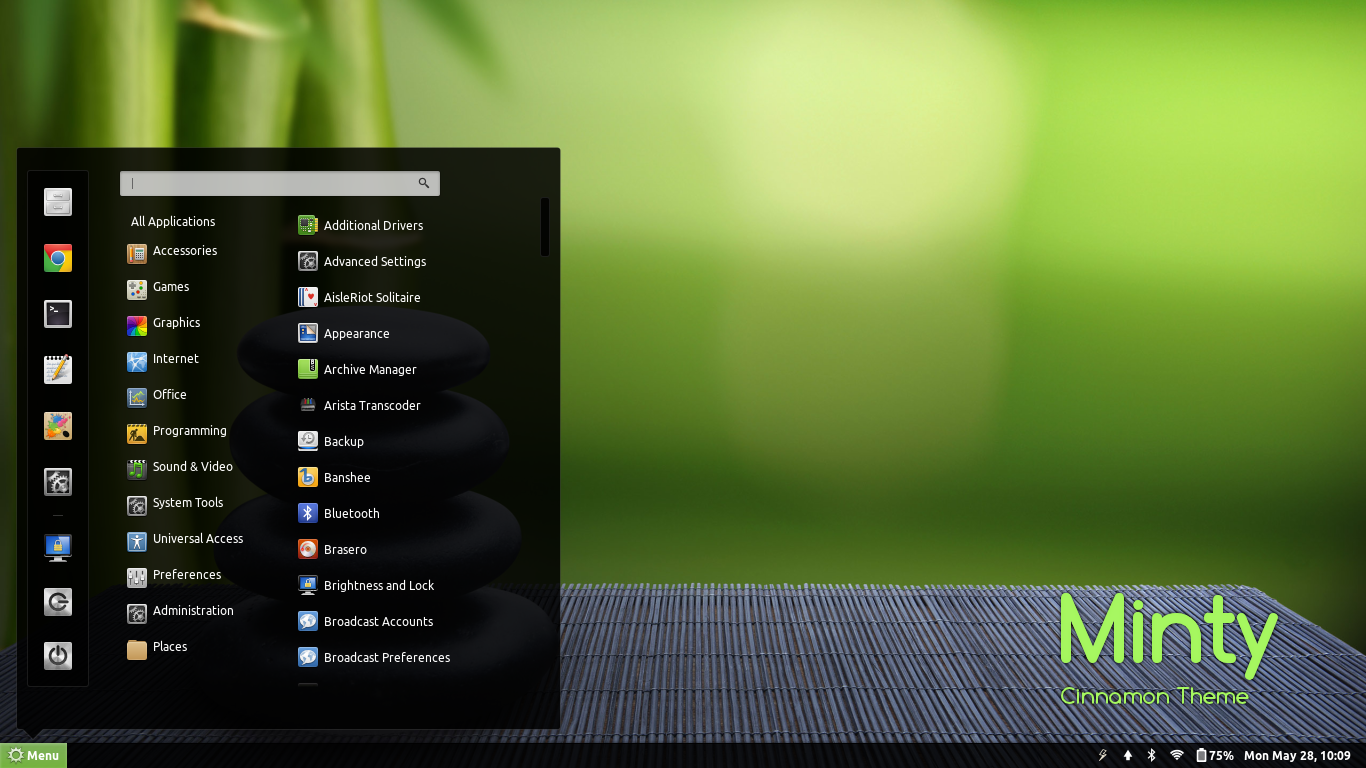
Minty is a Cinnamon theme with some touches of Linux Mint giving it a very clean, yet ‘minty’ look. It is compatible with the latest Cinnamon 1.6. So if you like the green look of Linux Mint, but you already have Ubuntu installed and don’t really want the hassle of formatting and re-installing the latest version of Mint, then all you need to do is install Cinnamon and then install this theme.
How to install on Ubuntu
You first need to install the cinnamon desktop environment. Ubuntu users can install Minty from PPA using the following commands,
sudo apt-add-repository ppa:satyajit-happy/themes
sudo apt-get update && sudo apt-get install cinnamon-theme-minty
Other installation instructions
Download the theme files using the button below and extract the zip file to the themes directory i.e. “~/.themes/” or “/usr/share/themes/”.
Use Cinnamon Settings to choose the theme, or run the following commands in Terminal:
gsettings set org.cinnamon.theme name “Minty”






-
shadowguy14
-
françois kevin Bile Ebelle