Orion – GTK3 Theme

 This article is over six months old. Which means the information below may be out of date. Please keep this in mind whilst reading this article.

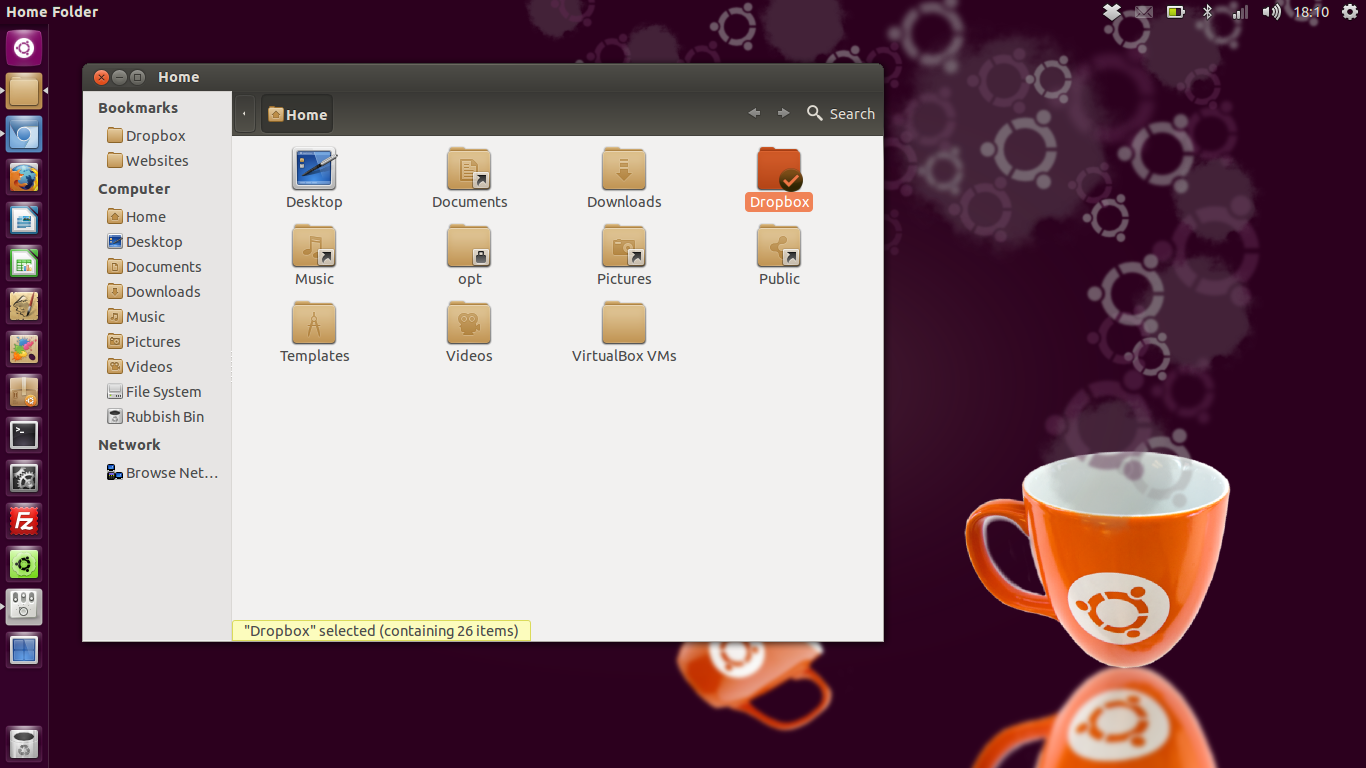
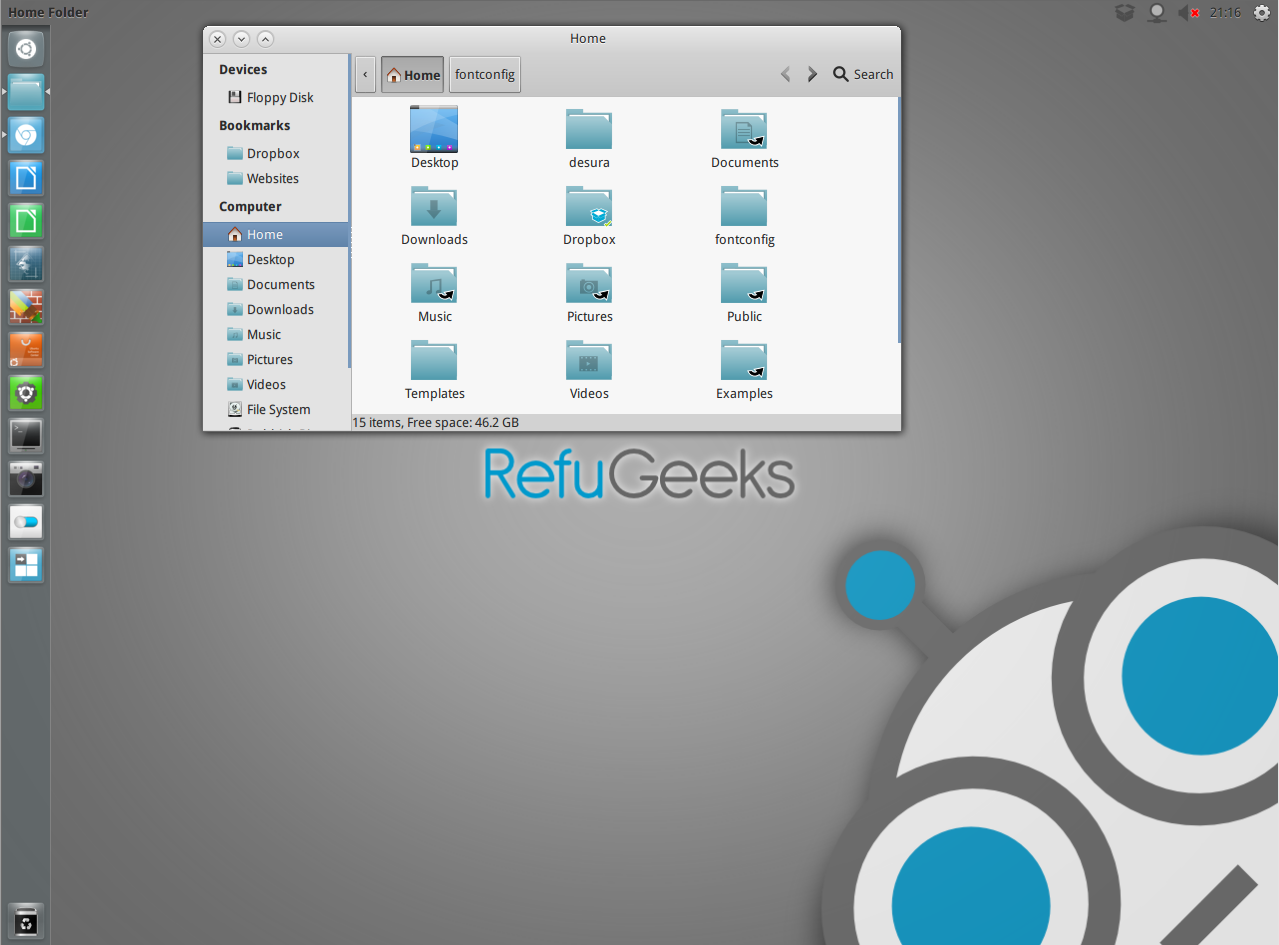
Orion is a modern light theme for Linux that gives a very modern grey/blue look to your desktop. If you are fan of the ElementaryOS theme then this is a great alternative. It supports Gnome Shell, Unity, Pantheon, XFCE and Openbox. The theme is compatible with GTK 3.4 and uses the Unico engine. It also includes a GTK 2.0 theme using Murrine engine.
How to install for Ubuntu users
Ubuntu users can install Orion from our themes PPA using the following commands,
sudo add-apt-repository ppa:satyajit-happy/themes
sudo apt-get update && sudo apt-get install orion-gtk-theme
How to install for other distro’s
- Download the them files using the button below
- Extract the zip file to the themes directory i.e. “~/.themes/” or “/usr/share/themes/”
- Use Gnome Tweak tool to choose the themes, or run the following commands in Terminal:
gconftool-2 -s –type string /apps/metacity/general/theme “Orion”
gsettings set org.gnome.desktop.interface gtk-theme “Orion”

Click and Share ->
Get Free Updates