
Send Text Messages Through Your Browser Using MightyText [Android]

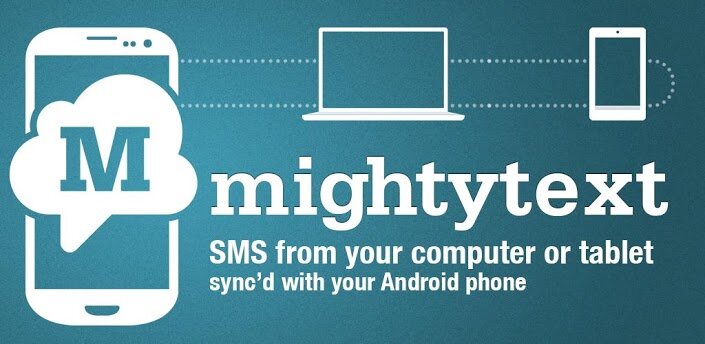
Many of us spend a lot of time in front of our computer screen nowadays, and most of us spend just as much time texting friends and loved ones on a regular basis. But what happens when you try to juggle both at the same time? Well, at the very least it disrupts your workflow and at worst it can make it almost impossible to get anything done.
Now, with the use of MightText and an Android based smartphone you can carry on texting those friends and loved ones right from your computer desktop. How awesome is that!
MightText is completely free to use and only takes a few seconds to setup. All you need to do is install the MightyText app from the Google Play Store. It will then automatically detect your Google account if it’s setup on your device, then you need to allow MightText to communicate with your Google account simply by clicking OK on the popup that appears.
You will then receive an email with instructions on how to setup MightyText in your browser. In this example I will be using Chromium (Chrome is exactly the same process). All you need to do is install the MightyText Chrome extension (a link to it will be provided in your welcome email) and sign in to your Google account using the extension.
That’s it!
MightyText is now setup and working. It will now sync all of your text messages and contacts so when you receive a text message you will see a popup from Chrome informing you that a message has been received. You can then reply to your messages, and compose new ones from the MightyText interface.
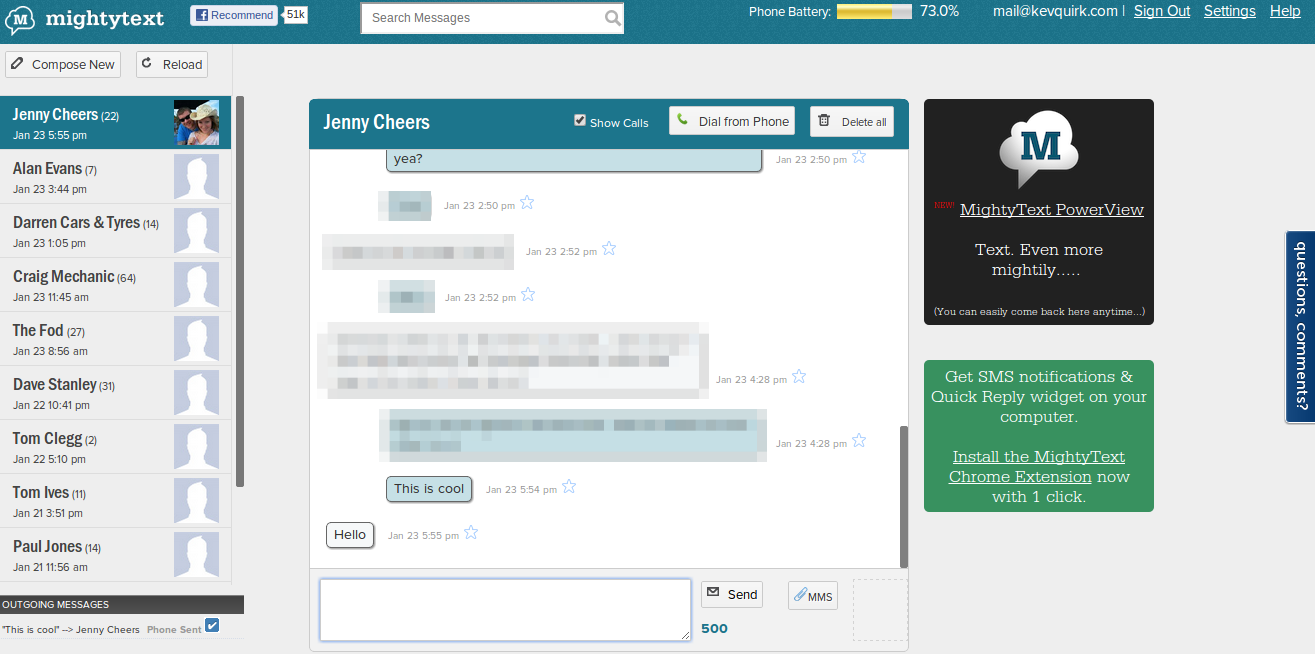
In future releases the developers have said that they want to add multiple new features such as the ability to move received MMS messages straight to Google Drive. All in all MightyText is an excellent tool that will allow you to carry on texting friends and loved ones without disrupting your workflow. You can get the Android app from the Google Play Store using the button below.



![Smartphone Users By Numbers [Infographic]](/wp-content/uploads/2012/10/HTC-One-X-Plus-L45b-black-252x150.png)


![Which is Better, Android Or iPhone? [Opinion]](/wp-content/uploads/2012/09/S3vsiPhone5-252x150.jpg)



Pingback: Less SMS, More WhatsApp | RefuGeeks()