
Try Microsoft Office 2013 Free For 60 Days

So Windows 8 is finally here, and with the latest iteration of the Microsoft productivity suite Microsoft Office 2013 set to hit the shelves some time this month it really is a busy time for Microsoft at the moment.
Users have been able to try Windows 8 for many months via the release previews that Microsoft sent out into the wilds of the internet. Now you can do exactly the same thing with Office 2013, albeit for a mere 60 days but it will still give you a feel for if you want to shell out for Microsoft’s latest software.
The Office 2013 trial which can be downloaded using the link at the bottom of this article is a fully a working version of Office 2013 Professional Plus, so it includes all the office packages (Word, Excel, Powerpoint, Outlook, Onenote etc) and has no restrictions (except for the 60 day limit) whatsoever. All you need to sign up is a Microsoft account, if you don’t have one already or if you don’t want to register your ‘real’ email address with Microsoft then you can open a free Outlook email address from outlook.com.
Once you’ve logged in simply review the on screen prompts, select some information like your version (32 or 64 bit) and your country then away you go. Microsoft will give you a customised trial license key that you need to enter during the installation.
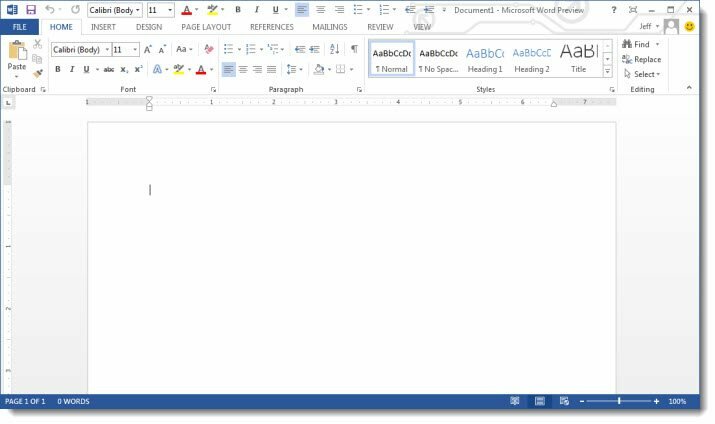
I’m going to be using Office 2013 for the next few weeks with a view to writing a review for RefuGeeks. In the meantime though, please feel free to tell us your thoughts in the comments below or come over to our forums to discuss Office 2013 (among other things) in more detail.
Download Office 2013 Trial





![[Infographic] The History Of Microsoft](/wp-content/uploads/2013/01/Microsoft-Logo-252x150.png)






Pingback: Microsoft Office 2013 Review | RefuGeeks()