
Use Live Wallpapers in Ubuntu

For those that don’t know, a live wallpaper is an animated background for your desktop. These kind of wallpapers have been a regular feature on Android for quite a while now, but as of now, you can use live wallpapers in Ubuntu also!
The tool we use to accomplish this is Slidewall. Slidewall is a tool that has a couple of tricks up its sleeve – not only does it support live wallpapers but you can also set it to cycle through a selection of images automatically.
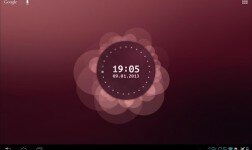
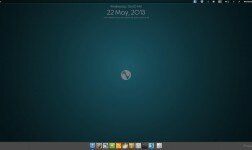
By default Slidewall comes with a selection of ‘wallpaper clocks’ and also a live wallpaper featuring an image of the earth that rotates in real time. Pretty impressive hey!
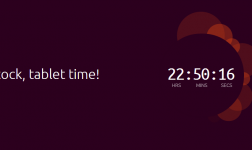
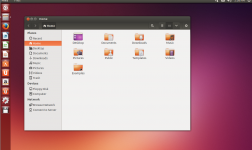
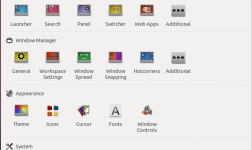
Here are a few screenshots to wet your appetite:
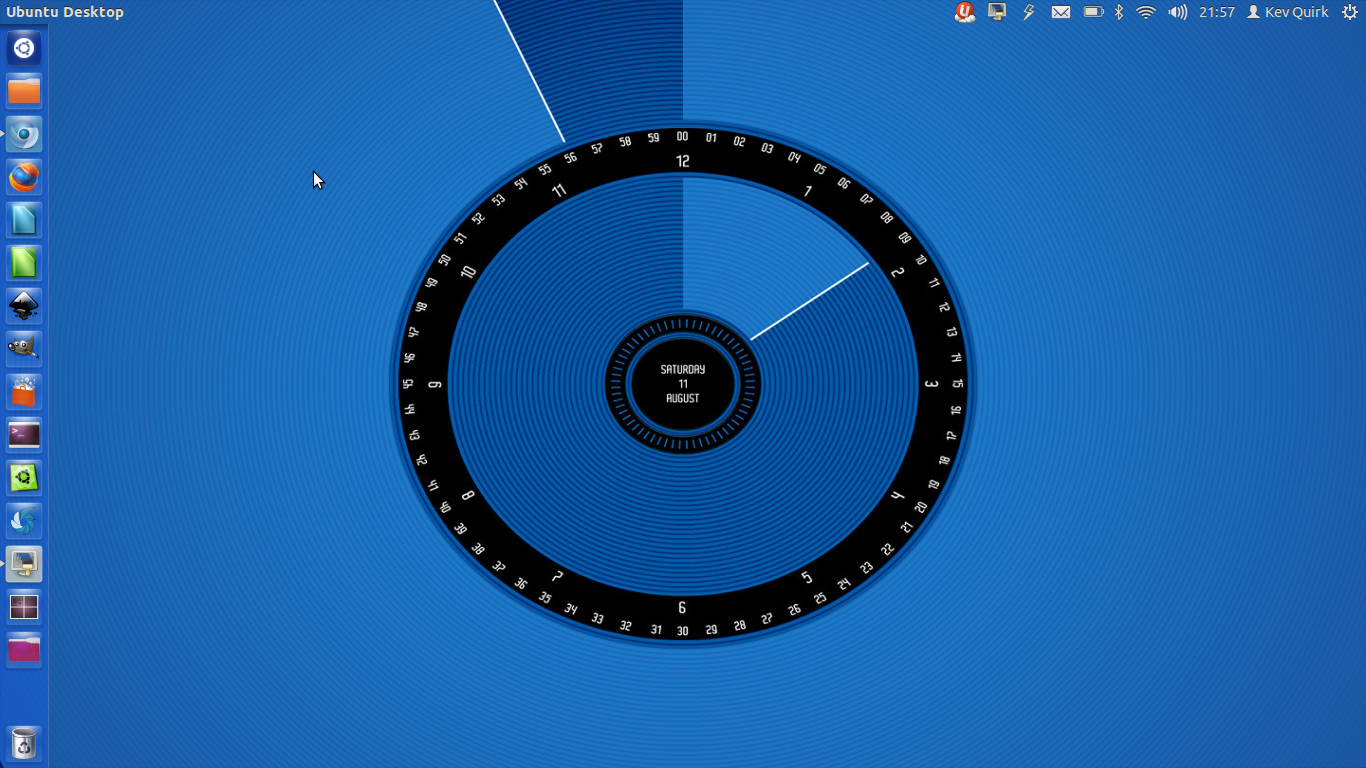
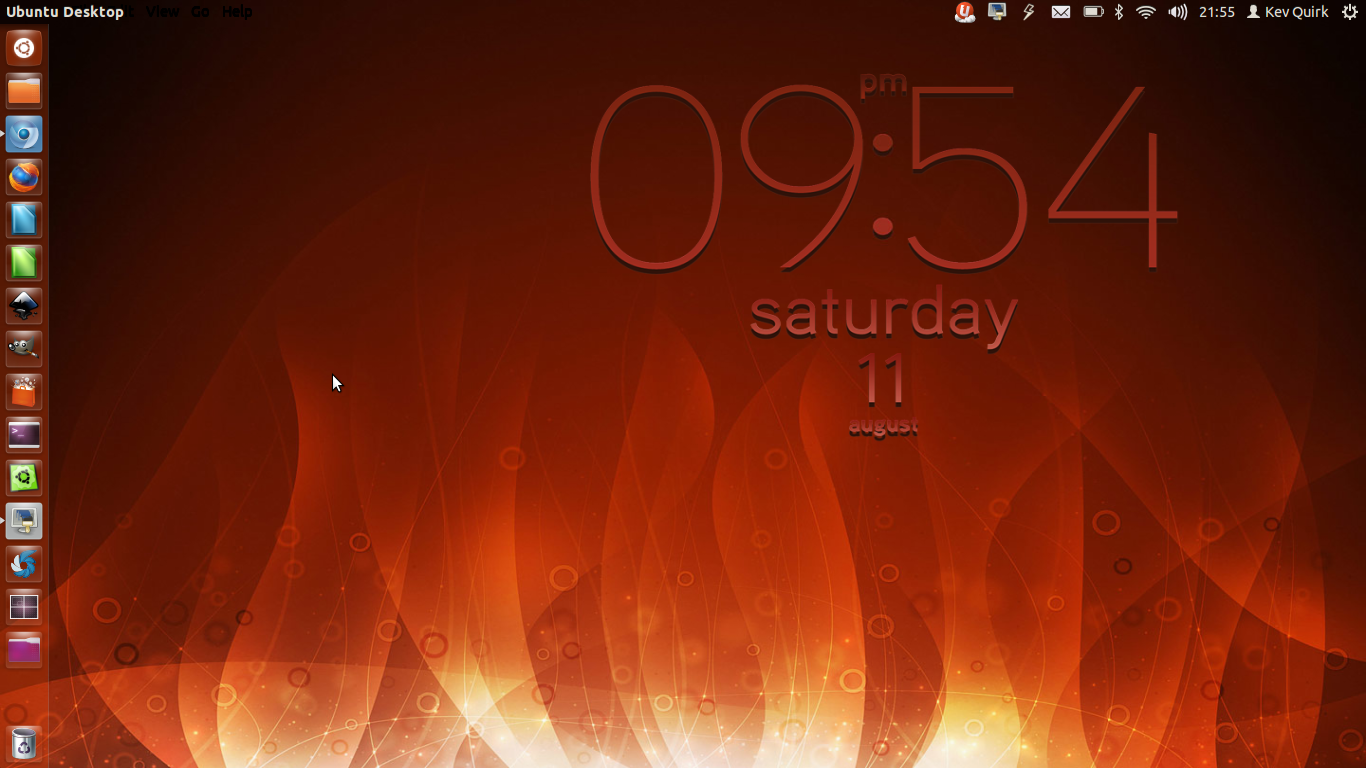
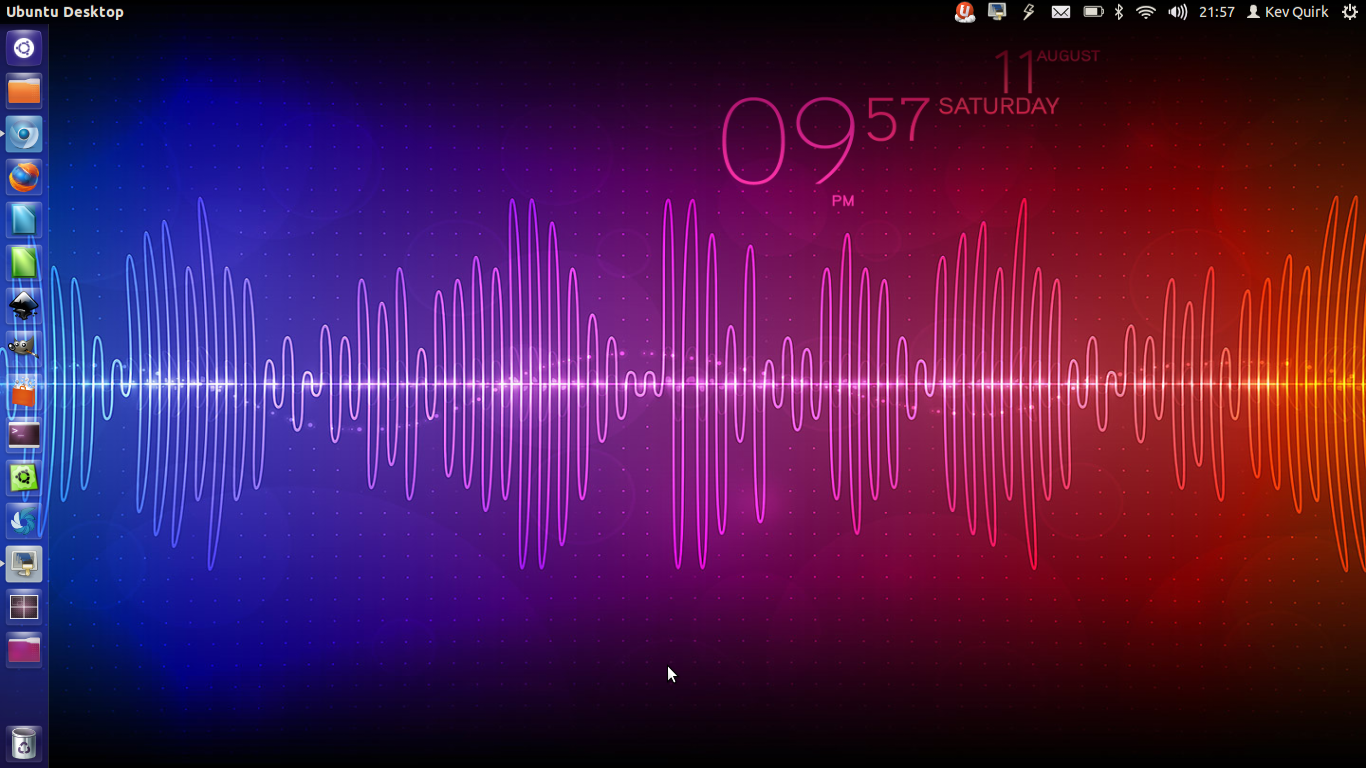
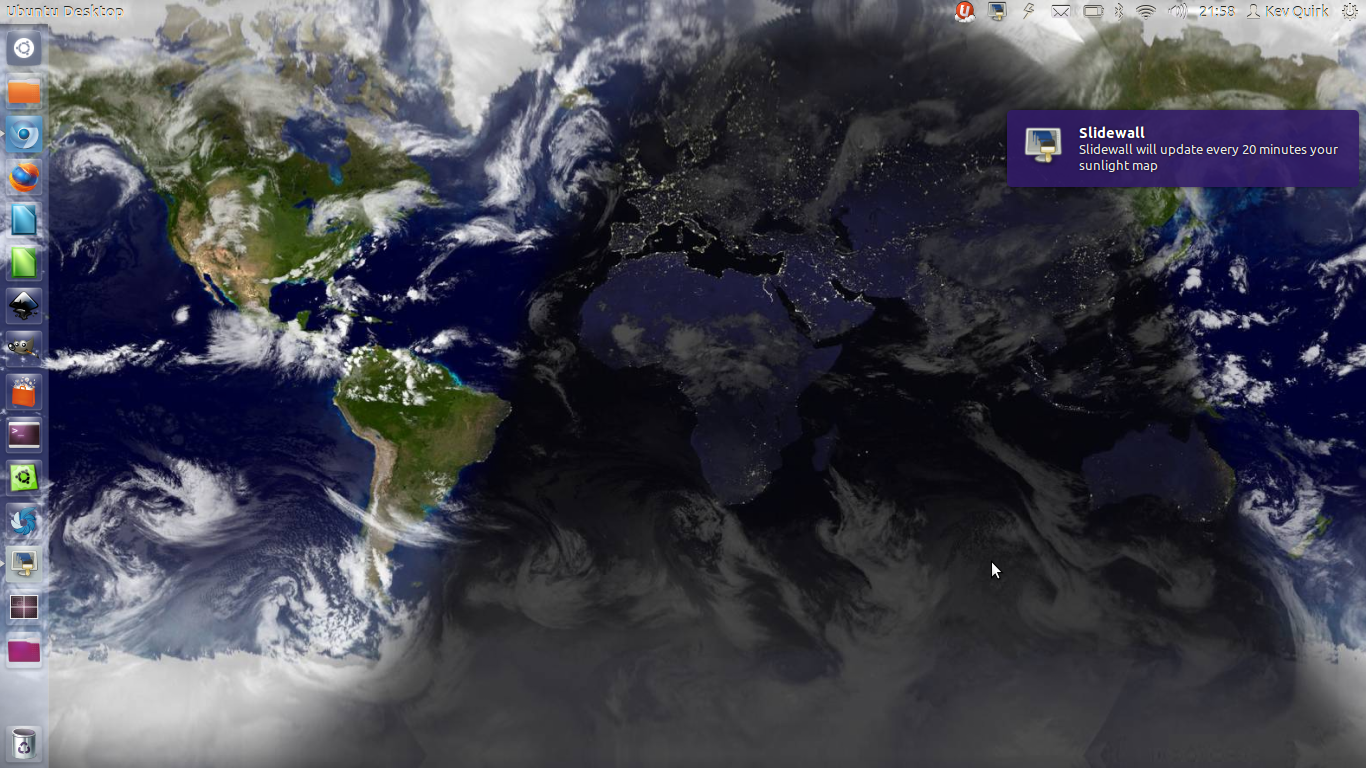
If the default wallpapers don’t do it for you, you can download more from here. To install Slidewall in Ubuntu, simply run the following commands in terminal:
sudo add-apt-repository ppa:fioan89/slidewall sudo apt-get update
sudo apt-get install slidewall
If you are using a different distribution than Ubuntu, you can find instructions on how to install Slidewall in other distro’s on the Slidewall launchpad page.













![Half-Life & Counter-Strike Now Available On Linux [Beta]](/wp-content/uploads/2012/07/Steam_Logo-252x150.png)


-
http://www.linuxrants.com Linux Rants
-
http://www.linuxrants.com Linux Rants
-
https://refu-archive.kevquirk.com/ Kev Quirk
-
http://www.linuxrants.com Linux Rants
-
-
-
Yop Spanjers
-
https://refu-archive.kevquirk.com/ Kev Quirk
-
-
http://www.facebook.com/profile.php?id=100000578634272 João Elvas
-
https://refu-archive.kevquirk.com/ Kev Quirk
-
Paul Dirac
-
-
http://profiles.google.com/knucklessg1 Audel Rouhi
-