
Webmail Or Email Client. Which Is Better?

 This article is over six months old. Which means the information below may be out of date. Please keep this in mind whilst reading this article.
Outlook, Thunderbird, Geary or webmail? How do you access your emails?
In the past I have used many different applications for accessing emails, some of which are named above, and some others include Outlook Web Access (OWA) and even command line. There are many email applications out there, but with the rise of web technologies like HTML 5 “internet apps” are becoming more and more complex. This in turn is making our webmail experience almost as good as locally installed apps.
But which is better?
Well, that’s all a matter of opinion really. There are many factors which you need to take into account when deciding whether to use a local application like Thunderbird or webmail apps like Gmail, Yahoo! Mail or Round Cube. So what are these factors which influence our decision?
Some of the questions you should be asking yourselves are:
- Where do I need to access my email? If you only need to access your email from one location and that will never change then it may be better to use a local application. However, if you have a requirement to access your mail from multiple locations or even public computers then webmail may be the way to go.
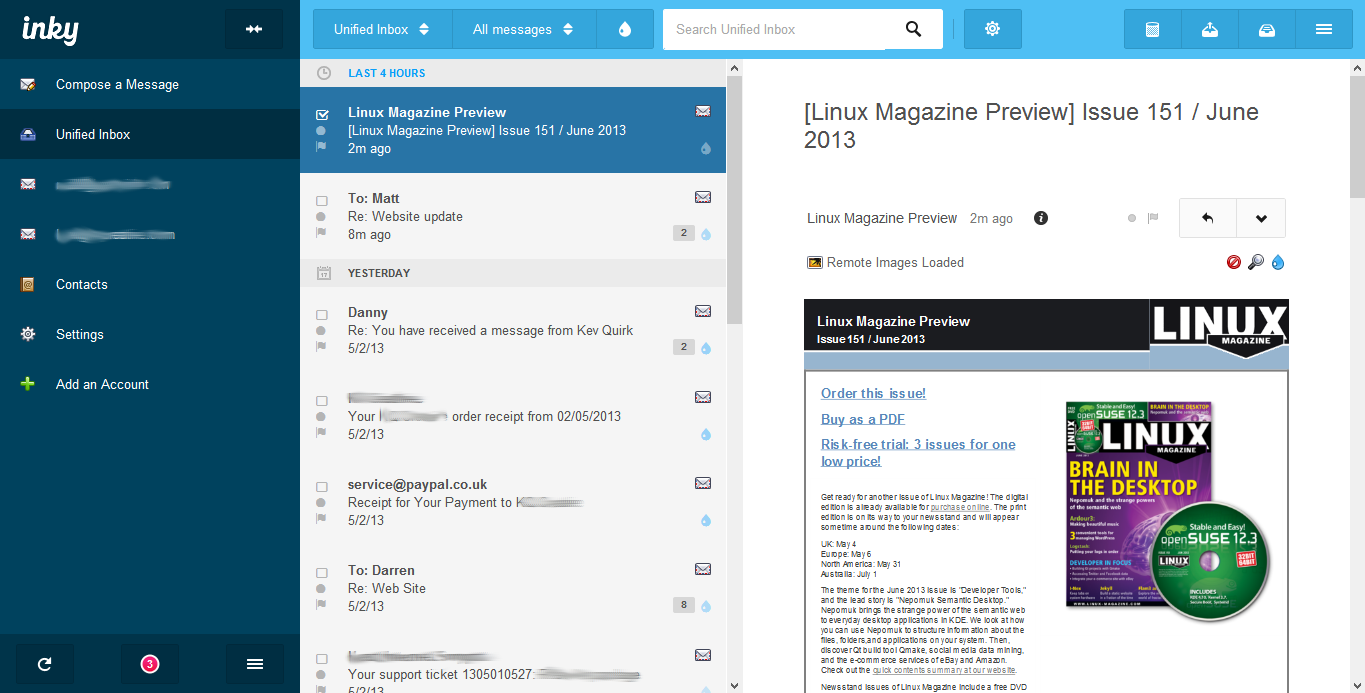
- How many email accounts do I have? Web apps only usually handle one mailbox, you can set things like POP collection or email forwarding up but this isn’t the same as accessing two separate mailboxes using only one window. This is possible to do in webmail, but it can be very confusing if you don’t know what you’re doing. If you need to access more than one mailbox and keep them separate then I would suggest a local application.
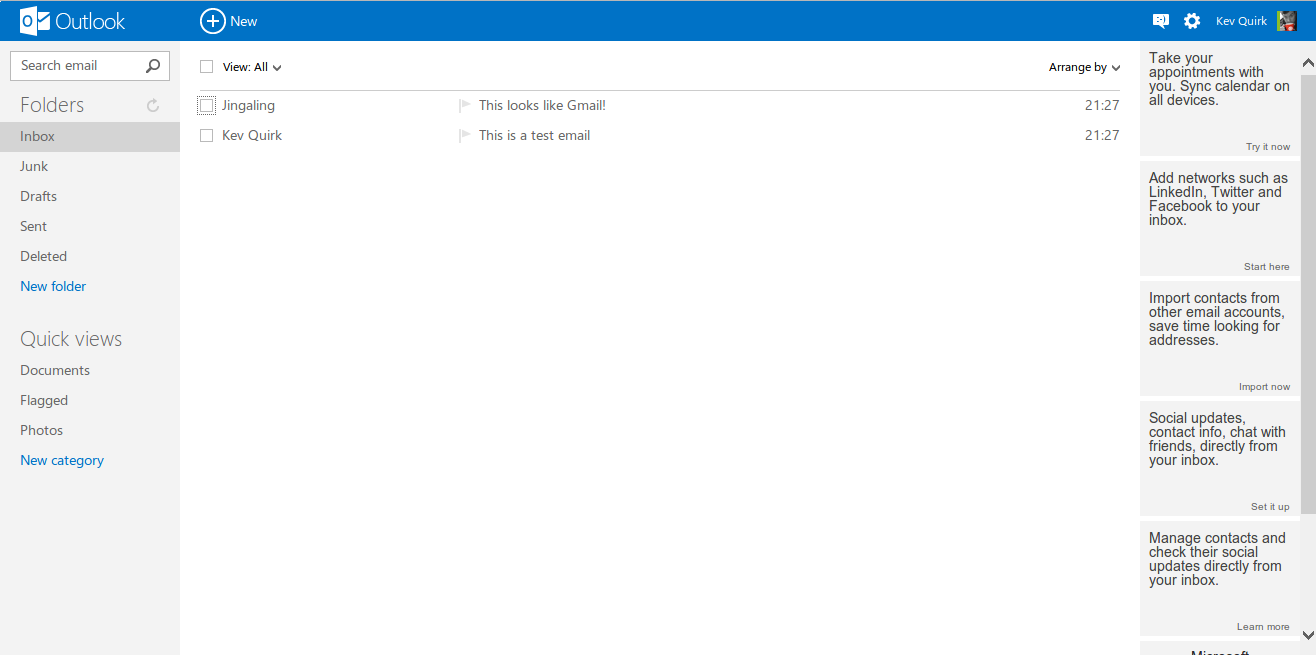
- What about calendars and contacts? Well, this isn’t really a problem any more. In the past if you needed tight integration with your calendars and/or contact management then a local application like Outlook or Thunderbird was definitely the way to go. But now that systems like Google Calendar and Google Contacts are commonplace on most email providers like Gmail, Yahoo! or Outlook online (formally Hotmail), they give this tight integration to your mailbox right out the box so this argument doesn’t really apply any more. You will get access these services either way.
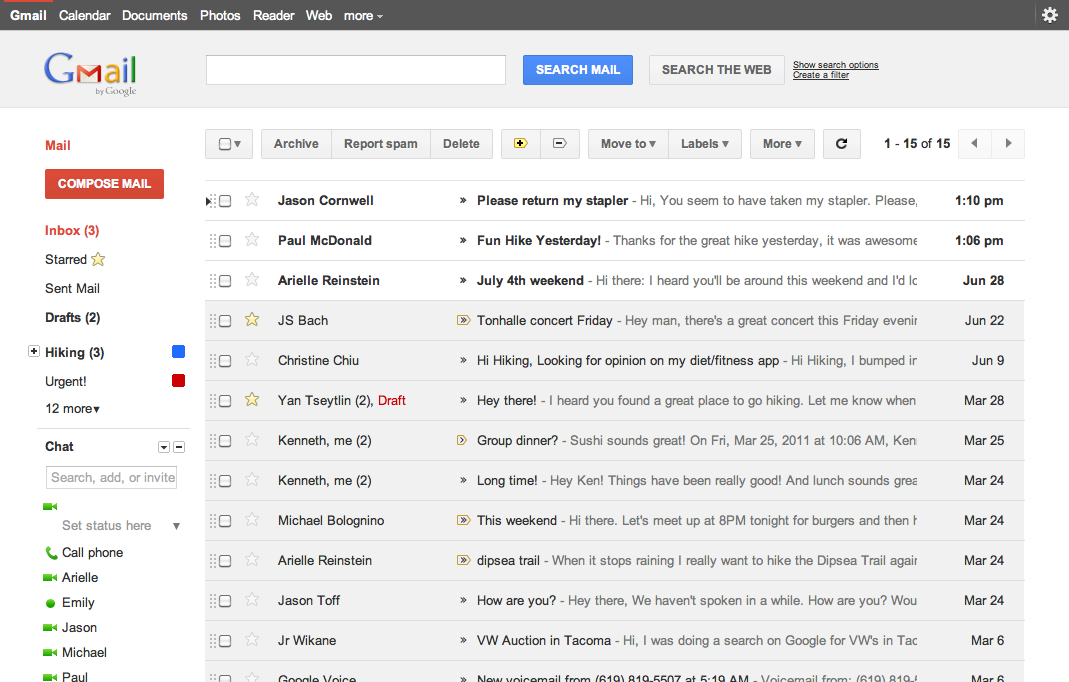
There are also other things to take into account like which email protocol to use. For example, if you use POP this would mean that all mail would only exist on your machine as it is downloaded whenever your machine checks for new mail. So, if you don’t backup and your machine goes kaput then you will lose all of your mail.
The alternative is IMAP, which is different because it allows you to ‘sync’ your local mailbox with your email server so you can use both a local application and also webmail concurrently. I would always recommend IMAP over POP. There are obviously other protocols like Exchange but these are proprietary and won’t be available to you with most email accounts, especially the free ones like Gmail and Yahoo!
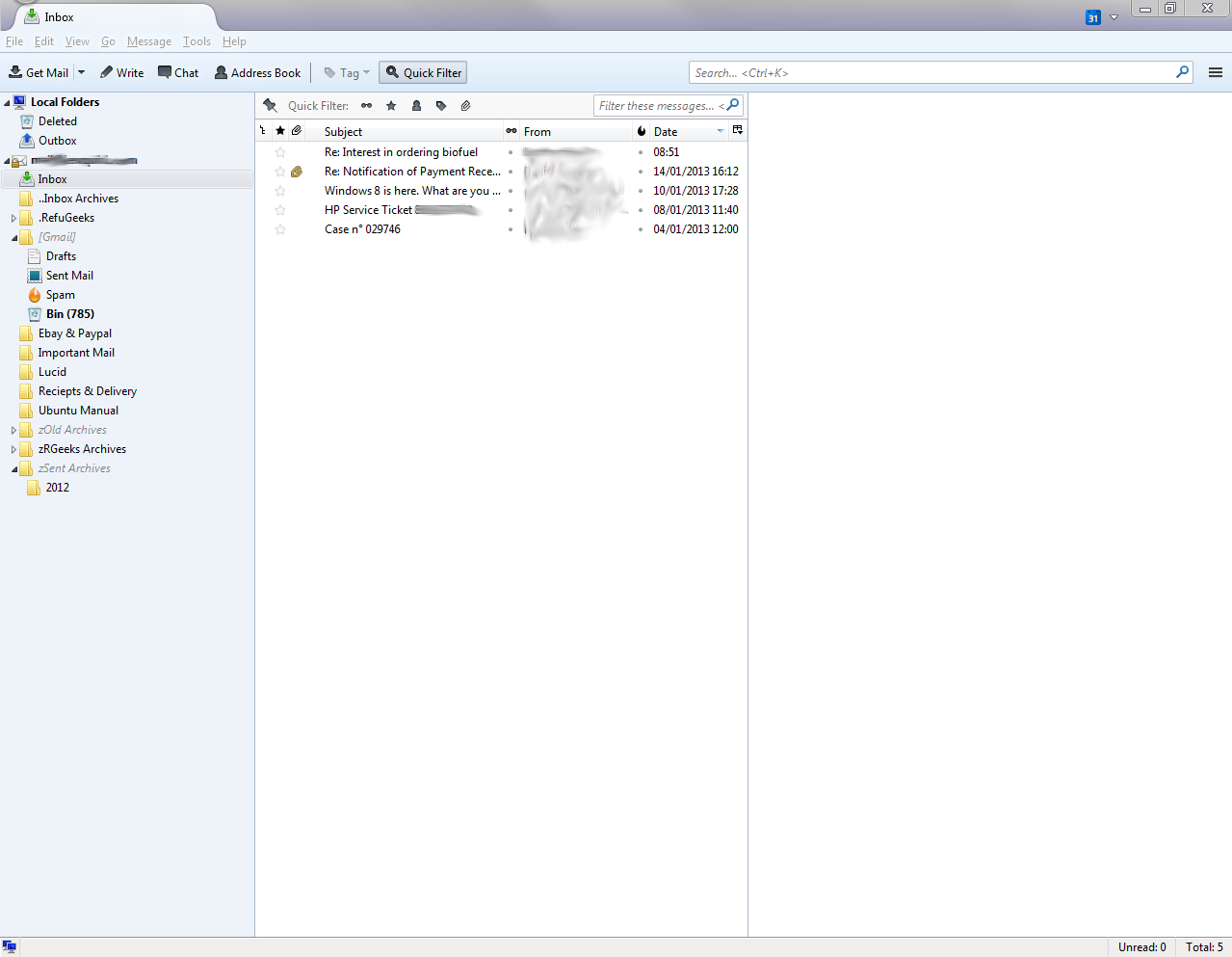
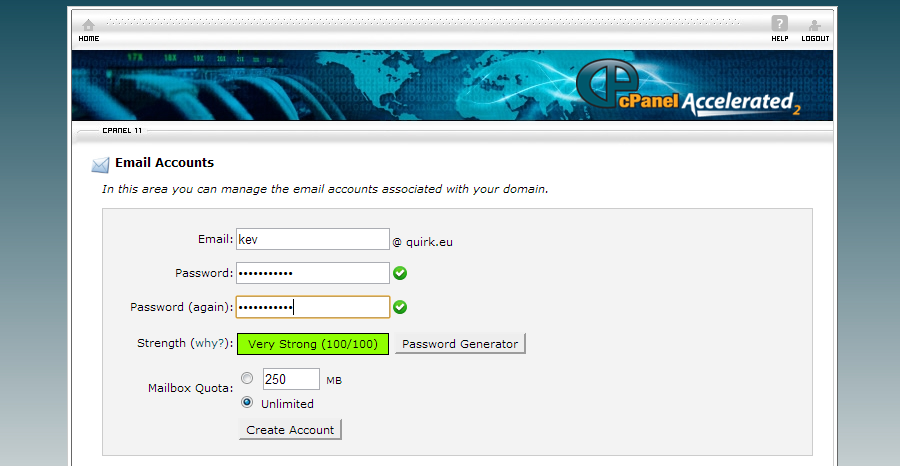
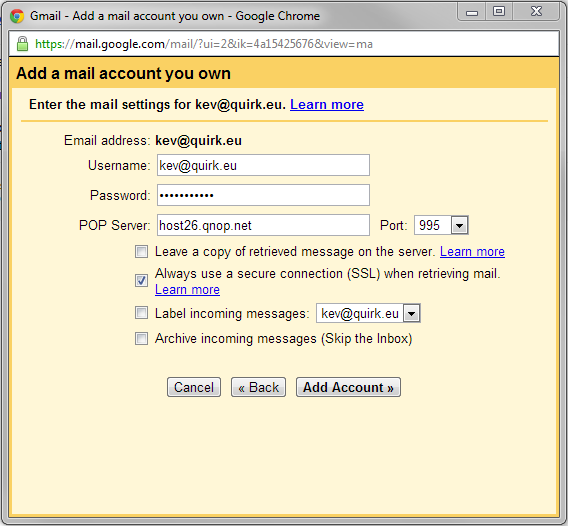
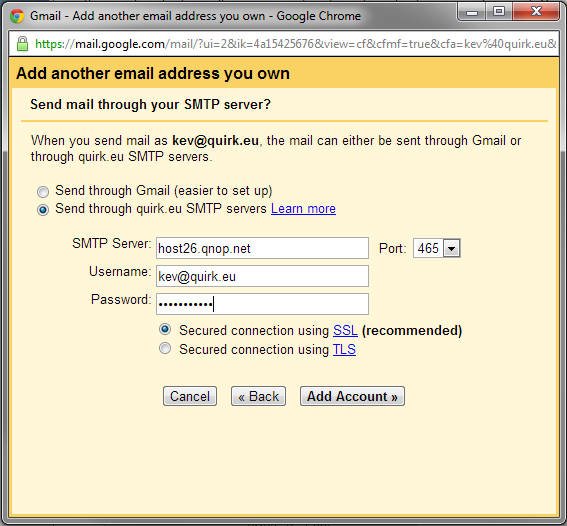
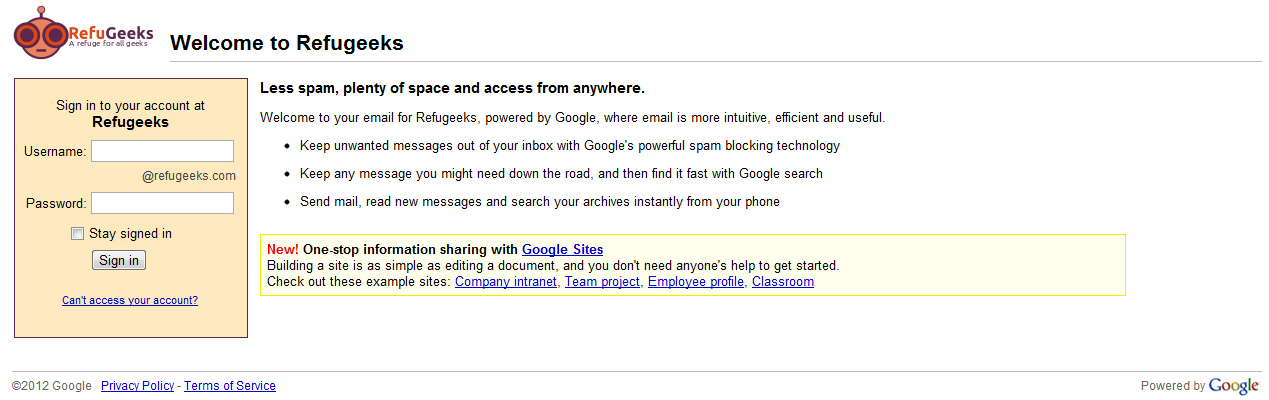
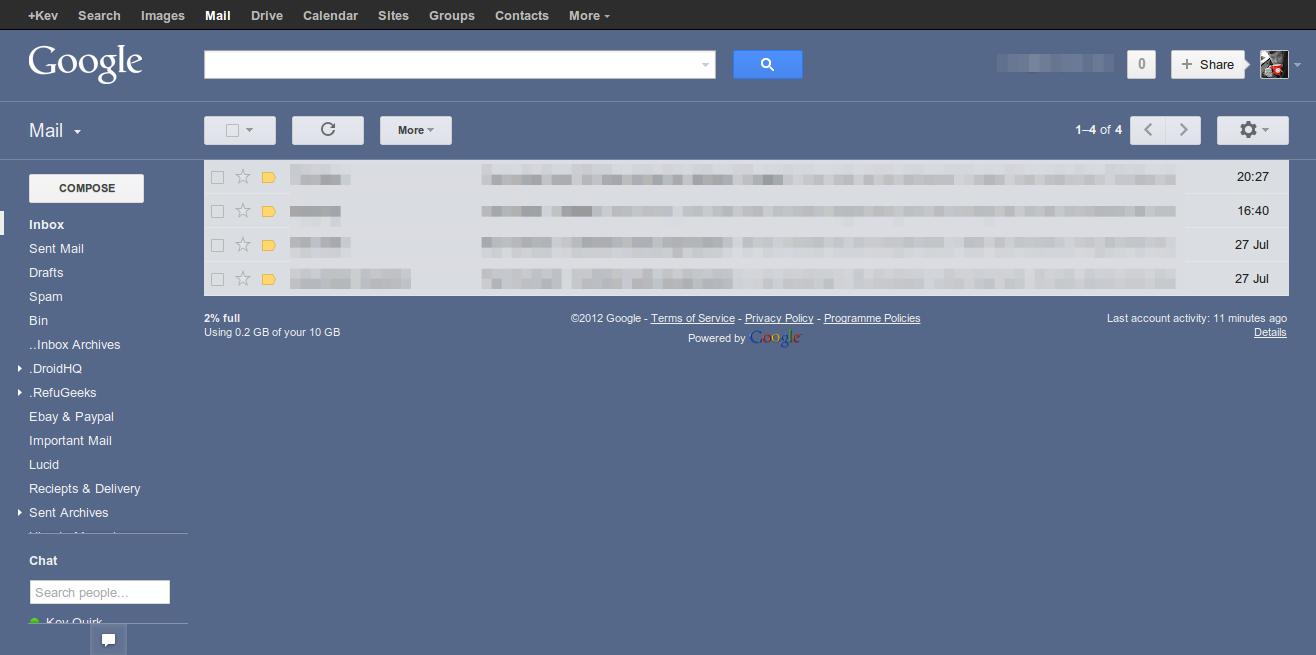
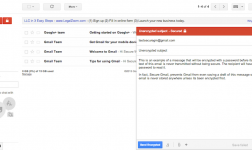
So which is the best? Well, for my needs it’s webmail. I use Gmail but I am an advanced user, so I have my one Google Apps account that collects both my personal and RefuGeeks emails and it then sorts them automatically so I know which is which. I can also send from either address within the same Gmail window. This setup gives me the flexibility to access my emails from any computer with a browser installed. I also of course have my email synced to my Android devices.
NOTE: As I mentioned before, I am an advanced user of Gmail so I know their services really well. I wouldn’t recommend attempting this kind of setup unless you know exactly what you are doing.
With the advent on HTML 5 I think that in a few years this argument will ultimately be null and void as web apps are getting stronger and more advanced all the time. So there may not even be a requirement for locally installed application in the future. You only have to look at the Chromebook to see proof of this.
Conclusion
Well, my answer is somewhat of a cop out really. As the best way of accessing your email depends solely on what your requirements are. With a little know how you can get the vast majority of the functionality that a local application can offer through webmail. This kind of setup also has some distinct advantages like flexibility.
What are you using to check your emails and why? Tell us more in the comments section below…











-
Yop Spanjers
-
http://blog.writethat.name/ Brad Patterson @ Kwaga
-
https://refu-archive.kevquirk.com/ Kev Quirk
-
-
Samantha
-
https://refu-archive.kevquirk.com/ Kev Quirk
-


